Best eBook Creator Tools for Course Creators and Educators

If you teach online, an ebook is one of the most practical things you can create. It can be a lead magnet that grows your email list, a standalone product that generates passive income, or a companion resource that adds value to your course. It takes a fraction of the time a full course does to produce, and buyers can get it instantly.
The challenge isn't deciding whether to make one. It's figuring out which tool to use, because "ebook creator" means something different depending on whether you're a novelist formatting for Kindle, a marketer designing a PDF guide, or an educator selling an ebook alongside a course.
This guide is specifically for course creators and educators. For each tool, the focus is on what it's actually good for in that context, not just a feature rundown.
What to Look For in an eBook Creator Tool (As an Educator)
Before comparing tools, it's worth being clear about what matters for your use case specifically.
Design flexibility vs. writing focus. Some tools (Canva, Visme) prioritize visual design. Others (Scrivener, Google Docs) prioritize writing workflow. If your ebook is content-heavy (a guide, a workbook, a framework), a writing-first tool will serve you better. If it's highly visual (a resource guide, a template pack), a design-first tool makes more sense.
Export formats. Most educators need PDF (the most universally compatible format for a paid download). EPUB is useful if you want buyers to read on an e-reader. Check that your tool exports cleanly in the format your audience will actually use.
Selling and delivery. A tool that creates the ebook is only half the equation. You also need a way to sell it, deliver it to buyers automatically, and ideally protect it. Some tools only handle creation; others handle the full workflow.
AI assistance. Most major tools now have AI writing or design features built in. For educators who struggle with the blank page, this has meaningfully changed how fast an ebook can go from idea to draft.
The Tools: Honest Takes for Educators
1. Canva
Best for: Visually rich ebooks, lead magnets, resource guides
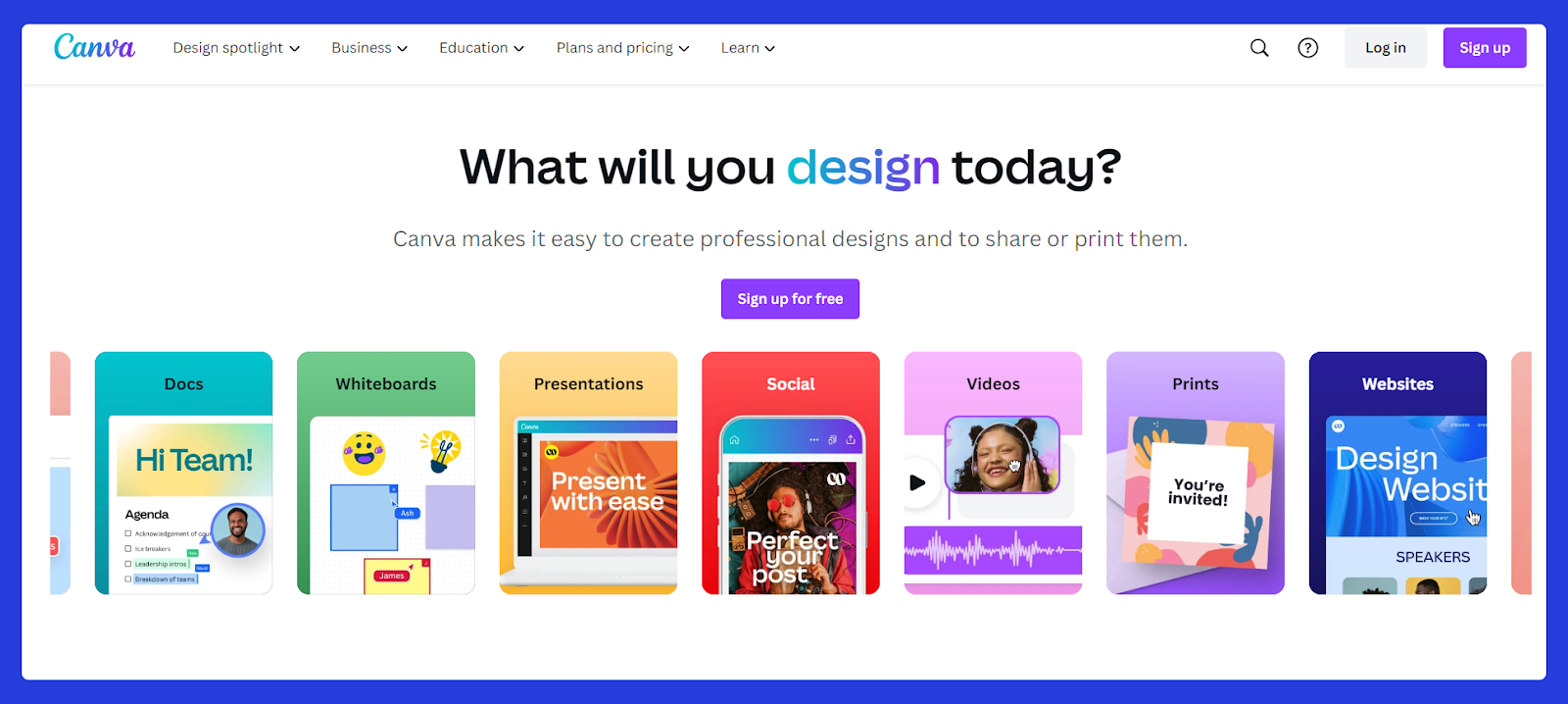
Canva is the default choice for educators who want their ebook to look polished without hiring a designer. Its template library includes hundreds of ebook layouts (cover pages, chapter dividers, content pages), and the drag-and-drop editor means you can customize colors, fonts, and images to match your brand without any design background.
Where Canva genuinely shines for course creators is lead magnet ebooks. If you're creating a free guide to grow your email list, Canva's visual templates make it easy to produce something that looks credible and professional quickly.
Its AI features, like Magic Write for text generation and Magic Design for layout suggestions, have improved significantly and are worth using to accelerate the drafting process.
The limitation: Canva isn't built for long-form writing. If your ebook is more than 20–25 pages of dense content, managing it in Canva gets unwieldy. For a workbook or a short framework guide, it's excellent. For a 60-page comprehensive guide, look elsewhere.
Free plan available. Canva Pro (around $15/month) unlocks more templates, brand kits, and the full AI feature set.
2. Google Docs
Best for: Long-form content, collaboration with editors or co-authors, first drafts
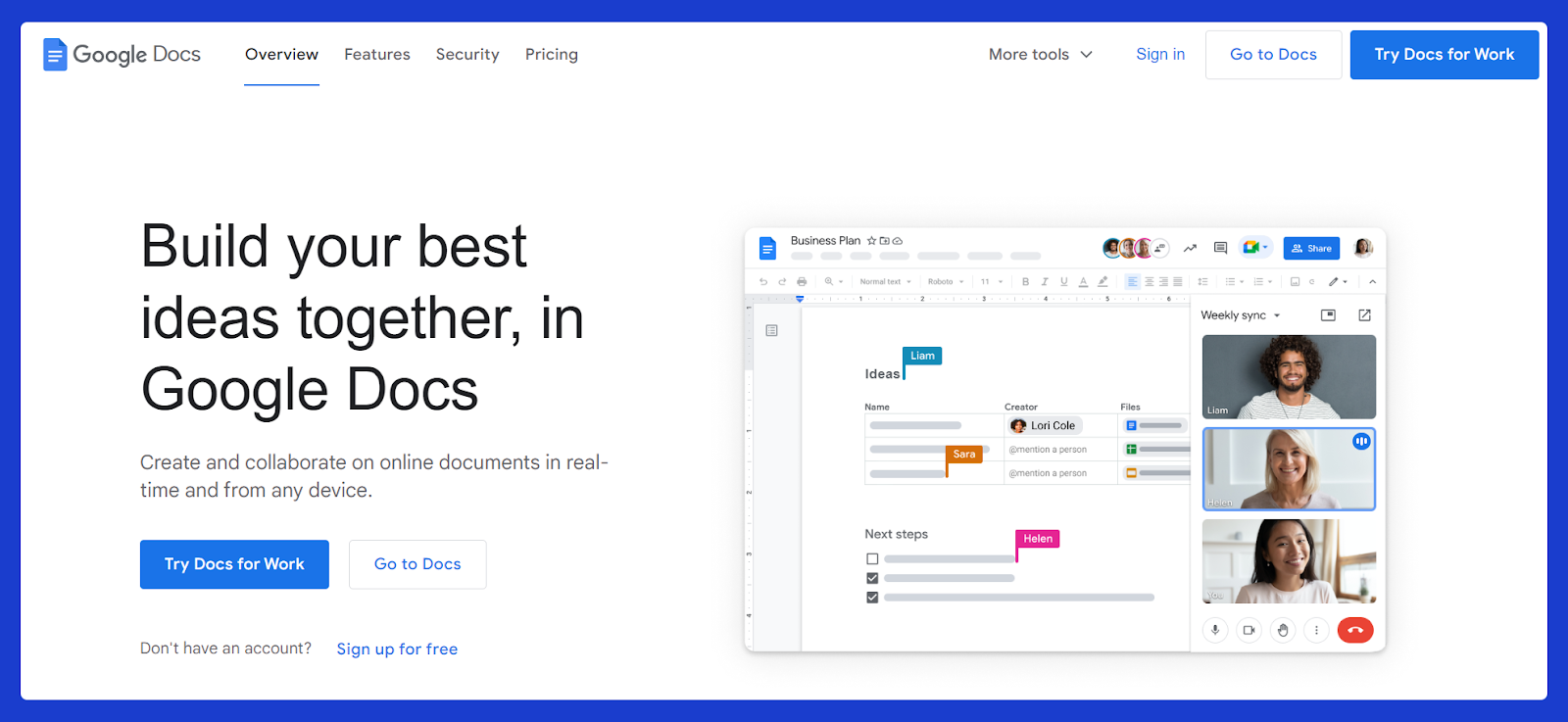
Google Docs is where most educators actually write their ebooks, even if they finish them elsewhere. It's free, accessible from any device, real-time collaboration is seamless, and the commenting system makes it easy to work with an editor or get feedback from beta readers.
For a content-heavy ebook, like a comprehensive guide or a detailed workbook, writing in Google Docs first and then importing into a design tool is a very common and sensible workflow. You focus on the writing; the design comes later.
Google Docs exports to PDF directly, which is sufficient for many educator ebooks. If you want more design control, export to .docx and bring it into Canva or Visme to apply visual formatting.
The main limitation is that it offers almost no built-in design capability. What you get looks like a Word document. For many educator ebooks, that's fine, but if your audience expects a visually polished product, you'll need to finish it elsewhere.
3. Notion
Best for: Workbooks, interactive templates, collaborative content planning
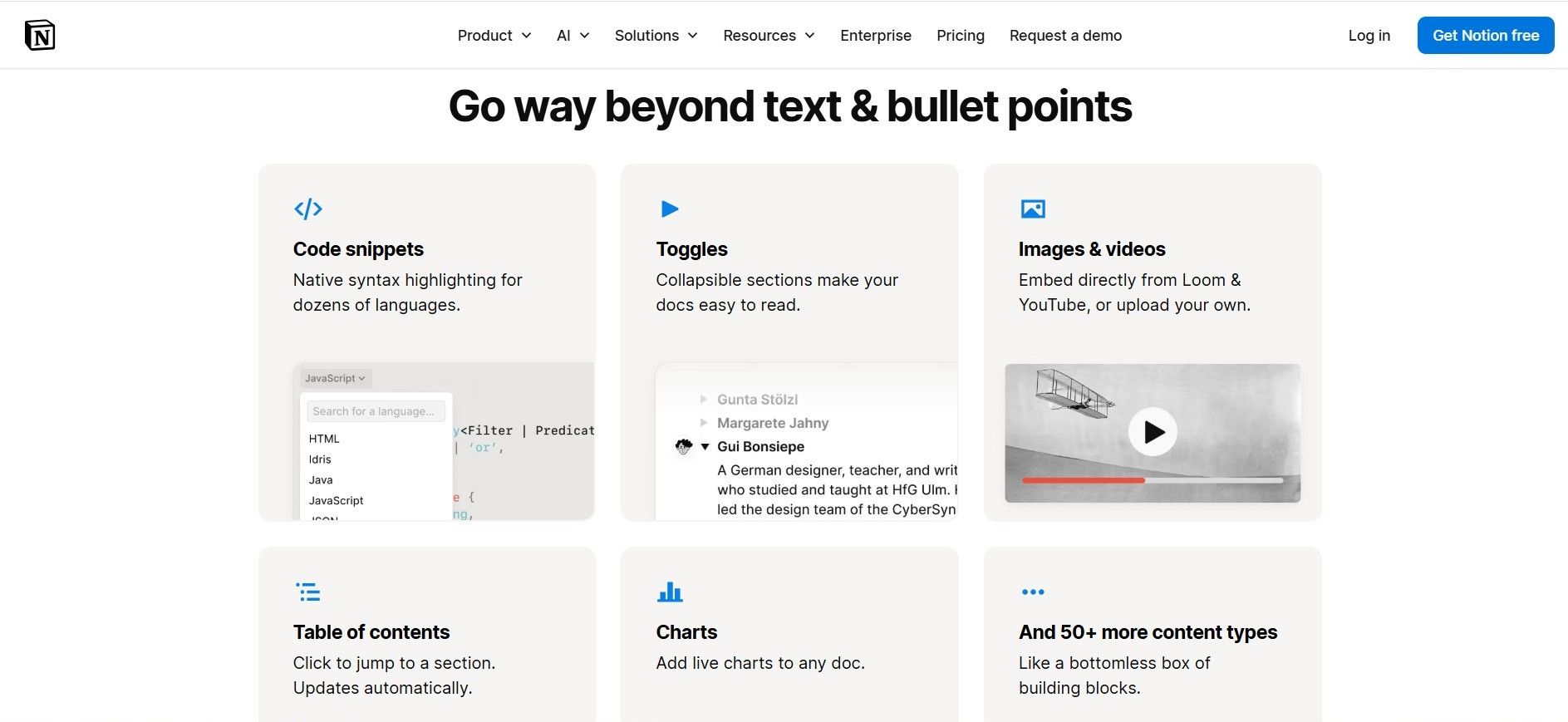
Notion deserves a mention that most ebook tool roundups miss. Educators who create structured workbooks (fill-in-the-blank exercises, reflection prompts, frameworks) often find Notion's block-based editor more suited to that format than a traditional word processor.
You can build a workbook in Notion, export it to PDF, and the result tends to be cleaner and more structured than a Google Docs export. It's also excellent for planning and drafting an ebook if you tend to write non-linearly, like jumping between sections, building an outline, and moving blocks around.
Free plan available. Notion Plus is around $10/month.
4. Visme

Best for: Data-rich ebooks, visual frameworks, branded educational content
Visme sits between Canva and a full design tool. It's particularly good for ebooks that include charts, infographics, data visualizations, or multi-step frameworks; the kind of content that benefits from a more sophisticated visual treatment than Canva's templates typically offer.
For educators in business, marketing, finance, or any data-heavy niche, Visme is worth considering over Canva when your ebook needs to convey complexity visually.
Its AI writer can help generate outlines and draft sections, and its brand kit feature keeps everything consistent across a long ebook. The free plan is fairly limited; the paid plans start around $13/month.
5. Microsoft Word
Best for: Educators already in the Microsoft ecosystem, traditional document-style ebooks
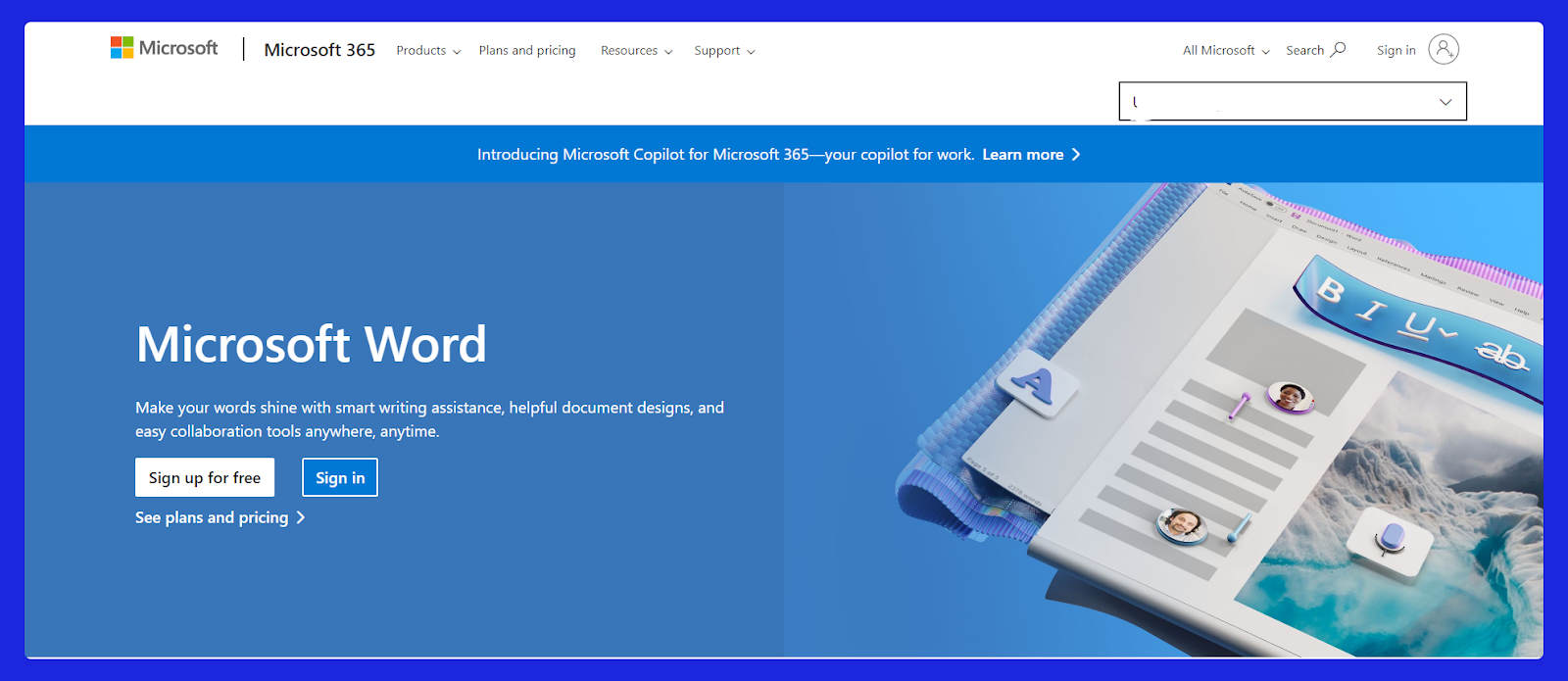
Word remains a practical choice for educators who are already comfortable with it and whose ebooks are primarily text-based. Heading styles, table of contents generation, footnotes, and the export to PDF pipeline all work reliably.
The template library is less impressive than Canva's, and the design ceiling is lower, but for a professional-looking guide that prioritizes readability over visual flair, Word is entirely adequate.
Worth noting: Microsoft's Copilot AI features (available with a Microsoft 365 subscription) have made it a more viable drafting tool for educators who want AI assistance integrated directly into their writing environment.
6. Scrivener
Best for: Long-form ebooks, educators writing comprehensive guides or books
Scrivener is the tool most serious non-fiction writers use for long-form projects, and it earns that reputation. Its corkboard and outliner views let you plan and rearrange chapters before you write a word. You can keep research, notes, character sketches (or in an educator's case, lesson plans and source material) in the same project alongside your manuscript.
For educators writing something substantial, like a comprehensive guide that's more book than lead magnet, Scrivener's project management features make the process significantly less overwhelming than managing a 60-page Google Doc.
The learning curve is real. It takes a few hours to get comfortable with. But for educators who write long-form content regularly, it pays off.
One-time purchase around $59 for Mac/Windows. No monthly subscription.
7. Adobe InDesign
Best for: Educators who need publication-quality design and are comfortable with professional tools
InDesign is the industry standard for book and magazine layout. If you need pixel-perfect typography, precise control over every element on every page, and the ability to produce something indistinguishable from a traditionally published book, InDesign is the tool.
The honest caveat for most course creators: InDesign has a steep learning curve, and unless you already know it or are willing to invest time learning it, the output from a well-designed Canva or Visme template will be more than sufficient for an educator's ebook.
If design quality is genuinely a differentiator for your brand and you're producing ebooks at scale, InDesign is worth learning. For most educators, it's overkill.
Subscription only, as part of Adobe Creative Cloud (~$23/month for InDesign alone).
Creating, Selling, and Delivering Your eBook: The Part Most Tools Skip
Most articles about ‘ebook creator tools’ stop at creation. But for an educator, the real workflow is: write → design → sell → deliver → protect → analyze. The creation step is actually the shortest part.
This is where FreshLearn's digital downloads feature fills a gap that standalone creation tools don't address. Once your ebook is ready (whether you made it in Canva, Google Docs, or Scrivener), FreshLearn handles everything after it:
Selling at your price, with 0% commission. You set a one-time price, a monthly subscription, or a yearly plan. FreshLearn takes no cut of your sales, which matters more the more you sell.
Automatic delivery. Buyers get instant access after purchase; no manual email sending, no Dropbox links. The file goes to them automatically with a branded, customized delivery page.
DRM and watermarking. You can enable DRM to prevent unauthorized copying, and add automatic watermarks with the buyer's name and email embedded in each downloaded copy. For educators selling paid ebooks, this is a meaningful deterrent against sharing.
Preview pages. Set a number of free preview pages so potential buyers can sample the content before purchasing. This typically improves conversion rates, particularly for higher-priced ebooks.
Bundling with courses. This is the feature that makes the most difference for course creators specifically. You can include an ebook as part of a course bundle: offer the ebook as a standalone product, as a bonus inside a course, or as part of a playlist. Many educators use this to increase the perceived value of their courses without creating additional video content.
Reader engagement analytics. FreshLearn tracks pages read, time spent, highlight patterns, and drop-off points. This isn't something most ebook creation tools offer at all; it tells you which parts of your ebook are actually being read and where people stop, which directly informs how you improve future editions.
If you're already using FreshLearn for your courses, adding an ebook as a digital download takes a few minutes and requires no additional tools.
How AI Has Changed eBook Creation for Educators
A year ago, writing an ebook from scratch was a multi-week project for most educators. AI has meaningfully compressed that timeline.
The realistic workflow for most course creators now:
- Outline with AI. Use an AI tool (ChatGPT, Claude, or the AI assistant built into Canva or Visme) to generate a detailed chapter outline from your topic. This takes 10 minutes and gives you a structure to react to rather than build from nothing.
- Draft section by section. Write each section yourself, using AI to unstick you when you're blocked or to generate a first draft of a section you then rewrite in your own voice.
- Edit ruthlessly. AI drafts are a starting point, not a finished product. The educators whose ebooks actually get read and recommended are the ones who add genuine experience, specific examples, and a clear point of view; things AI can't supply.
- Design in your tool of choice. Drop your final content into Canva, Visme, or whatever design tool fits your ebook's visual needs.
- Sell and deliver through your platform. Upload the final PDF to FreshLearn or wherever you host your digital products.
The ebook that used to take six weeks now takes two. The quality ceiling hasn't changed; what's changed is how quickly you can get to a draft worth editing.
Choosing the Right Tool for Your Situation
FAQs
1. What format should I export my ebook in?
PDF is the right choice for almost all educator ebooks. It's universally compatible, preserves your formatting exactly, and works on every device. EPUB is worth adding if you want readers to use an e-reader like a Kindle, but for a workbook or a visual guide, PDF is standard.
2. Do I need a separate tool to sell my ebook?
Not if you're using FreshLearn. The digital downloads feature handles selling, delivery, DRM, watermarking, and analytics in one place. If you're already running your courses on FreshLearn, your ebook fits into the same ecosystem.
3. How long should an educator ebook be?
Long enough to deliver genuine value, short enough that buyers actually finish it. For a lead magnet, 10–20 pages is typical. For a paid standalone ebook, 30–60 pages is common. Beyond that, most educators find that a short course delivers a better experience than a very long ebook.
4. Can I create an ebook directly in FreshLearn?
FreshLearn's digital downloads feature supports PDF and EPUB uploads, and you can also create an ebook directly in FreshLearn's built-in rich text editor. For most educators, the workflow is to write and design in an external tool, then upload the finished file to FreshLearn for selling and delivery.
5. Should my ebook be free or paid?
Both approaches work depending on the goal. A free ebook with a targeted topic is one of the most effective lead magnets for growing an email list and warming potential course buyers. A paid ebook priced at $9–$29 can generate meaningful passive income and also signal value the way free content doesn't. Many educators offer both: a free, shorter version and a more comprehensive paid version.
You might also like:
Hosted by