Top 10 Coursera Alternatives 2026

Last updated: August 12, 2026
Quick Answer
The best Coursera alternative depends on what you want to learn: Khan Academy and MIT OpenCourseWare are the strongest free options, edX and Udemy are best for earning a certificate, and DataCamp, Pluralsight, Codecademy, and Udacity are best for deep technical skill-building. Coursera Plus itself costs $59/month or $399/year for unlimited access to its catalog. Free options like Khan Academy and MIT OpenCourseWare cost nothing; paid subscription platforms range from $14.99/month (Codecademy Plus, billed annually) to $249/month (Udacity's all-access Nanodegree subscription). If you're looking to build and sell your own courses rather than take someone else's, that's a different kind of tool entirely; see the FreshLearn section at the end of this article.
Key Takeaways
- Coursera Plus costs $59/month or $399/year (frequently discounted to $199 to $279/year during promotions) for unlimited access to 7,000+ courses; individual Professional Certificates run $49 to $79/month until completed.
- Khan Academy's core platform remains completely free; its Khanmigo AI tutor add-on costs $4/month or $44/year for a learner or parent account (free for verified US teachers).
- edX is no longer a nonprofit. It was acquired by the for-profit company 2U in 2021 for roughly $800 million, and 2U went through Chapter 11 restructuring in 2024. Verified certificates cost $50 to $300 per course; audit-track access windows have shortened in recent years.
- Udacity replaced per-Nanodegree pricing with an all-access subscription: $249/month, or $846 for a 4-month bundle, covering every Nanodegree and course on the platform.
- Pluralsight's individual plans cost $29/month (Standard) or $45/month (Premium), or $299/year and $499/year respectively on annual billing, not the $399/month figure sometimes cited for its enterprise tier.
- LinkedIn Learning costs $39.99/month or $239.88/year (about $19.99/month) for individuals, and is also bundled free into LinkedIn Premium Career and higher tiers.
- DataCamp's Premium plan costs $28/month billed annually ($336/year); its Basic plan remains free but limits access to the first chapter of each course.
- If you want to create and sell courses rather than take them, that's a separate category of tool. FreshLearn, one example, charges 0% transaction fees on every plan and starts at $35/month (billed every two years); see the dedicated section at the end of this article.
Best Coursera Alternatives
Many Coursera alternatives offer features similar to or even better than Coursera at an affordable price. Each platform comes with its own set of pros and cons and is suited differently for different needs. The 10 platforms below are all, like Coursera, built for people taking courses. If you're looking to create and sell your own instead, skip to the FreshLearn section at the end. Pricing below is verified as of August 2026.
Coursera Alternatives at a Glance
Prices reflect the lowest available entry point verified in August 2026 and may include promotional or annual-billing discounts. See each platform's individual Pricing section above for full detail, including monthly-billing rates and higher tiers.
1. Khan Academy
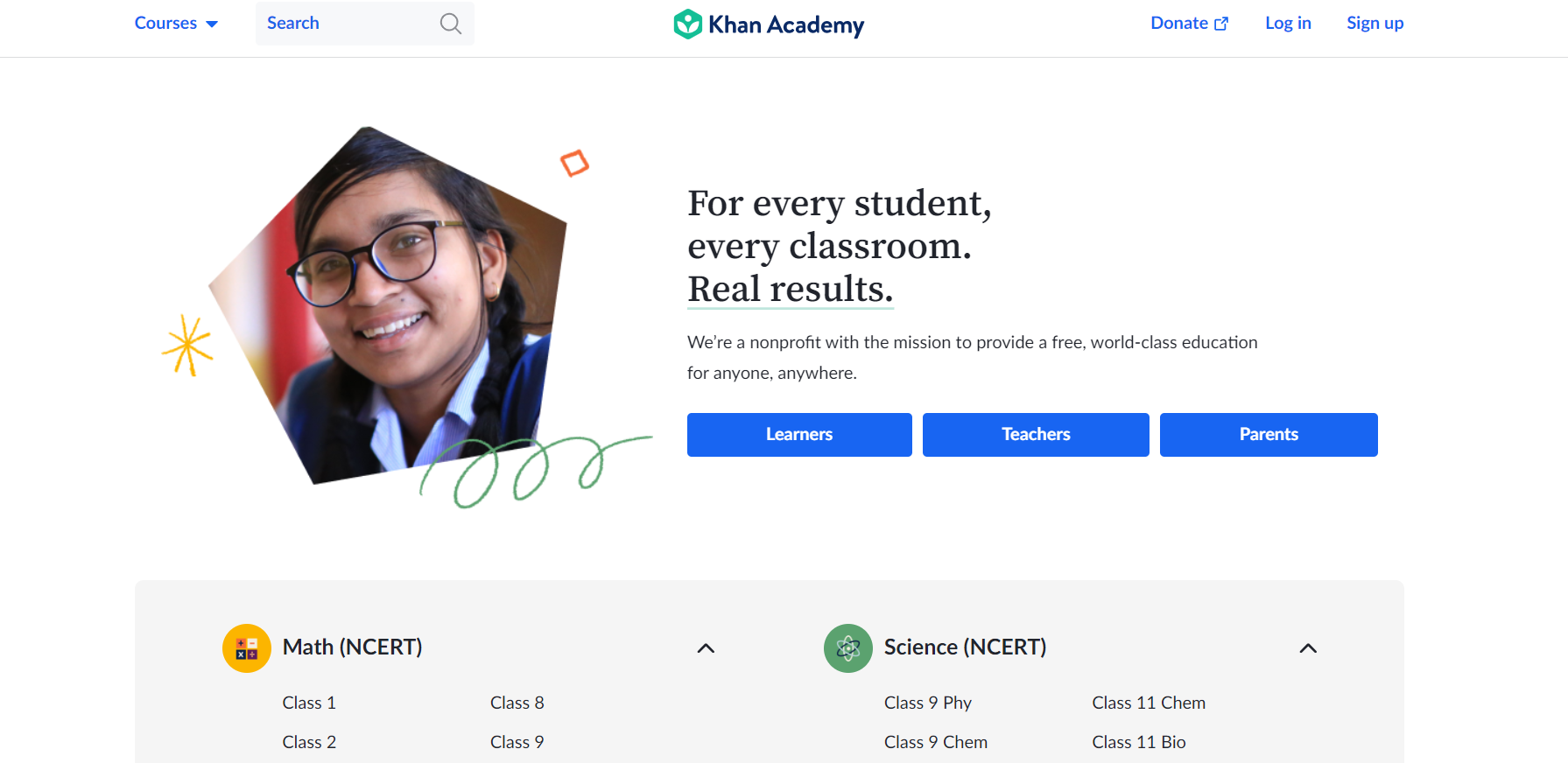
American educator Sal Khan launched Khan Academy in 2008 to tutor his cousin remotely. It has since become one of the most widely used free education nonprofits, particularly strong for K-12 and foundational subjects like math, science, and economics.
Pros
- Free and accessible: Cost-free videos and practice across math, chemistry, biology, and more.
- Learn at your own pace: Pause, rewind, or repeat videos as needed.
- Personalized support: Progress monitoring and individualized feedback on skill mastery.
- Randomly generated practice problems with step-by-step solutions.
Cons
- Not designed for higher education: Strongest for K-12 and foundational skill-building, not advanced professional development.
- Automated support only for most learners; limited human guidance.
Pricing
Khan Academy's core platform remains completely free, with no ads and no subscription required. One addition since this article was last updated is Khanmigo, Khan Academy's AI tutor, which costs $4/month or $44/year for a learner or parent account (one subscription covers up to 10 child accounts) and remains free for verified US teachers.
2. MIT OpenCourseWare
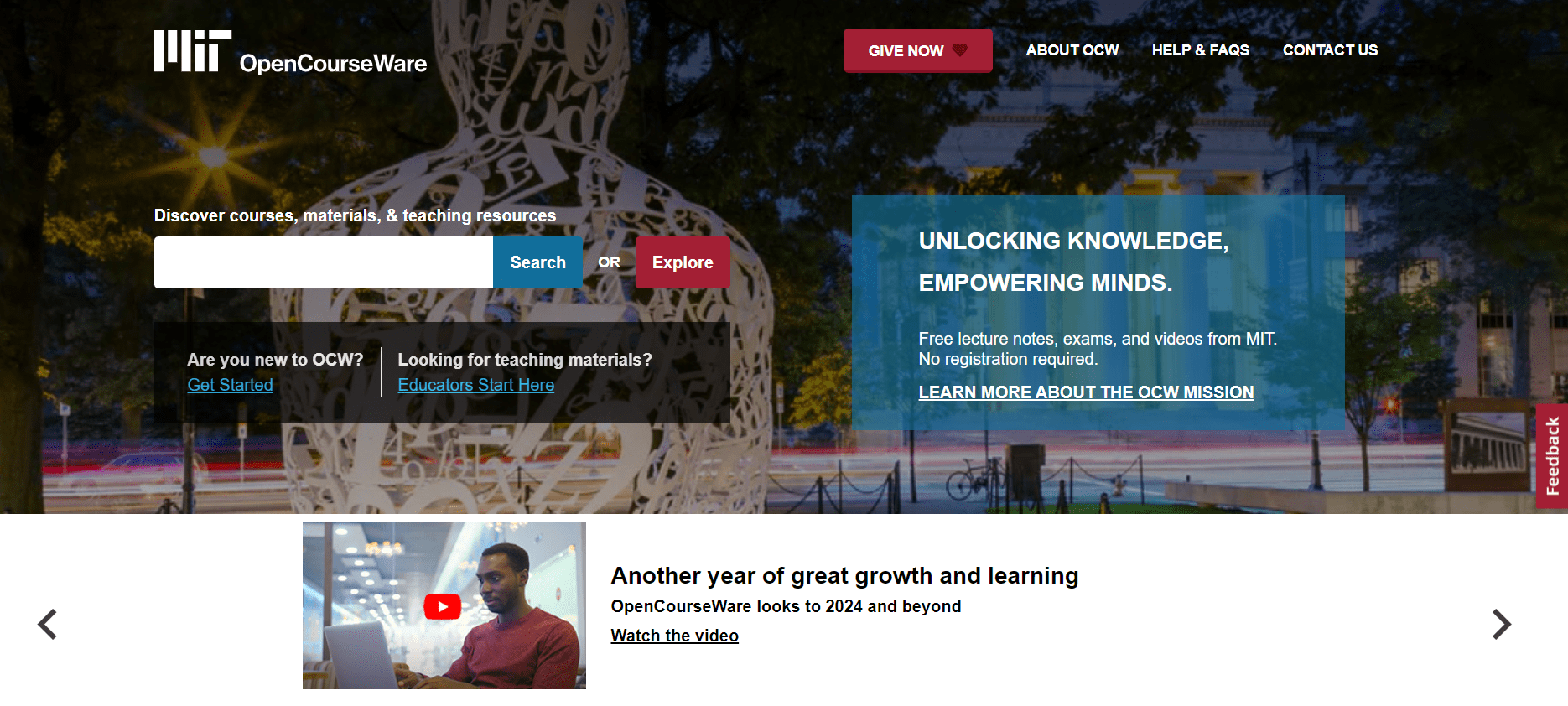
MIT OpenCourseWare (OCW), launched in 2001, publishes course materials from MIT's curriculum for self-directed learners across nearly every field of study.
Pros
- Access to MIT's curriculum across the arts, social sciences, physics, and engineering.
- Absolutely free, with no account or credit card required.
- No registration needed to start using materials.
Cons
- No degrees or certifications are issued.
- No personalized learning paths or adaptive sequencing.
- No direct instructor interaction.
Pricing
MIT OpenCourseWare remains free to use for everyone.
3. Udemy
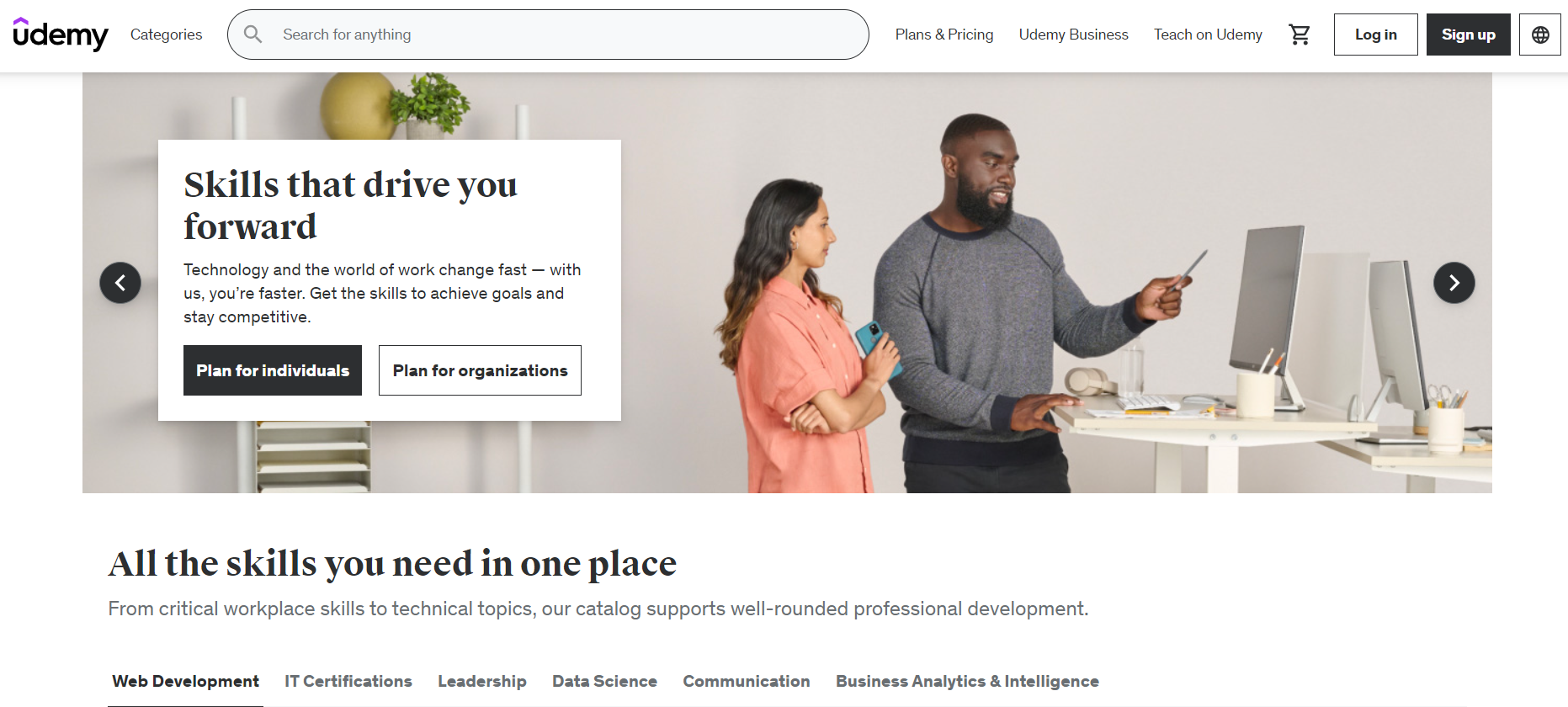
Udemy is a marketplace-style learning platform where instructors set (and Udemy frequently discounts) their own course prices, spanning business, technology, and creative subjects.
Pros
- A large, varied course catalog: Udemy now lists over 250,000 courses across nearly every subject and skill level, up from the roughly 210,000 previously reported.
- Frequent discounts: List prices run $9.99 to $199.99, but sitewide sales regularly drop individual courses to around $9.99 to $14.99.
- Lifetime access to any course purchased individually.
- Courses by industry professionals, though quality varies since anyone can publish a course.
Cons
- Course quality varies significantly since there's no formal instructor vetting process.
- No formal accreditation on individual courses.
- Inconsistent pricing makes it hard to judge a course's real value from its list price alone.
Pricing
Udemy still primarily sells individual courses, priced $9.99 to $199.99 (frequently discounted to $9.99 to $14.99 in sales). Udemy has since added a Personal Plan subscription, priced at roughly $35/month billed monthly, or $165 to $240/year billed annually (about $15 to $20/month) depending on regional promotions and taxes, offering access to a curated subset of its catalog for learners who want ongoing access rather than one-off purchases.
4. Alison
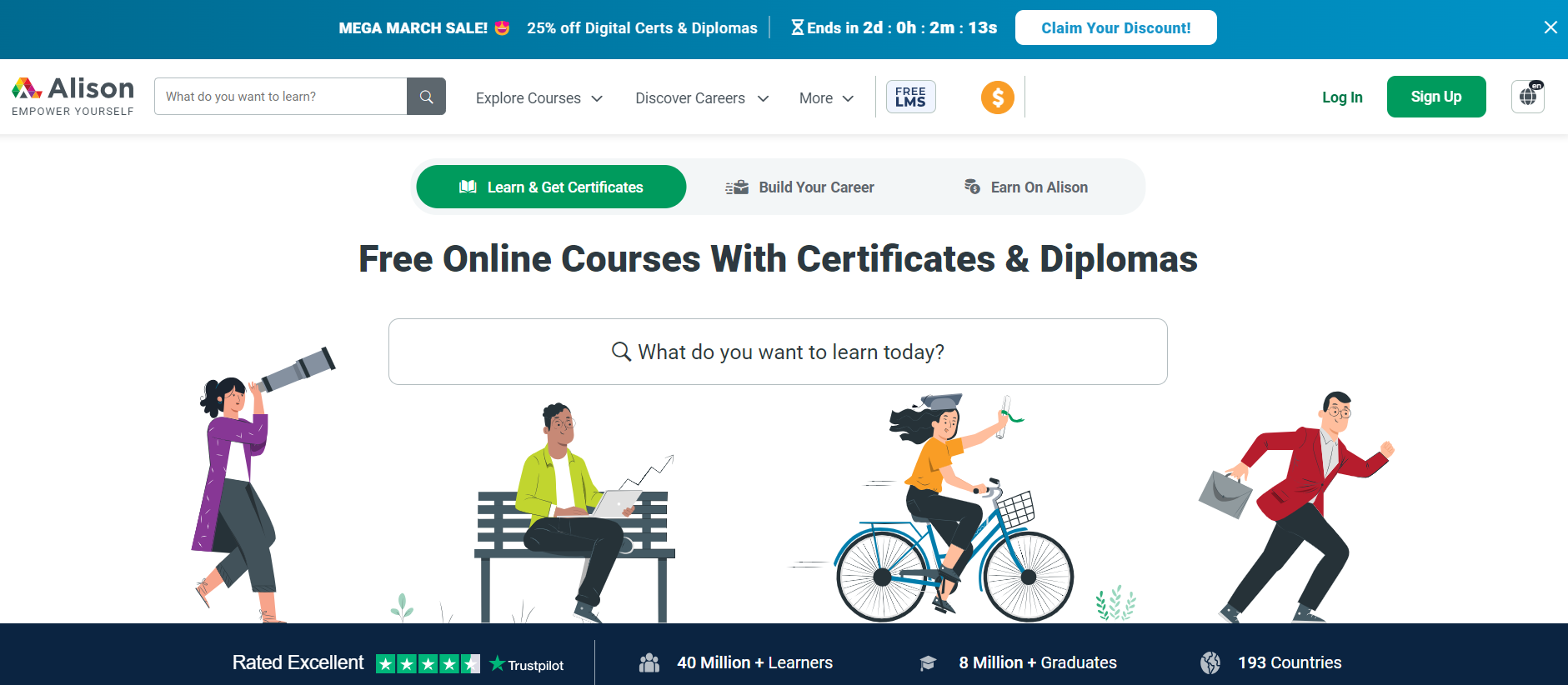
Alison is a UK-based platform offering free courses to learners in 190+ countries, monetizing through certificate and diploma sales rather than course access itself.
Pros
- Free courses: Alison now lists over 6,000 courses, up from the roughly 4,000 previously reported, spanning computer science, machine learning, web development, and more.
- Certification available: Official certificates or diplomas can be purchased on completion.
- Interactive course material: Video lectures, study guides, quizzes, and final tests.
- Learn from recognized organizations, including Google and Microsoft-affiliated content.
Cons
- Advertisements appear throughout the free experience unless you subscribe to Premium.
- Device compatibility issues are reported by some iOS users.
- Certifications are a separate purchase from course access itself.
Pricing
Courses themselves remain free. Certificates and diplomas cost roughly $23 to $40 for digital versions (priced in euros on Alison's site, converted at checkout), with printed and framed versions costing more. Alison also now offers an optional Premium subscription, priced at roughly $8/month or about $79/year, which removes ads and adds accumulating discounts of up to 50% on certificate purchases.
5. LinkedIn Learning
LinkedIn Learning provides professional courses from industry instructors, with the added benefit of surfacing directly to your LinkedIn network and profile.
Pros
- Large course library: LinkedIn Learning now offers 22,000+ courses, up from the roughly 17,000 previously reported.
- One-month free trial for new subscribers.
- Shareable certification that attaches directly to your LinkedIn profile.
- Bundled access: Included at no extra cost with LinkedIn Premium Career and higher tiers.
Cons
- Certificates aren't accredited and can't be used for academic credit.
- Some courses are dated, a recurring criticism in reviews.
- Full access requires payment once the trial ends, unless bundled through Premium.
Pricing
In the US, LinkedIn Learning costs $39.99/month billed month-to-month, or roughly $19.99/month ($239.88/year total) billed annually. Team plans start at roughly $379.99 per user per year (2 to 20 seats); Organization pricing is custom for 21+ seats. Access is also bundled at no extra cost into LinkedIn Premium Career and higher tiers.
6. edX
edX was founded in 2012 by Harvard and MIT as a nonprofit. This is no longer accurate: edX was acquired by the for-profit company 2U in 2021 for approximately $800 million, ending its nonprofit status. 2U subsequently went through Chapter 11 restructuring in 2024 and now operates as a privately held company, with edX continuing to operate as its primary learning-platform brand.
Pros
- Wide range of programs, from standalone courses to MicroMasters and full online degrees.
- Prestigious partners, including Harvard, MIT, and 230+ other institutions.
- Flexible learning options, including MicroMasters and bootcamp-style programs.
- Accreditation options, with some MicroMasters programs counting toward graduate credit at partner universities.
Cons
- Costly at the top end: individual verified certificates run $50 to $300, Professional Certificate programs run $200 to $2,500, and full online degrees can run $10,000 to $25,000.
- Audit access has narrowed since the 2U acquisition; some courses that were fully auditable in past years now gate graded assignments behind the paid track, and audit windows on some courses have shortened to just a few weeks.
- Platform usability and course quality vary across the now much larger partner catalog.
Pricing
Auditing most of edX's 4,000+ courses remains free, though the free-access window on some courses is now shorter than in past years. Verified certificates cost $50 to $300 per course. Professional Certificate programs run $200 to $2,500. MicroMasters and MicroBachelors programs run $600 to $1,500. Full online degree programs run $10,000 to $25,000.
7. DataCamp
DataCamp focuses specifically on data science, AI, machine learning, and programming, with heavily interactive, code-in-browser courses.
Pros
- Interactive learning materials: Hands-on exercises, projects, and assessments throughout.
- Focused catalog: 790+ courses, up from the previously reported figure, concentrated specifically in data and AI skills.
- Free tier available: The first chapter of every course is free, with no financial information required to start.
- Skill and Career Tracks provide structured, sequenced learning paths.
Cons
- Full access requires a subscription; the free tier is limited to the first chapters only.
- Narrower scope than general platforms: DataCamp does not cover subjects outside data, AI, and programming.
- No traditional free trial on the paid Premium tier; only the limited free Basic plan.
Pricing
DataCamp's Basic plan remains free (first chapter of every course only). The Premium plan costs $28/month billed annually ($336/year total), or roughly $35 to $39/month billed strictly month-to-month without an annual commitment. Team plans run $28 per user per month, billed annually; Enterprise pricing is custom.
8. Udacity
Udacity is known for job-focused Nanodegree programs with mentor support and career coaching, aimed at working professionals building technical skills.
Pros
- Career-focused curriculum with heavy emphasis on hands-on, portfolio-building projects.
- Easy-to-use platform for finding and navigating programs.
- All-access model: One subscription now covers every Nanodegree and course on the platform, rather than paying per program.
- Two accredited degree options, a Master of Science in AI and an MBA in AI Product Management, launched through Woolf University accreditation in the past year, with completed Nanodegrees countable toward the degree via prior-learning recognition.
Cons
- High cost relative to competitors: at $249/month, one month of Udacity costs more than four months of Coursera Plus.
- Narrower course selection than general platforms, concentrated in tech and programming.
- Individual Nanodegree certificates remain unaccredited, aside from the two new accredited degree programs.
Pricing
Udacity has replaced its old per-Nanodegree pricing with a single all-access subscription: $249/month, or $846 for a 4-month bundle (the average time Udacity cites to complete a program), covering every Nanodegree program and course on the platform.
9. Pluralsight
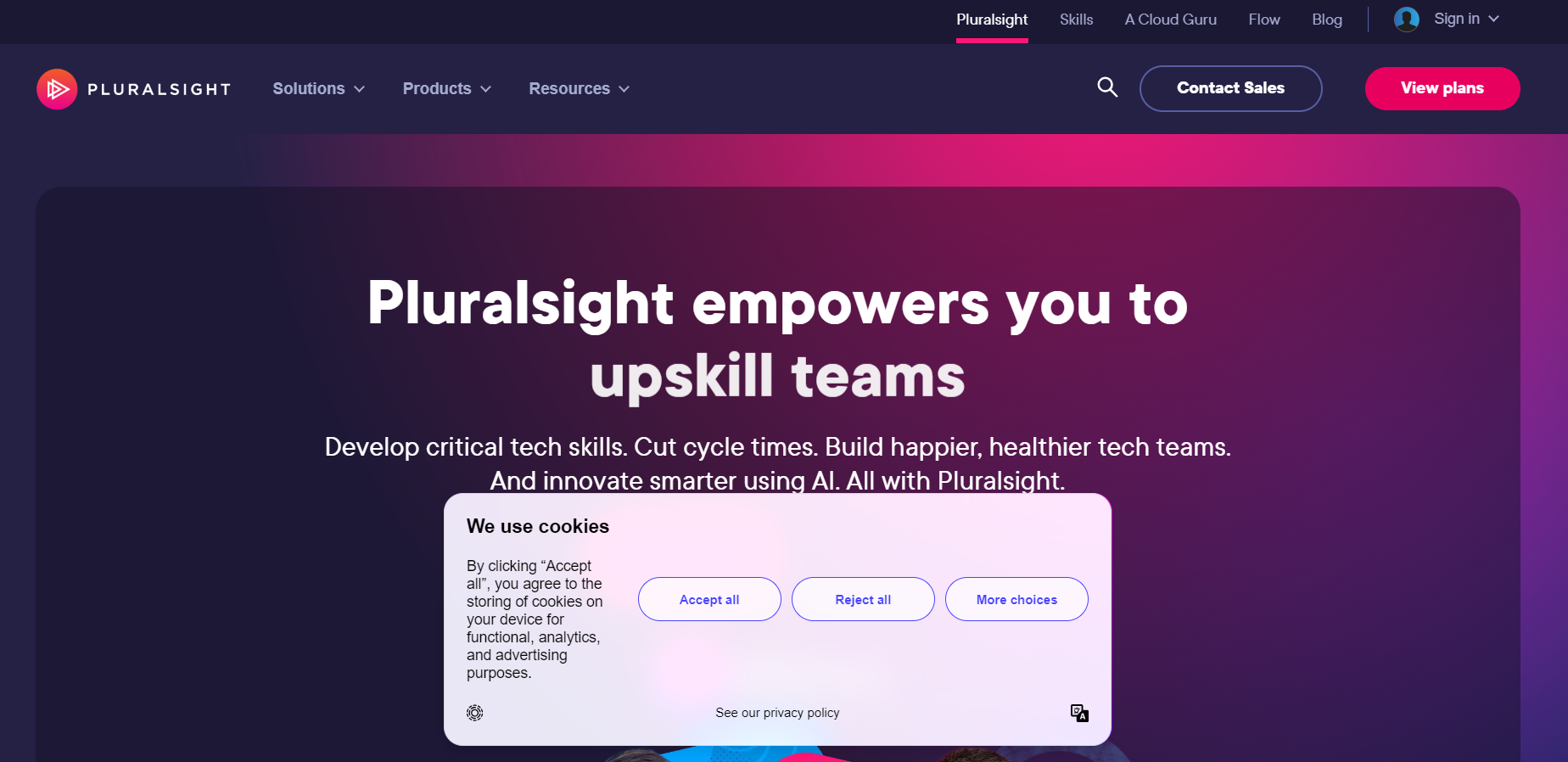
Pluralsight focuses on technology skills: software development, cloud, cybersecurity, and IT operations, with hands-on cloud labs alongside video courses.
Pros
- Broad technical skill coverage across software development, security, and cloud infrastructure.
- Hands-on cloud labs for practicing with real tools without infrastructure risk.
- Course variety and learning paths for beginners through specialists.
- Individual and team plans available, unlike some competitors that are enterprise-only.
Cons
- Heavy tech focus: not a fit for learners wanting general or non-technical subjects.
- Limited instructor interaction since courses are pre-recorded.
- No permanent free tier for full course access, only limited free skill assessments.
Pricing
Pluralsight's individual plans are $29/month (Standard) or $45/month (Premium) billed monthly, or $299/year and $499/year respectively on annual billing (roughly $24.92/month and $41.58/month). Standard includes a core library of roughly 2,000 courses; Premium expands that to roughly 7,000 courses plus certification practice exams.
10. Codecademy
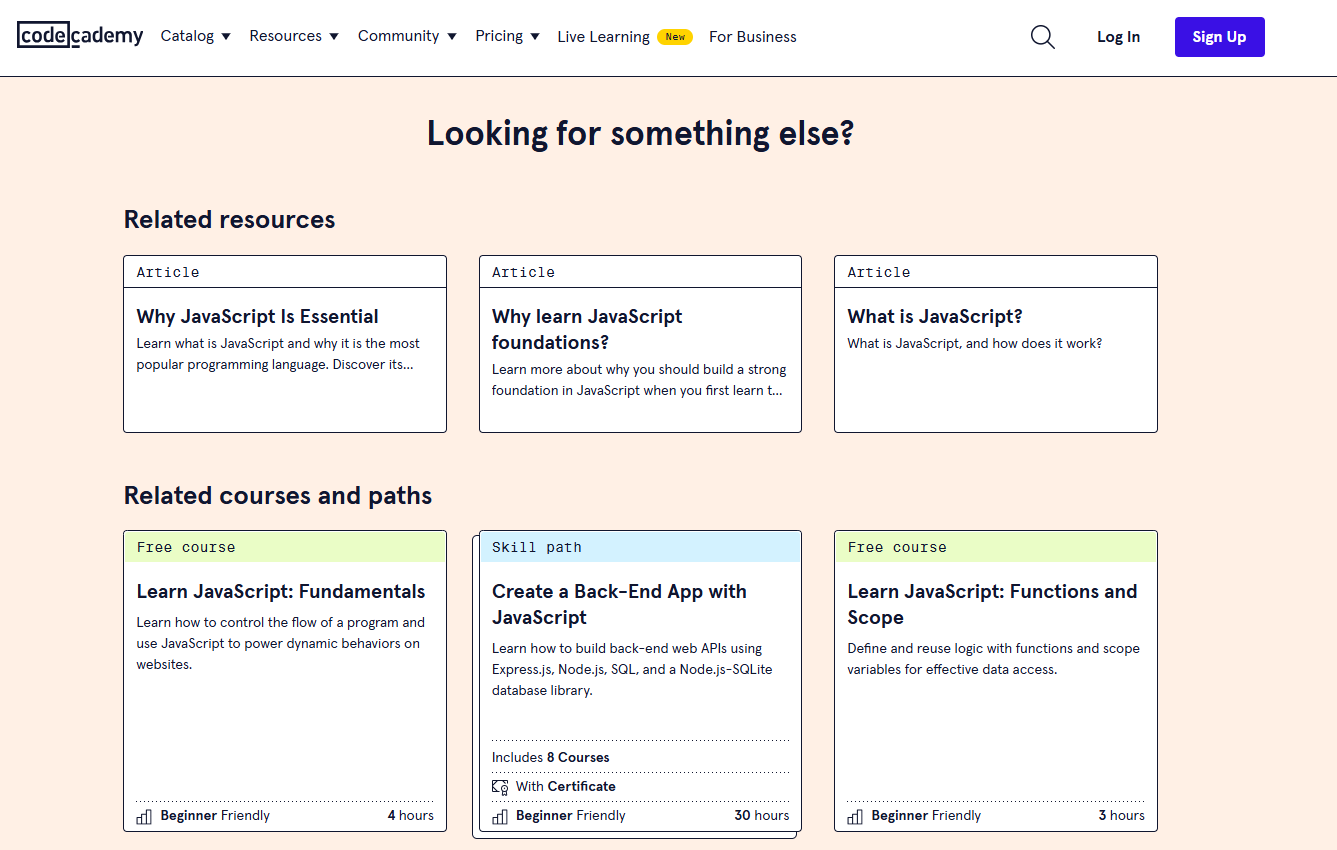
Codecademy offers hands-on, browser-based coding instruction across a dozen-plus programming languages, from complete beginner to advanced tracks.
Pros
- User-friendly interface that's approachable for coding beginners.
- Interactive learning, with quizzes, projects, and simulations built into every course.
- Community support connecting learners with instructors and peers.
- Broad language coverage, including Python, JavaScript, SQL, and HTML.
Cons
- Free tier is limited, restricted to introductory material; advanced content requires a paid plan.
- No formal accreditation on completion certificates.
Pricing
Codecademy offers a free Basic plan, plus two paid tiers: Plus at $29.99/month billed monthly (or $14.99/month billed annually), and Pro at $39.99/month billed monthly (or $19.99/month billed annually). Pro adds human code review, interview preparation content, and priority support on top of Plus.
If You're Not Looking to Take a Course, But Create One
Everything above is for people taking a course. If you're actually trying to build and sell your own, whether that's replacing Coursera as a place to host your expertise rather than someone else's, you're comparing a different category of tool, and it's worth being explicit about that rather than pretending FreshLearn competes head-to-head with Khan Academy or edX.
FreshLearn is a platform for building and selling your own courses, cohorts, digital downloads, and community. FreshLearn has enabled more than 15,000 creators and academies to earn over $240 million, and its learner-facing AI layer (video Q&A grounded in your own course content, not just creator-side AI tools) is a genuine differentiator most course-selling platforms don't offer.
Pros
- User-friendly: FreshLearn has a user-friendly interface with eye-appealing, easy-to-use dashboards. Course creators don't need technical expertise to create, edit, and sell their courses.
- Comprehensive feature set: A wide set of tools for engaging course material, including a drag-and-drop editor, drip content, and a sales page builder.
- Zero transaction fees: FreshLearn charges 0% transaction fees on every plan, including the free plan. You keep 100% of your revenue minus standard Stripe or PayPal processing fees.
- Free migration: Paid annual and biannual plan subscribers get free migration for courses, students, progress data, and payment history from platforms like Kajabi, Teachable, and Thinkific, with most migrations completed in 48 hours.
- 24/7 human support: Live chat, email, and phone support from a real team, not a chatbot.
- Course AI: Learners can ask questions and get instant, context-aware answers grounded in your actual course video content, a feature most creator platforms still don't offer to the learner side.
Cons
- FreshLearn is a no-code platform, so highly technical creators wanting deep custom development may find it limiting.
- The 1:1 coaching product is listed as "coming soon" rather than fully live as of this update.
Pricing
FreshLearn offers a Free plan, three paid tiers (Pro, No Brainer, No Brainer+), and custom Enterprise pricing:
- Free Plan: $0 (1 product, 25 manual enrollments, 3 sales pages, email support)
- Pro Plan: $49/month billed monthly, $41/month billed annually ($499/year), or $35/month billed every two years ($849 total)
- No Brainer Plan (most popular): $79/month billed monthly, $59/month billed annually ($699/year), or $49/month billed every two years ($1,199 total)
- No Brainer+ Plan: $149/month billed monthly, $119/month billed annually ($1,399/year), or $99/month billed every two years ($2,399 total)
- Enterprise Plan: Custom pricing, built for organizations training at scale
All plans, including the free plan, carry 0% transaction fees.
Wrapping Up
There you have it: 10 Coursera alternatives spanning free foundational learning, university-grade certificates, and technical skill-building subscriptions, plus a separate option above if you're building a course business rather than taking a course. Pick the one that matches what you're actually trying to do, and weigh the pros, cons, and verified current pricing of each platform carefully before committing.
FAQs
1. What is the best free alternative to Coursera?
Khan Academy and MIT OpenCourseWare are both entirely free with no subscription tier required for core access. Khan Academy is stronger for K-12 and foundational subjects like math and science; MIT OpenCourseWare is stronger for university-level material across the arts, sciences, and engineering, without any registration requirement. Khan Academy has since added a paid AI tutor add-on (Khanmigo, $4/month), but its core course library remains free.
2. Which Coursera alternative is cheapest for technical or coding skills?
Codecademy's Plus plan, at $14.99/month billed annually, is the least expensive paid option among the technical-skills platforms compared here. DataCamp's Premium plan at $28/month billed annually is a close second and is more narrowly focused on data science and AI specifically, while Codecademy covers general-purpose programming languages more broadly.
3. Is edX still a nonprofit like Coursera's early history?
No. edX was founded as a nonprofit by Harvard and MIT in 2012, but it was acquired by the for-profit company 2U in 2021 for approximately $800 million, which ended its nonprofit status. 2U later went through Chapter 11 restructuring in 2024. The edX brand and university partnerships continue, but the platform now operates on a commercial basis, which shows up in narrower free audit access and certificate pricing compared to its earlier years.
4. How much does Coursera Plus cost compared to buying individual courses?
Coursera Plus costs $59/month or $399/year for unlimited access to most of Coursera's 7,000+ course catalog. Individual Professional Certificates and Specializations run $49 to $79/month until completed. If you plan to complete more than two or three paid courses in a year, Coursera Plus is typically the cheaper route; for a single course, buying it individually can work out cheaper.
5. What is the difference between Udacity and Coursera pricing?
Udacity now uses a flat all-access subscription at $249/month (or $846 for a 4-month bundle), covering every Nanodegree and course on the platform. Coursera Plus, by comparison, costs $59/month or $399/year for its full catalog. For most learners, Coursera is significantly cheaper unless the specific mentor-supported, project-based Nanodegree format Udacity offers is a requirement.
6. Can I create and sell my own courses instead of taking someone else's on these platforms?
No, the 10 platforms above, including Coursera, Khan Academy, Udemy, and edX, are all built for learners taking existing courses, not creators building their own. FreshLearn, covered separately below, is built specifically for creators and educators who want to build, host, and sell their own courses, cohorts, and digital products, with 0% transaction fees on every plan starting at $35/month (billed every two years).
7. Which platform offers university-accredited certificates?
edX offers the most university-branded certificate options through its partner institutions, with some MicroMasters programs counting toward graduate credit at partner universities. Coursera also partners with universities for degree programs, though at a higher price point (typically $9,000 and up). Udacity has recently added two accredited degree programs (an MS in AI and an AI Product Management MBA) through Woolf University accreditation, a departure from its historically unaccredited Nanodegree model.
8. Do any of these platforms charge transaction fees if I want to sell my own content?
Among the learner-facing platforms in this list, that question doesn't apply since they're not built for creators to sell through. FreshLearn, which is built for that purpose, charges 0% transaction fees on all plans, including its free plan; you keep 100% of your revenue minus standard Stripe or PayPal processing fees.
You might also like
Hosted by