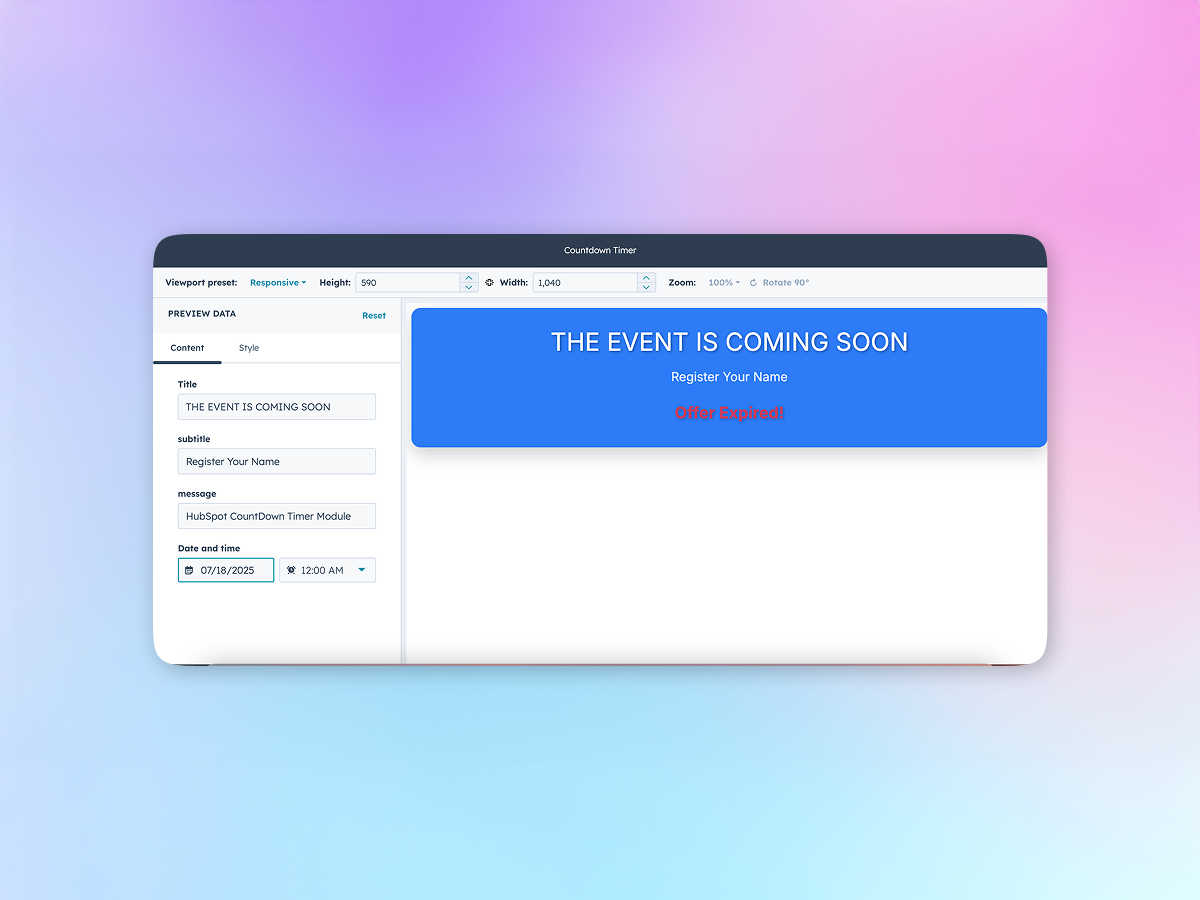
The Countdown Timer module allows course creators or administrators to display time-limited offers, enrollment deadlines, or quiz/test availability periods within their platform. It creates a sense of urgency and helps drive user engagement by visually showing the remaining time until a specific event or action expires.
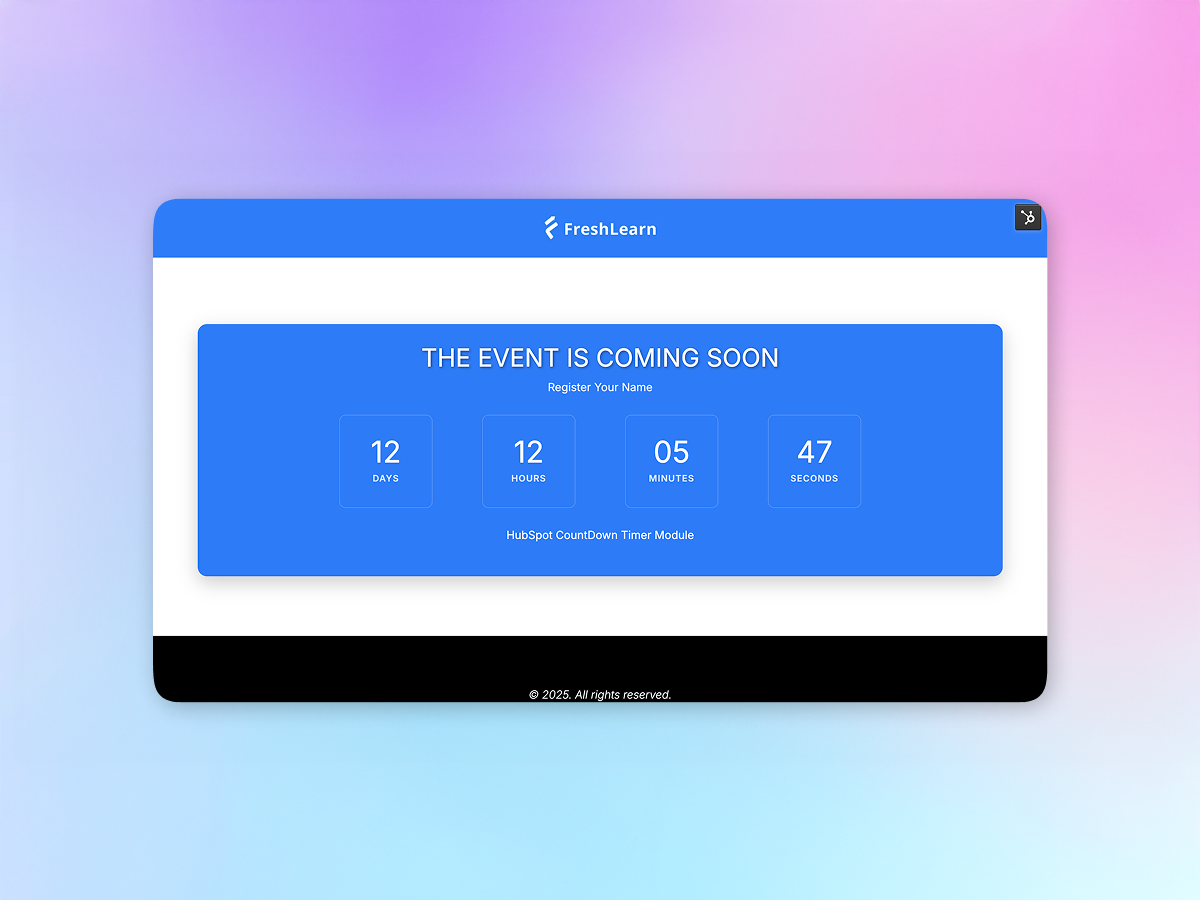
Set custom countdown durations (days, hours, minutes, seconds).
- This feature allows you to define countdown timers with precise durations tailored to your needs. You can specify the exact number of days, hours, minutes, and seconds, giving you full control over how long the countdown runs—whether for a few minutes or several days.
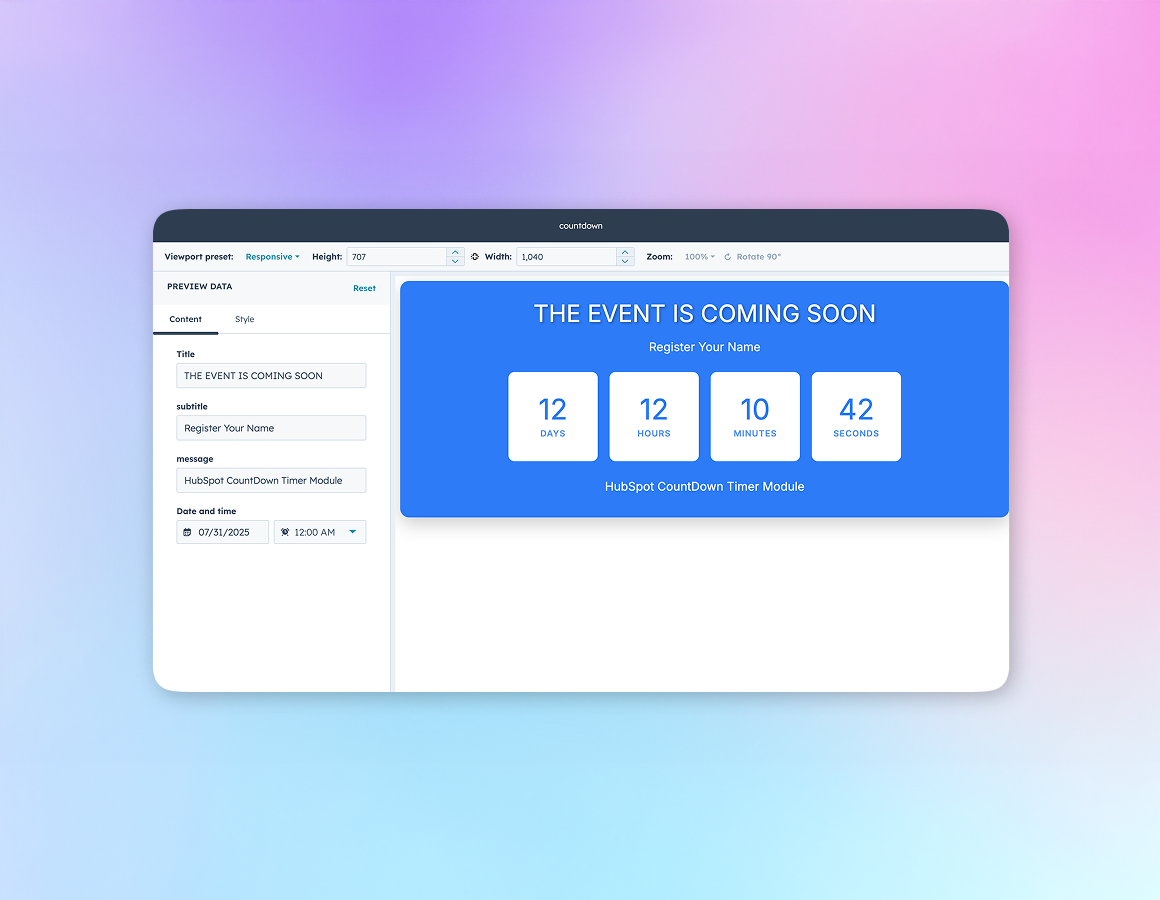
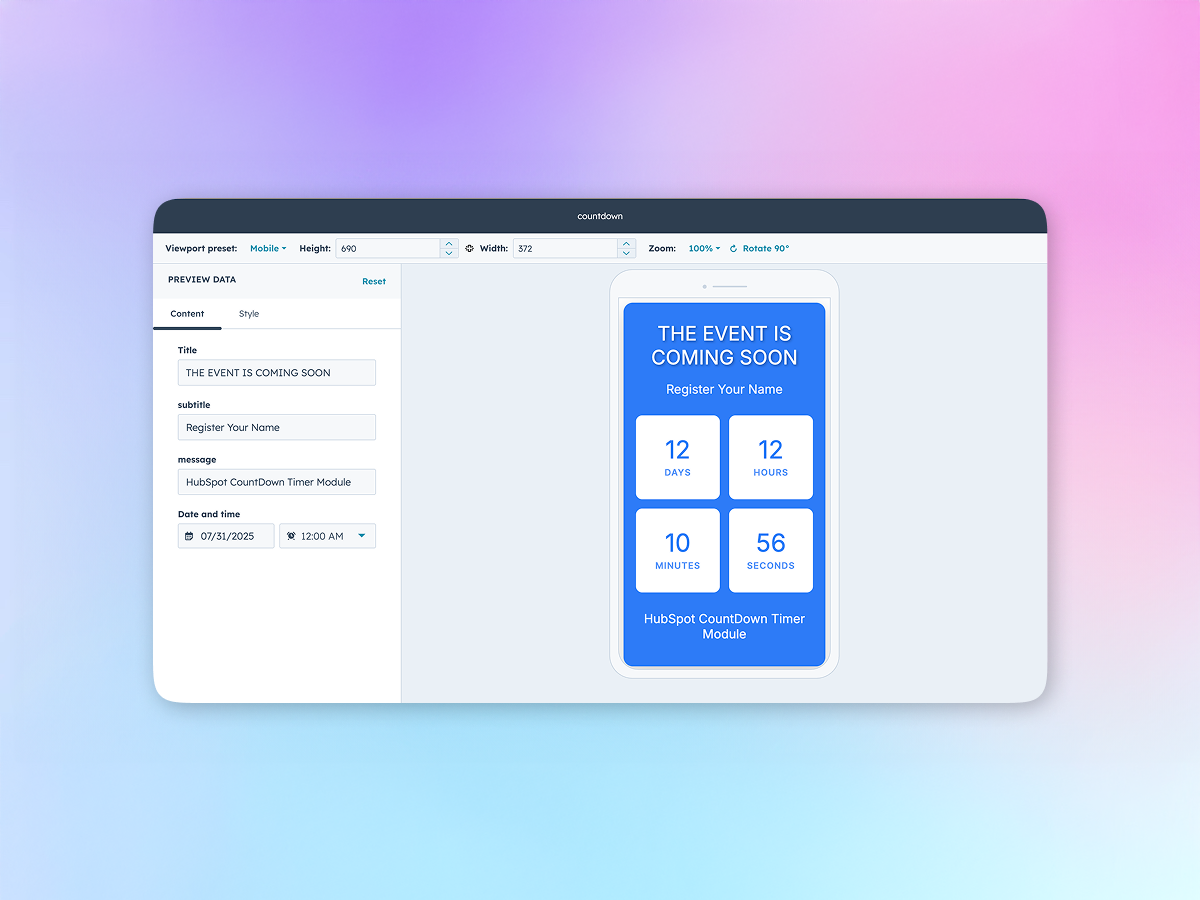
Responsive design compatible with desktop and mobile views.
- This feature ensures that the countdown timer automatically adjusts its layout and appearance to fit both desktop and mobile screens. It maintains readability, alignment, and usability across different devices without requiring additional customization.
Option to show message after countdown completion
- Enables setting up automated actions once the countdown reaches zero, displaying a message,helpful for promotions, event launches, or limited-time offers.