Best LMS for Employee Training In 2026

Last updated: September 25, 2026
Quick Answer
The best LMS for employee training depends on which constraint binds first. Docebo, Absorb, and SAP Litmos are enterprise platforms with quote-only pricing and deep multi-portal governance. LearnUpon is the strongest mid-market option for training employees, customers, and partners from separate branded portals. TalentLMS and 360Learning publish their prices and suit smaller teams, starting at $119 per month billed yearly for 1 to 40 users and $8 per user per month, respectively. Moodle and LearnDash give you full control of your own stack, from free (self-hosted Moodle) to $259 per year (LearnDash Essentials). FreshLearn suits training companies and small teams that want to launch and sell training quickly, at $49 per month. Seven of the ten platforms here do not publish pricing at all. If packaged SCORM or cmi5 compliance content is a hard requirement, confirm standards support before shortlisting on anything else, because that single constraint rules out several options on this list.
Key Takeaways
- LearnDash replaced its site-count licensing in 2026 with three feature-based annual plans: Essentials at $259, Pro at $399, and Elite at $599 per year, each including unlimited courses and learners with no transaction fees.
- LearnDash Cloud no longer exists under that name; it was rebranded as StellarSites Learning and is sold separately through Liquid Web as a managed WordPress hosting bundle.
- Docebo now offers two tiers, Elevate and Enterprise, after retiring its lower-cost Engage tier for new customers in mid-2025.
- TalentLMS prices by user band, not per seat: Core covers 1 to 40 users at $119 per month billed yearly, Grow covers 1 to 70 users at $229, and Pro covers 1 to 100 users at $449, with monthly billing costing $149, $299, and $579 respectively.
- 360Learning's Team plan is $8 per user per month for up to 100 users, with Business priced on request.
- FreshLearn's Pro plan is $49 per month, or $41 per month billed annually, with 0% transaction fees on every plan, including the free plan.
- FreshLearn supports SCORM 1.2 and 2004 packages as a dedicated product type with completion tracking, though it does not state cmi5 or xAPI support.
- Only three of the ten platforms here publish pricing openly (FreshLearn, TalentLMS, and 360Learning, plus LearnDash's annual licence); Docebo, LearnUpon, Absorb, and SAP Litmos all require a sales conversation before you see a number.
Picking an LMS for employee training looks simple until you try a few and feel how different they are in real life.
On paper, every platform says the same things. Courses. Quizzes. Certificates. Reports. Then you start building a workflow for new hires, integrating your HR system, running a live cohort, and the gap between the tools shows up fast.
Some platforms look polished while others seem faster to run, and some are brilliant at multi-portal governance for partners and customers. A few of these options make mobile and offline a first-class experience. Most of them hide pricing behind demos, while a couple publish clear plans that you can budget for today.
This guide is the result of hands-on testing and a pile of notes. I dug into content creation, compliance workflows, reporting depth, mobile, integrations, content standards, and how pricing really works when you roll out to a growing team. All pricing below is verified as of September 2026.
Let’s get started…
What is an LMS for Employee Training (and why it matters)
A learning management system is a type of software that helps you plan, deliver, and track training for your learners. It is where courses live, where you assign learning tasks, and where you see who’s finished what and how well they did it. The popular LMS platforms offer key features like assessments, certificates, reminders, and audits, so training runs smoothly rather than the mess it could become on spreadsheets.
There are a number of reasons these platforms are getting the spotlight in 2026, especially for instruction and training in organizations.
- Simplified compliance: An LMS gives you assignments, due dates, version control, and reports you can hand over to an auditor without pulling an all-nighter. Studies and industry research tie modern, learner-centered compliance training to lower risk and better outcomes, which is exactly what boards and regulators want to see.
- Retention through development: People stay longer when they see clear growth paths and accessible learning. LinkedIn's Workplace Learning Report links strong learning cultures with better retention and internal mobility. That is a direct, measurable business result.
- Productivity and closing skill gaps: Centralized training shortens time to proficiency and keeps skills current. Reporting shows where teams are stuck so you can fix content or add coaching instead of guessing.
- Actionable analytics: The right LMS turns course data into decisions with completion and assessment trends, skills coverage by role, compliance status by site, and correlations to outcomes like performance or sales. That helps you decide what to build next and what to retire. D2L's guide to LMS reporting is a useful primer on what to expect here.
- Modern access: Field teams and frontline staff need training that works on a phone and even offline. Mobile learning improves knowledge retention and on-the-job execution when people can grab a quick refresher in the moment.
Now, let’s get to know how you should select one for your organization.
How to Choose the Best LMS: A Buyer’s Guide
Below are the selection criteria I use with clients. You can use this like a checklist you can take into demos and RFPs.
1. Customizable learning paths
You want to guide each person through the right sequence for their role and current skill level. Look for prerequisites, branching, and role or location rules so a new hire in support sees a different path than a senior engineer. Personalization matters because it removes noise and speeds up proficiency.
What to ask vendors: Can I set rules by role, region, and manager; use prerequisites; and auto-assign next steps based on scores or skills?
2. Robust reporting and analytics
You should not settle for a single completion report. You need a live dashboard with completion and overdue rates, assessment scores, time to complete, attempt history, skill or competency coverage by role, and exception alerts. Bonus points for exporting to your BI tool and scheduling reports to stakeholders.
What to ask vendors: Show me compliance status by site, skills coverage by role, and a cohort analysis of time to proficiency.
3. Scalability
Plan for growth. You need stable performance with spikes, content delivery that works globally, and an admin model for multiple brands or regions. If you serve customers and partners, ask about multi-portal or multi-tenant controls, delegated admins, and content sharing without duplication.
What to ask vendors: How do you handle 10x user spikes; can we run separate branded portals with central governance; what are the hard limits on courses, users, and reporting?
4. Integrations
Your LMS should talk to the systems you already use. At a minimum, you want HRIS for user and org sync, SSO for frictionless login, CRM if you do sales or customer training, video meeting tools for virtual sessions, and data pipes for analytics. This is how training lands in the flow of work rather than as a side project.
What to ask vendors: Do you have prebuilt connectors for Workday or BambooHR, SSO, Salesforce, Zoom, or Teams, and a clean way to export data to our warehouse?
5. Mobile learning
Frontline and field teams learn in short bursts. Mobile apps with offline mode, push reminders, and quick quizzes help people use training when and where they need it. Make vendors demo offline sync and show exactly which content types work on phones.
What to ask vendors: Does your mobile app support offline courses with progress sync? Which formats work on mobile? Can managers see team status on the app?
6. Content authoring tools vs importing SCORM or cmi5
You have two routes.
- Built-in authoring gives you speed for micro-lessons, assessments, and quick updates without buying another tool.
- Standard packages like SCORM or cmi5 help when you buy content, need strict tracking, or want portability across systems.
SCORM is the long-time standard for web courses. cmi5 rides on xAPI, handles richer data, and works beyond the browser with better mobile options. Many buyers use both.
What to ask vendors: Do you support SCORM 1.2 and 2004 and cmi5; can I edit content in your native authoring tool; what data do you track for each option; how do you handle mobile playback?
Now that you know what to look for, let’s take a look at the tools themselves…
10 Best LMS Platforms for Employee Training
Before we dive into the meat of the platforms, let’s take an overview of all of them together.
1. FreshLearn
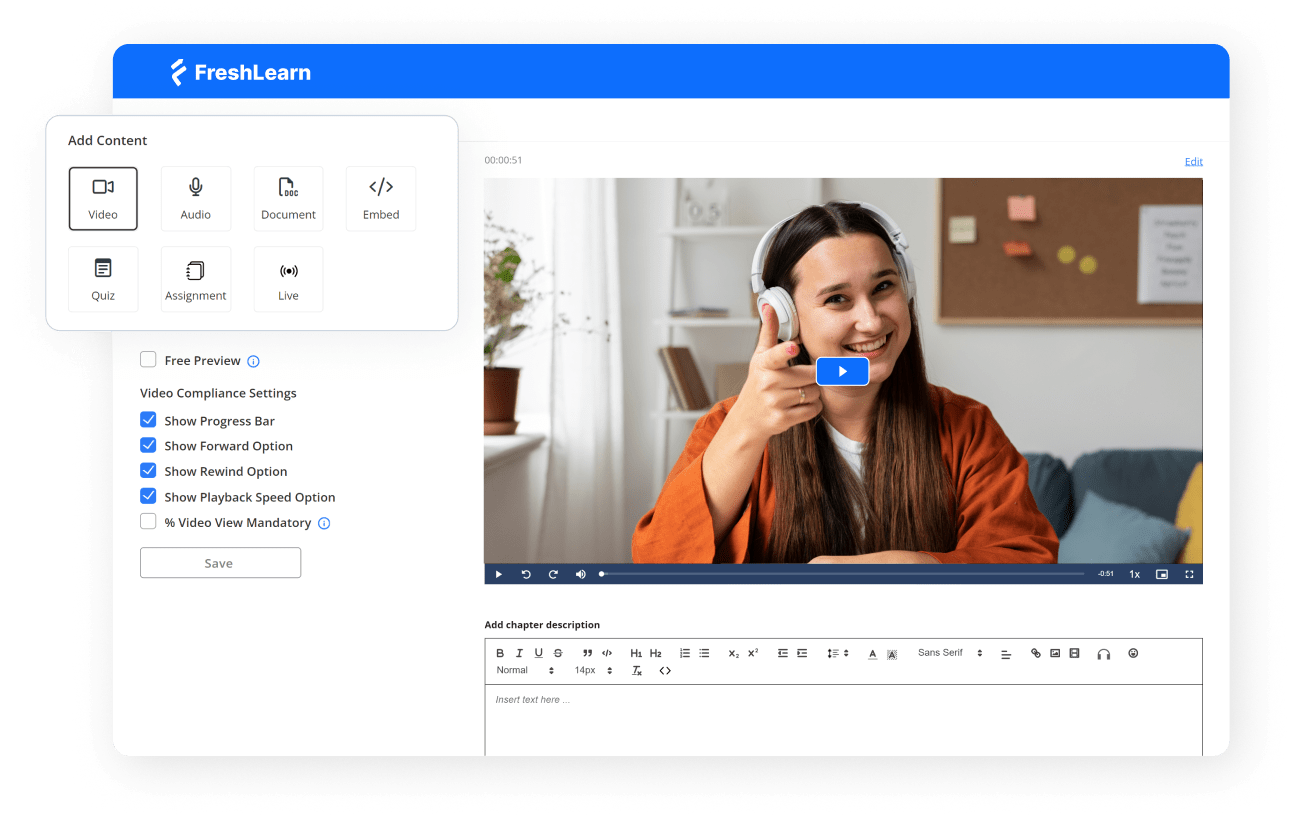
FreshLearn is a creator-first learning platform that lets you build on-demand courses, live cohorts, workshops, communities, and even subscription-style video playlists in one place.
What sets it apart is how much of the go-to-market stack it bakes in. You get native checkout, coupons, and upsells, built-in email campaigns with monthly credits included on paid tiers, branded domains, certificates, gamification, analytics, and white label mobile apps at the upper tier.
It is designed for people who need to launch training and sell it without assembling a pile of add-ons. That makes FreshLearn feel very different from enterprise LMS products like Docebo, Absorb, LearnUpon, and SAP Litmos that assume an internal L&D team.
With FreshLearn, you can structure courses into modules and lessons, drip-release chapters on a schedule, lock lessons behind prerequisites, issue auto-generated certificates on completion, require assignments with an approval workflow, and use points and badges to keep people engaged.
There is a Cohort model for live sessions, with native Zoom integration and automated reminders that go out 24 hours and 20 minutes before a session to boost attendance. On the analytics side, you get a unified dashboard with progress, assessment results, watch time, logins, coupon use, and sales, which is enough to run iterative improvements without exporting to a BI tool on day one.
FreshLearn one-ups several tools in this list in the commercial layer. You do not need Mailchimp or ConvertKit just to run launches or nurture sequences because email is part of the core product with a visual builder and automations, and paid plans include monthly send credits out of the box. That removes an entire vendor category for many small teams.
You should also be clear about the limits. On standards, FreshLearn supports SCORM: you can upload a SCORM 1.2 or 2004 package as its own product type, organise it into chapters, attach a free, one-time, or recurring pricing plan, and track completion records. That makes packaged compliance content and migrated legacy courses a genuine fit, not a workaround. There is also API support, but cmi5 is not explicitly stated in their documentation, so check with the team if you need that.
Key Features
- Drip release and prerequisite control: Schedule modules by date or enrollment offset and lock lessons until requirements are met
- Assignments with approval workflow: Create graded assignments, accept uploads from learners, approve or reject with feedback
- Auto-issued branded certificates: Design once, add name and course fields, and send completion certificates automatically with shareable links
- Built-in email campaigns and automations: Build lists, design broadcasts and sequences, and use included monthly send credits on paid plans
- Gamification and community moderation: Award points and badges for activity, and keep discussions healthy with moderation tools
- Live cohorts and Zoom reminders: Run live classes and cohorts, connect Zoom, and send automatic reminders before sessions
- White-label mobile apps: Publish branded apps on iOS and Android at the No Brainer Plus tier
- SCORM 1.2 and 2004 support: Upload SCORM packages as a dedicated product type, organise them into chapters, price them, and track learner completion
Pros
- Built-in marketing with monthly email credits reduces tool sprawl and keeps learning nudges inside the same system.
- Fast to launch because courses, certificates, assignments, analytics, and checkout live under one roof.
- White-label mobile apps at an attainable tier, which is rare at this price point, and helps repeat engagement.
Cons
- As with most creator platforms, very large B2B academies may outgrow reporting depth and need external BI tools for executive dashboards.
Pricing
- Free plan available
- Pro: $49/month; or $41/month when billed annually
- No Brainer: $79/month; or $65/month when billed annually
- No Brainer+: $149/month; or $119/month when billed annually
- Enterprise: $249/month plus $0.50 per registered learner.
Ideal Use Case
Best for creators, training companies, and small teams that want to launch and sell learning fast with built-in email, branded mobile, certificates, assignments, and analytics.
2. Docebo
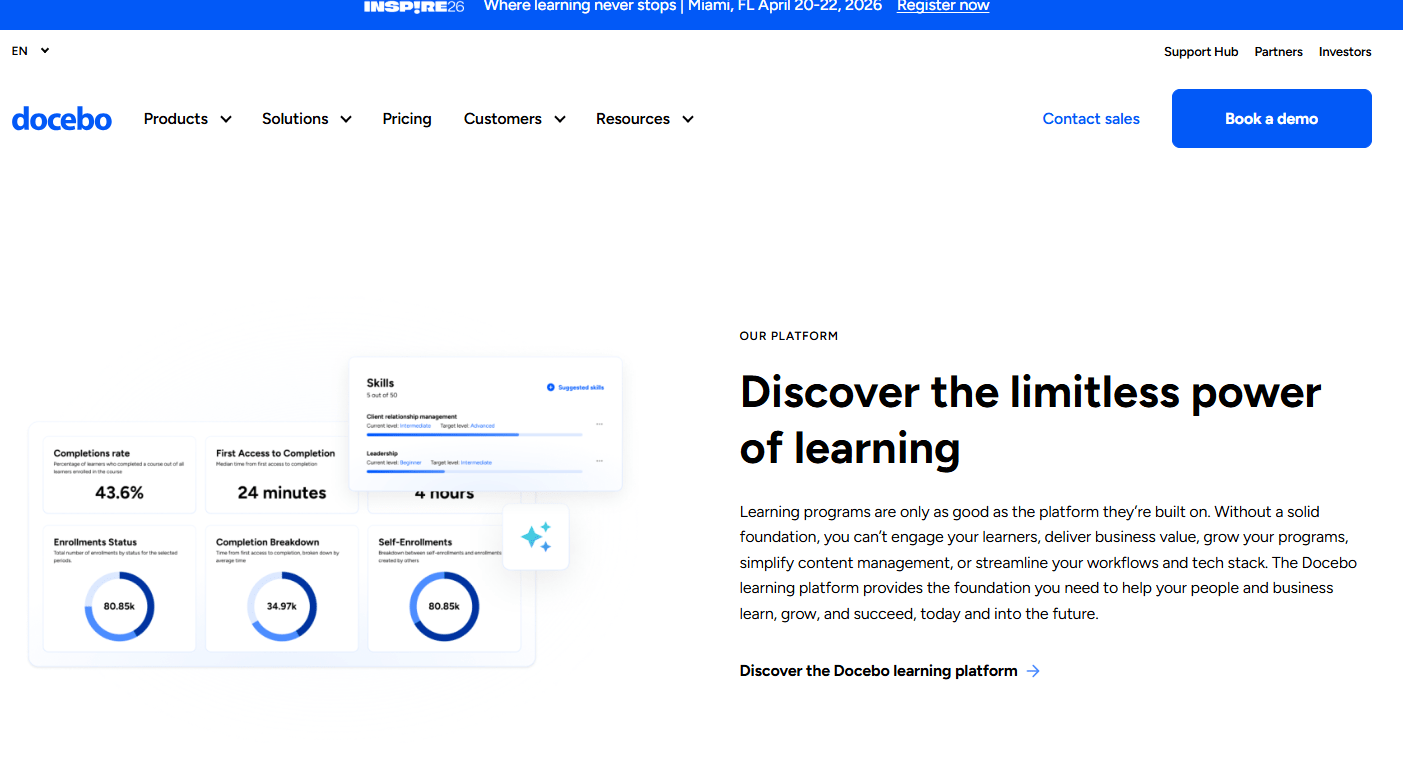
Docebo is an enterprise-focused LMS that combines a traditional LMS with Learning Experience Platform (LXP) style discovery and AI creation. It’s a cloud-based platform that has been around since 2005, and it has since become a solution trusted by large enterprises like Starbucks and Uber.
Docebo focuses a lot on automating the learning process and personalizing the experience for each user. Whether you're training employees, customers, or partners, the platform aims to make the experience engaging and, most importantly, tied to real business outcomes.
What really makes Docebo stand out, though, is its powerful AI engine. The AI here actively works to automate administrative tasks, curate content, and deliver personalized learning paths.
For learners, this means a more relevant and engaging experience. For administrators, it means less time spent on manual, repetitive tasks and more time to focus on creating impactful learning content.
Key Features
- AI-Powered learning: Uses artificial intelligence to automate tasks, personalize learning paths, and provide content suggestions.
- Content creation and marketplace: Lets you create your own courses or access a library of ready-made content from top providers.
- Extended enterprise: You can create branded and unique learning environments for different audiences, such as employees, customers, and partners, from a single platform.
Pros
- Saves administrators a lot of time by automating tasks like enrollments and notifications.
- Offers extensive branding and customization options to create a unique learning environment.
- The intuitive interface and personalized content recommendations lead to a more engaging experience for learners.
Cons
- The cost can be a significant investment, which makes it less suitable for smaller businesses.
- The vast number of features can be overwhelming and often demands a dedicated administrator to manage effectively.
Pricing
Pricing is customized based on the number of yearly active users and the selected product tier. Docebo now offers two tiers, Elevate and Enterprise; its lower-cost Engage tier was retired for new customers in mid-2025, which raised its practical entry point. Worth checking during a demo: advanced analytics and the branded mobile app are exclusive to the Enterprise tier and cannot be bought as add-ons to Elevate. You'll need to contact Docebo for a quote.
Ideal Use Case
Best for large enterprises that require a highly scalable, automated, and customizable learning platform for various internal and external training needs.
3. LearnUpon
LearnUpon is an enterprise-grade LMS that brings powerful functionality for companies that deliver training to employees, customers, and partners through multiple portals. The platform is built around lean administration, fast setup, and consistent learner UX.
LearnUpon is built with multi-audience delivery in mind. Portals let you create separate branded spaces and manage them centrally, and mobile apps now support admin, manager, and instructor workflows, so your team can monitor activity and take action away from the desk.
Integrations cover SSO options, Salesforce, and webinar tools like Zoom. There is also support for SCORM and xAPI. However, LearnUpon does not support AICC.
Compared to Docebo, LearnUpon places less emphasis on native content marketplaces or AI creation and more on getting blended programs shipped with a reliable toolchain. If you value predictable portals, integrations, and a mobile app that supports every role, LearnUpon is a great choice.
Key Features
- Multi-portal architecture: Create and manage multiple unique, branded learning portals for different audiences (e.g., employees, customers, partners) from one central account.
- User-centric interface: A clean, modern, and intuitive design for both administrators and learners that simplifies navigation and use.
- Powerful integrations and automation: Offers integrations with key business systems like Salesforce and HRIS platforms, along with powerful automation rules to streamline workflows.
Pros
- The portal system is a best-in-class solution for managing complex training for diverse user groups.
- The high level of support ensures a smooth implementation and helps organizations achieve their learning objectives.
- The platform is built to handle growth, which makes it a suitable long-term solution for businesses
Cons
- You are responsible for creating or sourcing all of your own course content, as there is no built-in content library.
- It is not flexible enough to be used by teams both large and small.
Pricing
LearnUpon's pricing is available upon request and is customized based on the number of active users and the specific plan chosen. It is positioned as a premium solution for the mid-market and enterprise segments. LearnUpon states it is not a fit for organizations with fewer than 50 users, and third-party estimates place typical costs at $6 to $9 per employee per month.
Ideal Use Case
Best for growing mid-sized to large enterprises that need a powerful, scalable, and user-friendly platform to deliver training to multiple audiences and place a high value on exceptional customer support.
4. TalentLMS
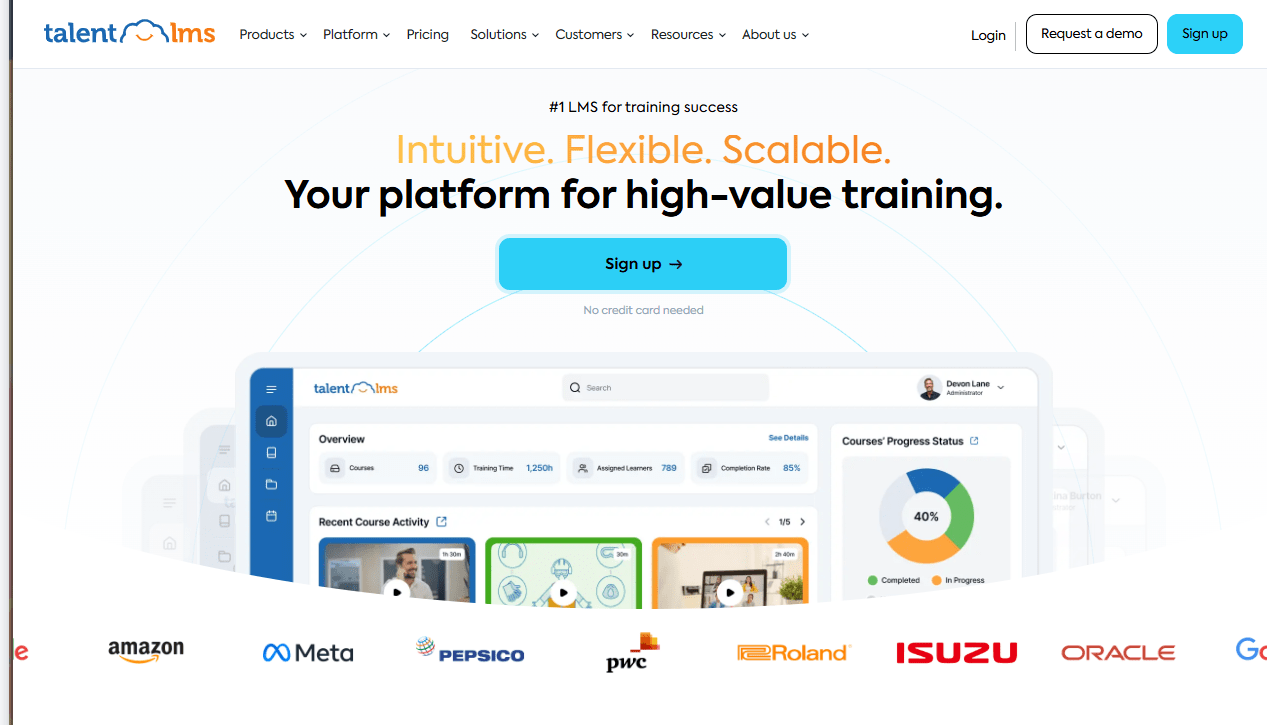
TalentLMS is a cloud-based LMS that puts a lot of emphasis on AI-powered content creation. The platform aims to accelerate all the different elements of course creation, including text, images, and tests, using AI. Beyond that, there are also a lot of ways to create training content — you can add any media, import internet content, or drag and drop existing courses.
You can also easily assemble engaging courses by uploading a variety of media types, including videos, presentations, documents, and SCORM packages. Creating quizzes and surveys is a simple, step-by-step process.
Despite its simplicity, TalentLMS is not a "lite" platform by any means. It comes packed with a robust set of features. The gamification tools, which include points, badges, levels, and leaderboards, are built right into the core of the platform and are very effective at driving learner motivation.
Of course, this focus on simplicity does come with some inherent limitations. If you have highly complex, enterprise-level training requirements, you might find the reporting and analytics tools to be a bit less granular than those offered by platforms like Docebo and LearnUpon. The customization options, especially on the lower-priced plans, are also more constrained.
Key Features
- Intuitive course builder: A user-friendly interface that makes it easy to create and manage courses using a variety of content formats.
- Comprehensive gamification: Built-in features for points, badges, leaderboards, and levels to enhance learner engagement.
- Branches functionality: Allows you to create and manage multiple independent, branded portals for different audiences.
Pros
- Transparent pricing with a free plan for quick pilots and clean upgrade paths.
- Easy standards support and built-in assessments reduce dependency on external authoring for many programs.
- Mobile apps enable offline access and keep field teams engaged.
Cons
- Mobile app does not support every content type, and offline compatibility varies by unit type
- Branch counts are limited at lower tiers, so complex multi-audience structures may require higher plans.
Pricing
TalentLMS prices by user band rather than per seat, which matters when you budget for headcount growth:
- Core: $119/month billed yearly ($1,428/year), or $149/month billed monthly. Covers 1 to 40 users.
- Grow: $229/month billed yearly ($2,748/year), or $299/month billed monthly. Covers 1 to 70 users.
- Pro: $449/month billed yearly ($5,388/year), or $579/month billed monthly. Covers 1 to 100 users.
- Enterprise: custom pricing, starting at 1,000 users.
Yearly billing is advertised as saving 20%, though the actual discount runs between 20% and 23% depending on the tier. TalentLMS also offers two paid add-ons that increase these prices: TalentLibrary, its ready-made course collection, and a flexible user limit that removes the band cap in exchange for a per-user charge above the included seats.
Ideal Use Case
- Ideal for small to mid-sized businesses or corporate departments seeking a highly user-friendly, affordable, and scalable LMS to quickly deploy engaging training programs
5. Moodle
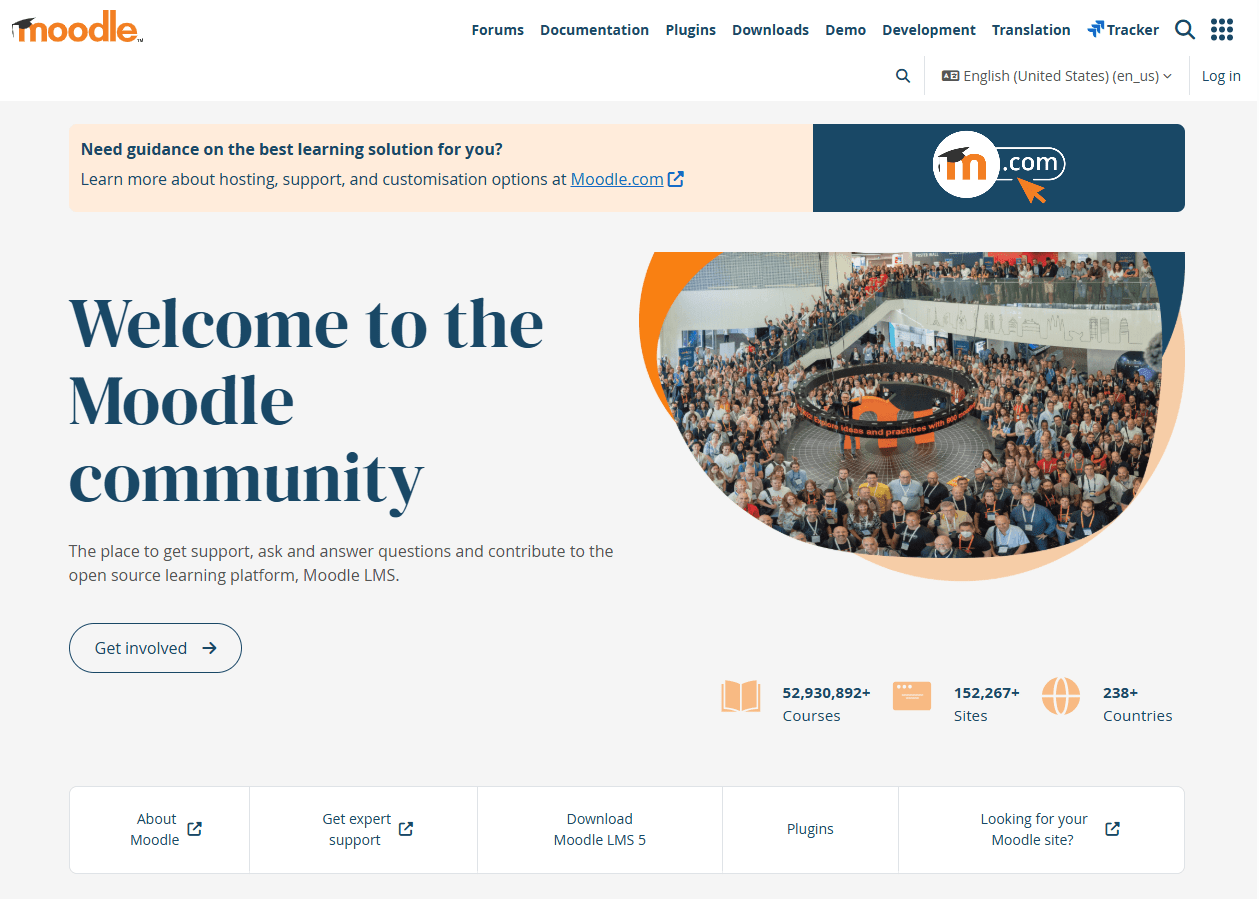
Moodle is an open-source learning management system (LMS). Because Moodle is open source, you keep control over your data, security, and extensions; that’s one big reason it shows up in RFPs where control and longevity really matter.
From there, you’ve got options. You can self-host and customize every corner, or, if you’d rather skip servers, go with MoodleCloud for a ready-to-run setup on Moodle’s own infrastructure. And if you’re running training at a company scale, there’s Moodle Workplace: the enterprise edition built for employers instead of schools. It adds things like multi-tenancy, programs, certifications, automation, and reporting.
Now, if you plan to tune an LMS to your processes, Moodle’s ecosystem helps a lot. The official directory has well over two thousand community plugins and keeps growing, and covers enrollment, reporting, content types, and integrations. On standards, Moodle supports SCORM 1.2 and AICC out of the box, while xAPI and cmi5 are available through community and vendor plugins.
The mobile app is built for online and offline study, with clear guidance on what works without a connection. For example, learners can download SCORM and H5P packages, use the SCORM player offline, and sync progress when they’re back online. That clarity reduces rollout surprises.
Key Features
- Open-source and fully customizable: As an open-source platform, you have complete access to the code, allowing for deep customization of functionality and appearance.
- Massive plugin ecosystem: A vast library of community-contributed plugins allows you to extend the platform's capabilities to meet almost any learning requirement.
- Strong community support: Benefits from a large, active global community of users and developers who provide peer-to-peer support through forums and documentation.
Pros
- You can modify and adapt the platform to fit your exact specifications and workflows.
- The core software is free to download and use, which significantly lowers initial costs.
- Scalability and Control: You control the hosting environment, giving you full authority over data, security, and scalability.
Cons
- Requires in-house or outsourced technical knowledge for installation, maintenance, updates, and troubleshooting.
- xAPI and cmi5 typically require extra components rather than native core features.
Pricing
The Moodle software itself is free. However, you must budget for Moodle pricing, which includes hosting (ranging from a few dollars to thousands per month depending on scale), administration, and potential customization or support fees if you choose to work with a Moodle Partner. MoodleCloud, the official hosted option, runs from about $170 per year for 50 users up to about $2,140 per year for 750 users, and no longer offers a permanent free plan.
Ideal Use Case
Best for educational institutions or organizations with strong in-house IT teams that require a highly customizable, powerful, and scalable learning platform and are prepared to manage the technical overhead.
6. LearnDash
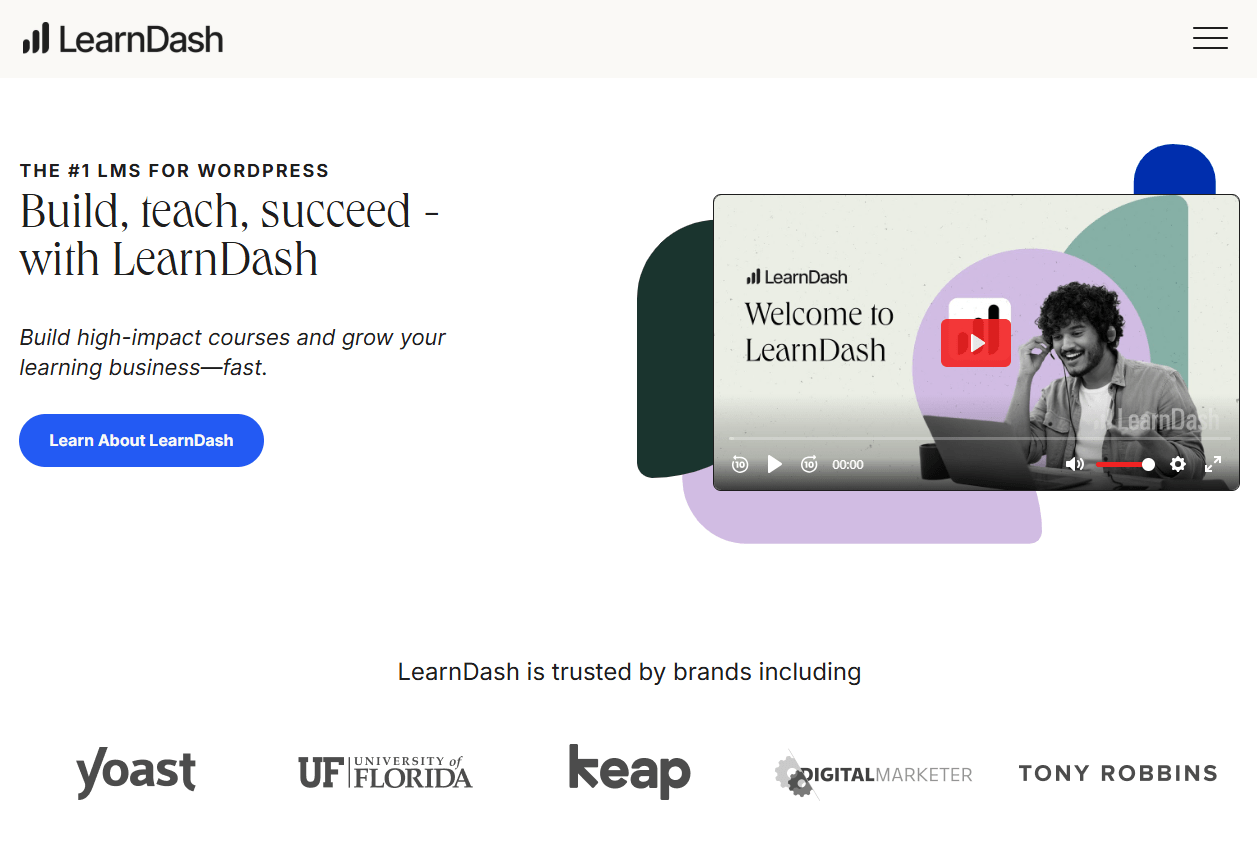
LearnDash is a WordPress-based LMS you install on your own site and brand as you like. LearnDash restructured its pricing in 2026: instead of licensing by the number of WordPress sites, it now sells three annual plans that differ by features. Its hosted option, formerly LearnDash Cloud, was rebranded as StellarSites Learning and is now sold separately through Liquid Web as a managed WordPress hosting bundle rather than as a LearnDash plan.
You get a clean drag-and-drop course builder, solid quizzing, certificates, and built-in ecommerce via Stripe or WooCommerce. Reporting through ProPanel is now included in the Pro plan rather than sold as a separate add-on.
If you sell to organizations, Groups Management, which enables seat bundles, group leader dashboards, and bulk enrollment, is included in the Elite plan. The Gradebook and Notes add-ons are now bundled into Pro, and MemberDash membership features are built into every plan. For smaller teams, that focused stack can feel lighter than a general-purpose LMS like Moodle.
Because LearnDash is a WordPress plugin, scale, performance, and security depend on your hosting and setup, unless you choose Cloud, where caching and backups are handled. Support for SCORM and xAPI comes via paid third-party add-ons, which work for many course businesses but differ from platforms that include those standards natively.
Key Features
- WordPress Integration: Natively operates within the WordPress ecosystem, allowing you to leverage a vast number of themes and plugins.
- Drag-and-drop course builder: An intuitive interface for structuring courses, lessons, topics, and quizzes.
- Advanced quizzing capabilities: Offers eight different question types, custom messages, question banks, and flexible display options.
Pros
- You own your site, your data, and your branding, with no platform-imposed transaction fees on course sales.
- The power of the WordPress ecosystem gives you endless possibilities for design and functionality through themes and plugins.
- The annual license fee is significantly lower than the monthly per-user fees of most hosted LMS platforms.
Cons
- You are responsible for hosting, security, backups, and managing all software updates and potential plugin conflicts.
- Requires a hands-on approach and a certain level of technical comfort with the WordPress environment.
Pricing
LearnDash Pricing is based on an annual license model with three feature-based tiers:
- Essentials: $259 per year. Core LMS, unlimited courses and learners, quizzes, drip, assignments, certificates, and built-in memberships.
- Pro: $399 per year. Adds ProPanel reporting and analytics, enrollment tracking, weighted grading, and student notes.
- Elite: $599 per year. Adds group course management and seat-based selling to organizations, an instructor role with front-end course creation, and ratings and reviews.
Every plan includes unlimited courses and learners with no per-student or transaction fees, and none include web hosting. LearnDash offers a free 48-hour demo and a 30-day money-back guarantee on an initial purchase.
Ideal Use Case
Ideal for entrepreneurs, subject matter experts, and training organizations that want to create and sell online courses directly from their own WordPress website.
7. Absorb LMS
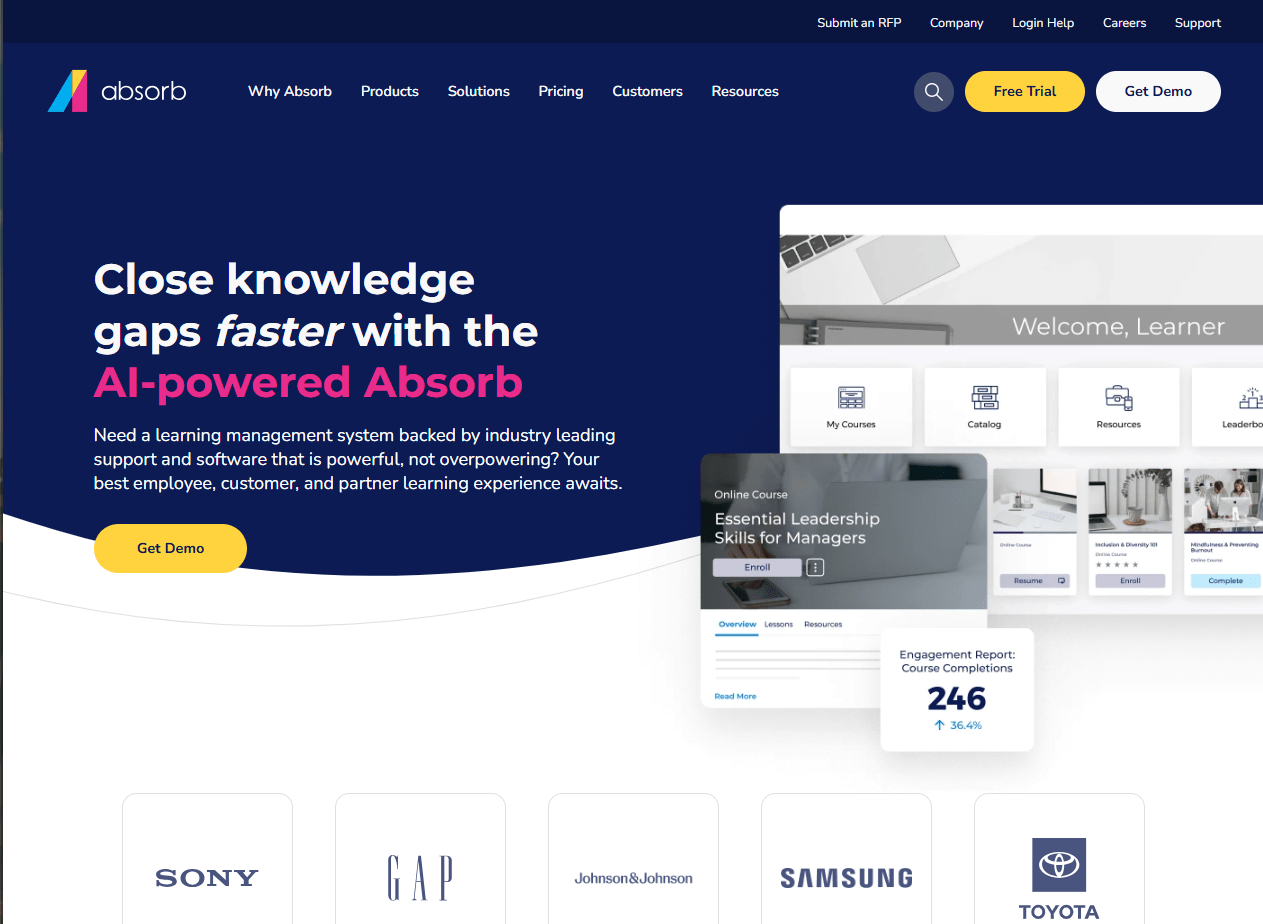
Absorb is an enterprise LMS geared for extended enterprise, compliance, and training-as-a-business. From the start, you get the core LMS plus optional pieces: Absorb Create for authoring, Absorb Analyze for BI-grade reporting, and Absorb Infuse for headless delivery inside other apps.
There’s also built-in e-commerce for selling courses, along with third-party content libraries, so your academy isn’t starting from zero. And if you serve employees, customers, and partners, the multi-portal model gives each audience its own branded space and rules.
In day-to-day use, it feels turnkey and ready for scale. Reporting goes beyond basic exports with Analyze, which lets you build custom, near-real-time dashboards on LMS data. Meanwhile, the Salesforce Connector puts learning in front of reps and customers without leaving CRM; there’s a published AppExchange app to back that up.
Where Absorb stands apart from WordPress plugins like LearnDash, or open platforms like Moodle, is its multi-audience delivery and monetization. Multi-portal administration keeps catalogs and branding cleanly separated under one roof. E-commerce handles global sales with discounts, bundles, and coupons, and it’s native rather than bolted on.
Key Features
- Absorb Intelligence: A suite of AI-powered features that automates administrative tasks, enhances reporting, and improves the learner experience.
- E-commerce functionality: Built-in tools to sell your courses directly, complete with a public-facing course catalog, shopping cart, and payment gateway integrations.
- Advanced reporting and analytics: Powerful, customizable reporting dashboards that provide deep insights into learner activity and training impact.
Pros
- The AI features save administrators a significant amount of time and effort on routine tasks.
- Strong multi-audience architecture and governance with branded portals.
- Well-suited for a variety of use cases, including employee development, customer training, and partner certification.
Cons
- It is one of the more expensive LMS options, which may put it out of reach for small businesses or those with limited budgets.
- The sheer number of features and configuration options can be overwhelming for new administrators.
Pricing
Pricing is available upon request and is customized based on the number of active users and the specific features required.
Ideal Use Case
Best for mid-sized to large enterprises that need a visually compelling, intelligent, and scalable learning platform to deliver a nice training experience to employees, customers, or partners.
8. 360Learning
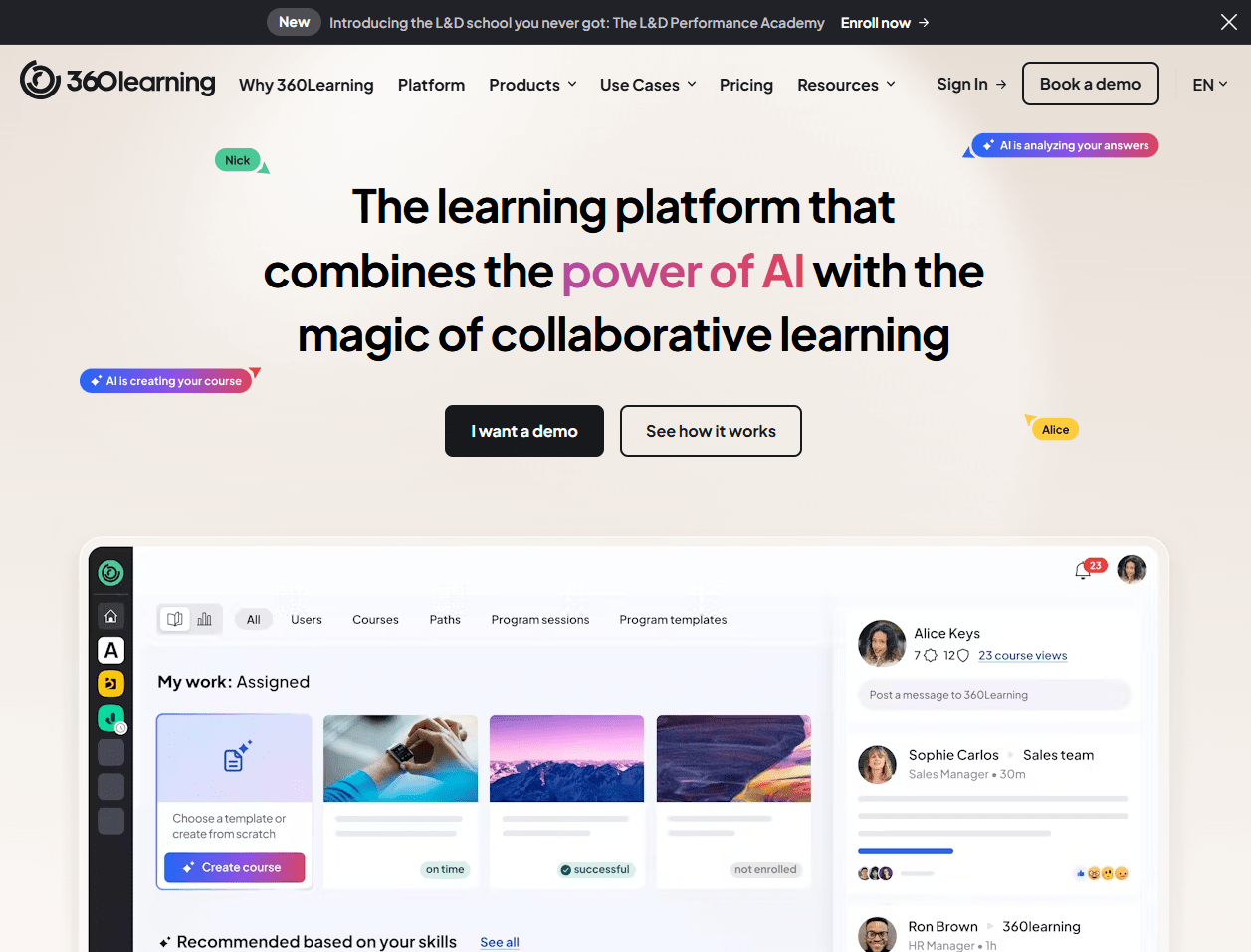
360Learning is a collaborative learning platform built to help teams create and share courses together, fast. The built-in authoring tools are intuitive and video-centric, designed for speed and relevance over polished, SCORM-compliant perfection.
Arguably, the platform’s appeal is speed and simplicity. You write courses right in the browser, co-author with teammates, and use reactions and comments to improve content quickly. For an administrator or L&D professional, adopting 360Learning requires a shift in mindset from being a "content creator" to a "learning facilitator." An expert can quickly record a short video, add a few quiz questions, and publish a course in under an hour.
You can import SCORM 1.2 and 2004, play SCORM on mobile, download SCORM source files, and even run cmi5 content. Plus, the mobile app supports downloading courses and learning paths for offline use, then syncs progress when you’re back online.
On integrations, you get HRIS user sync, SSO, magic-link enrollment, and a Salesforce integration to tie training to revenue programs. That is handy for onboarding, enablement, and distributed teams.
Key Features
- Collaborative authoring tools: An intuitive, built-in authoring tool that allows any employee to easily create and co-author courses.
- Peer feedback and relevance score: Integrated feedback loops, Q&A sections, and upvoting systems allow learners to improve content and highlight the most relevant information.
- Workflow integrations: Deep integrations with tools like Slack, Microsoft Teams, and Salesforce to embed learning directly into the flow of work.
Pros
- Fast course creation with built-in collaboration reduces dependency on separate authoring tools.
- Solid offline mobile learning that keeps field teams progressing without connectivity.
- Allows for the fast development and deployment of timely, relevant training content directly from SMEs.
Cons
- The decentralized model requires strong governance to ensure that user-generated content is accurate, consistent, and well-produced.
- May not be a good fit for very traditional, top-down organizations that are resistant to a more democratized approach to L&D.
Pricing
360Learning offers a Team plan that starts at $8 per user per month for up to 100 users. For larger organizations, they offer a Business plan with custom pricing available upon request. They also provide a free trial.
Ideal Use Case
Best for fast-growing, innovative companies that want to build a collaborative learning culture by empowering their internal experts to quickly create and share knowledge.
9. SAP Litmos
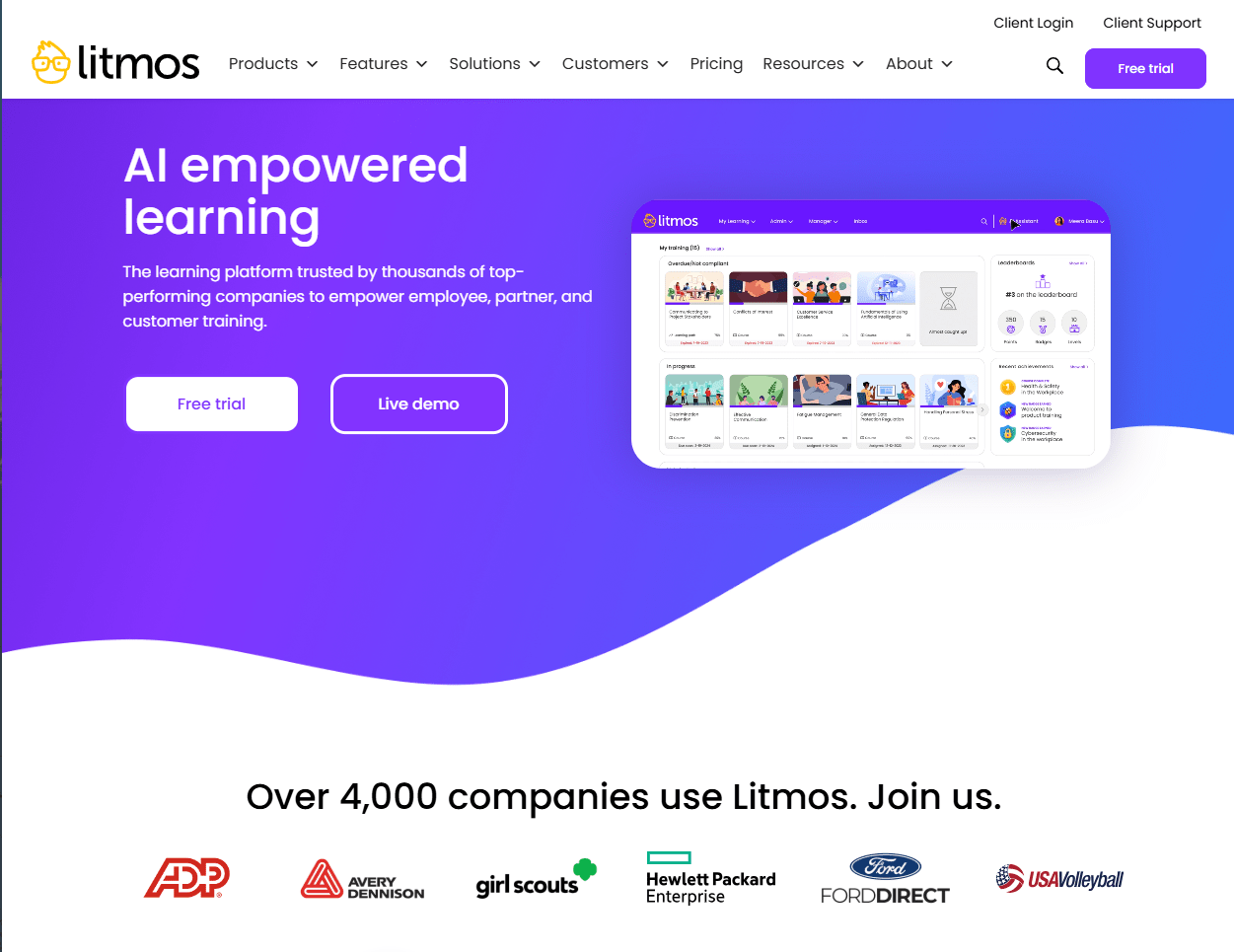
SAP Litmos is a commercial LMS built for quick rollout, strong enterprise integrations, and running training like a business.
It delivers self-paced, ILT, and vILT courses, plus Litmos Training Content along with an off-the-shelf library you can launch on day one. The feature set leans into ease of use, automation, and reporting, with an AI layer that now helps build playlists and summaries.
You also get integrations with Salesforce and popular webinar tools, plus a Salesforce connector to keep learning inside the CRM. Global needs are handled with multilingual delivery, localized ecommerce, and multi-account setups so you can spin up branded sub-domains under one subscription. For monetization, Litmos Commerce supports subscriptions, discounts, tax handling, and payment options like Stripe, PayPal, and Shopify.
If you need deep headless delivery inside another app, Absorb Infuse or Docebo’s headless options are more explicit; Litmos favors a full-platform approach with connectors.
Key Features
- Integrated content library: Offers an extensive, continuously updated library of thousands of off-the-shelf video courses on a wide array of business topics.
- Robust reporting and dashboards: Provides a suite of built-in reports and customizable dashboards to track learner progress and training effectiveness.
- Salesforce integration: Features a powerful, native integration with Salesforce that allows for training to be managed and tracked directly within the CRM.
Pros
- Global delivery features (languages, localization, mobile offline) suited to distributed teams and external audiences.
- Mature CRM and payment integrations, plus first-party eCommerce, reduce custom build work for academies.
- Fast, admin-friendly rollout with a large off-the-shelf content library to seed programs.
Cons
- The user interface, while functional, is not as modern or visually engaging as some newer competitors.
- Some capabilities, like multi-account, are packaged as add-ons, which can increase total cost and complexity.
- Reporting flexibility is the most common criticism in user reviews, with several noting that tailoring reports to specific business needs is harder than expected.
Pricing
SAP Litmos provides custom pricing upon request, based on the number of users and the specific package selected.
Ideal Use Case
Best for organizations of any size that need a user-friendly, all-in-one platform to quickly deploy a mix of custom and pre-built training content for employees, sales, or customer service.
10. Google Classroom
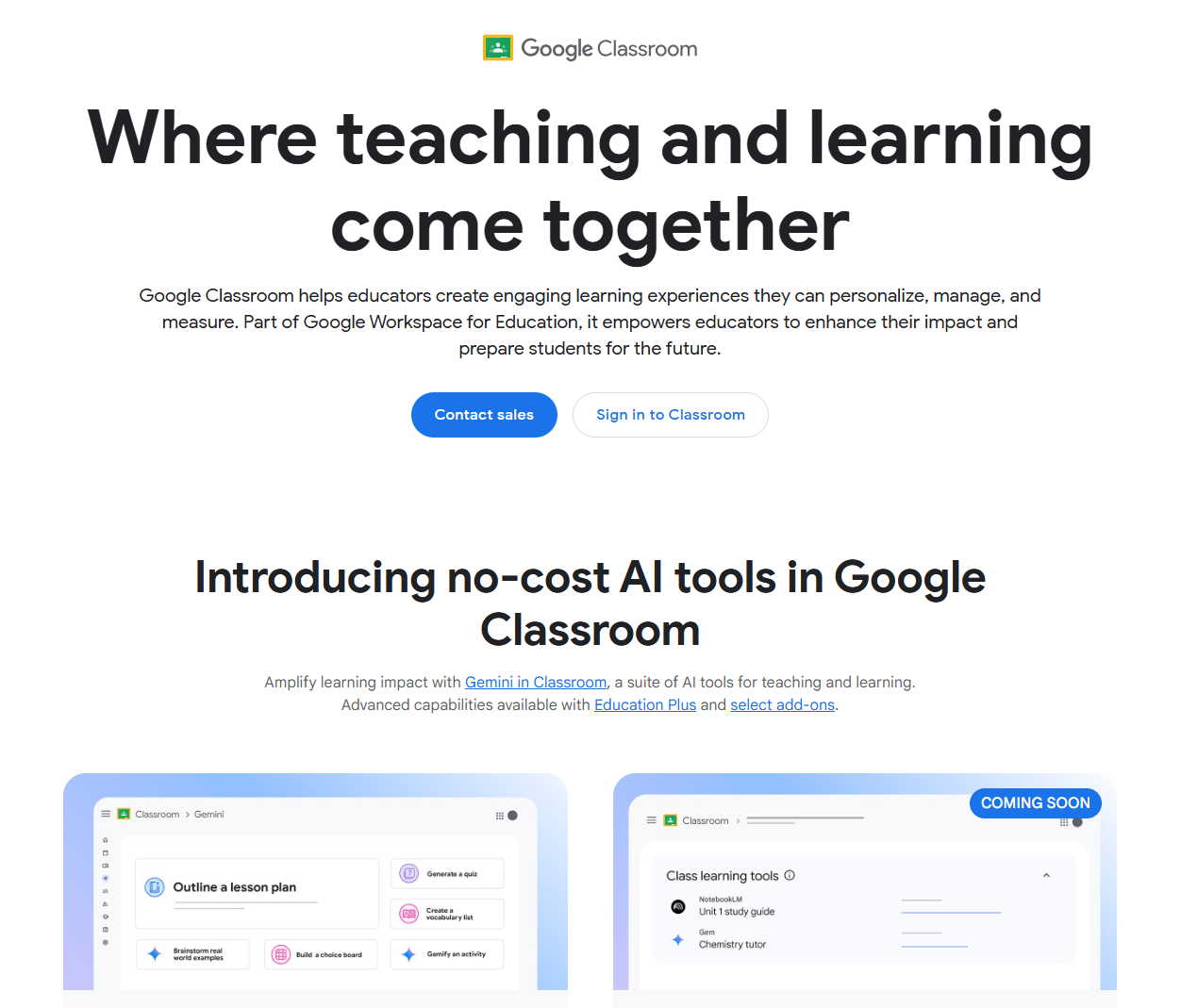
Google Classroom is a learning platform built into Google Workspace for Education. It is not a standalone corporate LMS and is more suited to academic environments. But it can be used for simple employee training and assessments.
The Classroom handles assignments, grading, and communication smoothly. You can build practice sets, use rubric-based grading, drop interactive questions into YouTube videos, and run originality reports (with peer-match at higher tiers).
Meanwhile, admins get audit logs and Classroom analytics to track adoption and completion, plus BigQuery export in Education Standard or Plus for deeper analysis. Rostering and grade sync ride on OneRoster-compliant SIS integrations, which Google continues to expand.
Enterprise LMS needs precision in standards and extensibility. Classroom doesn’t natively play or track SCORM or xAPI, so you won’t get SCORM-style attempt tracking inside Classroom.
You can link out or host packages elsewhere, and developers can tap the Classroom API and Add-ons, but the platform remains school-first, not a multi-tenant, eCommerce LMS. That’s why, in corporate RFPs, Classroom usually sits alongside an LMS or supports programs that don’t rely on SCORM tracking.
Key Features
- Google Workspace integration: Natively connects with Google Drive, Docs, Sheets, Slides, Calendar, and Meet for a unified workflow.
- Assignment management: A simple and effective system for creating, distributing, collecting, and grading employee assignments.
- Paperless workflow: Enables a completely digital process from assignment distribution to submission and grading.
Pros
- Available at no cost for schools via Google Workspace for Education and for any individual with a standard Google account.
- The intuitive, clean interface makes it incredibly simple for both instructors and learners to learn and use effectively.
- Clear SIS integration path with roster and grade sync that reduces manual data work.
Cons
- No native SCORM or xAPI support, which limits use as a compliance LMS for businesses.
- eCommerce, multi-tenant governance, and deep certification workflows are outside the product’s scope; you need other tools for those needs.
- The free Fundamentals edition is limited to qualifying educational institutions, so most businesses cannot use it as a free corporate training tool.
Pricing
Google Classroom is free. It is included as a core service in the free Google Workspace for Education Fundamentals and is also available to anyone with a personal Google account. Paid editions add security analytics and advanced teaching tools: Education Standard starts at around $3 per user per year and Education Plus at around $6 per user per year, both bought through authorized Google partners.
Ideal Use Case
Best for instructors and institutions looking for a free, simple, and effective tool to manage employee training workflow, assignments, and communication within the Google ecosystem.
Too Many Tabs Open? A Quick Summary of All the Options
We have covered a lot of ground. Docebo, LearnUpon, TalentLMS, Moodle, LearnDash, Absorb, Google Classroom, 360Learning, SAP Litmos, and FreshLearn.
If your head is spinning, that is normal. Each one is good at something different, and that is exactly why the choice feels messy.
Here is the simple takeaway. Start from your reality, not the feature list. If your priority is strict compliance tracking, deep multi-portal governance, or tight Salesforce workflows, tools like Docebo, Absorb, or 360Learning rise quickly.
If you need full control of your own stack, Moodle and LearnDash make sense. If you want transparent pricing and a friendly launch for smaller teams, TalentLMS is a safe pick.
If you want the best blend for employee training in a lightweight setup — something that gives you fast course building, built-in email and checkout, certificates, analytics, and the option for branded mobile apps — FreshLearn is the easiest way to get most of what matters without assembling five vendors.
FreshLearn covers the day-to-day learning flow well and removes extra tools that slow teams down. If you later add heavy compliance or need hard walls between many client groups, you can layer in a standards-first LMS or move that slice of your program to a platform built for it. For many companies, FreshLearn gets you live quickly, proves impact, and buys time to decide how far you truly need to go.
FAQs
1. What is the difference between an LMS and an LXP?
An LMS manages the delivery and tracking of training. You assign courses, set due dates, handle compliance, and pull reports. An LXP focuses on discovery and curation, so people find content based on skills and interests.
Many modern platforms blend both ideas. If your priority is audits, certifications, and manager-level reporting, start from the LMS side. If your priority is peer-created content and exploration, look for LXP-style features, like recommendations, playlists, and social feedback.
2. Do I need SCORM or cmi5 support?
Use standards when you buy content libraries, migrate from another system, or need detailed attempt tracking across tools. SCORM is widely supported and fine for web courses.
cmi5 is newer and sits on xAPI, so it can capture richer data and works better for app-based or offline use.
If your training is mostly videos, quizzes, and quick micro lessons you create on the platform, built-in authoring may be enough. If compliance and portability matter, ask for SCORM 1.2 or 2004, and if cmi5 is on the roadmap.
3. We are a small team that needs to launch fast and sell courses. What should we look for?
You want a platform that removes extra vendors. Prioritize native checkout, coupons, bundles, simple email campaigns, certificates, and clean analytics.
This is where FreshLearn fits well. It combines course building, payments, and built-in email, so you can go live without stacking plugins or separate email tools. It also supports SCORM 1.2 and 2004 packages, so bringing across purchased or legacy compliance content is not a blocker. If you do not need cmi5, xAPI-level activity data, or heavy multi-tenant governance, that simplicity saves time and budget.
4. How do I prove ROI from employee training?
Decide on a few business metrics before rollout and wire them into your reports. Here's a good starter set:
- Compliance on time rate by site and role
- Time to proficiency for new hires in key roles
- Assessment improvement between the first and last attempt
- Enablement metrics tied to job outcomes, for example, ticket resolution time or sales ramp
- Content health, for example, modules with high drop-off or repeat failures
Share a simple dashboard with leaders and review monthly. Retire content that does not move the needle and double down on the pieces that correlate with better outcomes.
5. How do I reach frontline or field teams who do not sit at a desk?
Pick a platform that offers a real mobile app, offline access with progress sync, push reminders, and short lesson formats. Keep modules under ten minutes, add quick checks for understanding, and schedule nudges, so people do not forget the next step. If you also sell training or run communities around your programs, FreshLearn is worth a look here too, as it offers branded mobile apps on higher plans, plus built-in email reminders, which help keep learners engaged between shifts.
6. Which of these platforms actually publish their pricing?
Only four. FreshLearn publishes self-serve plans from a free tier up to $149 per month. TalentLMS publishes user-band pricing from $119 per month billed yearly. 360Learning publishes $8 per user per month for its Team plan. LearnDash publishes annual licences from $259 per year. Docebo, LearnUpon, Absorb, and SAP Litmos are all quote-only, and Moodle's software is free, but its real cost depends entirely on hosting and administration. If predictable budgeting matters to your procurement process, that split is worth knowing before you book four demos.
7. What should I budget for beyond the licence fee?
Four things consistently surprise buyers. First, content: several platforms here, including LearnUpon and Absorb, expect you to create or license your own courses, so budget for instructional design time or a content library. Second, implementation: enterprise platforms often need weeks of configuration and internal admin hours that no quote includes. Third, hosting: Moodle and LearnDash both exclude it entirely. Fourth, tier gating: features you assume are standard, such as Docebo's advanced analytics or its branded mobile app, are exclusive to its top tier and cannot be added on.
You might also like
Hosted by