9 Online Learning Platforms for Individual Course Creators

Last updated: August 21, 2026
Quick Answer
The right online learning platform depends on your business model and technical comfort level: FreshLearn, Kajabi, Podia, and Teachable are all-in-one creator platforms that need no coding; Thinkific and LearnWorlds are course-first platforms with deeper interactivity and B2B options; LearnDash is a WordPress LMS for those who want full control; and Udemy and Skillshare are marketplaces built for reach rather than a fully branded school. Pricing spans $0 (FreshLearn's free plan) to $499/month (Kajabi Pro) among the creator-focused platforms. FreshLearn is the only platform in this list combining unlimited products, 0% transaction fees, and native AI course-building tools starting at $41/month. (Coursera, edX, and LinkedIn Learning aren't featured here since none accept content from individual creators; see the note below.)
Key Takeaways
- FreshLearn's Pro plan starts at $41/month billed annually, with 0% platform transaction fees on every tier, including the free plan.
- Thinkific raised prices roughly 10% effective August 13, 2026: Basic now costs $40/month billed annually (was $36), Start $82/month (was $74), Grow $164/month (was $149).
- Podia relaunched in June 2026 with higher prices and a new third tier: Mover now costs $42/month billed annually (was $33), Shaker $84/month (was $75), and a new Earthquaker tier costs $150/month; Mover and Shaker also gained product and video caps that didn't previously exist.
- Kajabi's Basic plan starts at $143/month billed annually; its previously advertised $71/month Kickstarter plan was removed from the public pricing page in January 2026 and now surfaces only through trials or direct sales contact, typically at $89/month.
- LearnDash's hosted offering was rebranded from LearnDash Cloud (Starter/Growth/Pro) to StellarSites Learning (Essential/Plus/Ultimate) at the same price points; the self-hosted plugin pricing is unchanged at $199 to $799 per year depending on site count.
As a creator, choosing a platform is harder than it should be. You want to teach, not fiddle with plugins or figure out how to get your lesson online. One tool promises beautiful lessons, another brags about funnels, and a third says it’s community first.
All the while, you just need a place where your content looks good, your students feel at home, and your workflow doesn’t fall apart.
There are a lot of worries behind the decision, too.
You have to migrate from what you use now; there’s fear of losing data or SEO, hitting feature limits a month after launch, or discovering that all-in-one still means many separate logins. Pricing pages don’t help. Neither do vague feature names.
This article cuts through all that. We’ve picked the best learning platforms for you with a selection from all-in-one creator platforms, course-first tools, WordPress LMS options, and big marketplaces.
So, let’s get started.
Before You Compare: 5 Key Decisions to Make
Choosing a learning platform is without a doubt … overwhelming. With so many options, it’s easy to get lost in comparing long lists of features. Before you dive into reviews, take a step back. The best platform for you depends entirely on your specific needs.
Answering these five questions first will give you a clear roadmap, so let’s begin.
1. What is your business model?
This is the most important question you need to answer. How you plan to make money will determine which platform features are best suited for you.
- Selling single courses: Are you planning to sell courses that are not bundled? If so, you'll need a platform that makes it easy to create a beautiful sales page for each course and securely process payments.
- Recurring memberships: Is your goal to build a community with ongoing content for a monthly or yearly fee? You’ll need a platform with strong membership management tools that can handle recurring billing and control access to content for different membership levels.
- Coaching programs: Do you offer high-touch coaching that includes one-on-one sessions and personalized resources? Look for platforms that integrate with scheduling tools (like Calendly) and offer a private, secure space for each client.
- A mix of everything: Many creators sell a combination of products. If this is you, you need a flexible platform that can handle different product types.
A platform built for simple course sales might not have the robust recurring billing features needed for a membership site. Figuring out your model first prevents you from choosing a platform you’ll outgrow in six months.
If your strategy involves high-ticket certifications or bulk seat licenses, selecting an LMS for high-volume education is critical to maintaining healthy profit margins at scale.
2. What is your technical skill level?
Be honest with yourself here. Are you comfortable tinkering with settings, or does the thought of technical jargon make you want to run?
If you want something that just works right out of the box, you need an all-in-one solution (like FreshLearn, Kajabi, or Teachable). These platforms handle all the technical stuff so you can focus entirely on creating content and connecting with your students.
If you already have a WordPress website and don't mind managing plugins and settings, a WordPress plugin (like LearnDash) could be a great fit. This option gives you complete control and flexibility over the look and feel of your school.
Don't pick a complex system you'll have to fight with just because it has more features.
Side note: Modern creators aren't just making content; they are building complex software solutions based on years of industry expertise. This path of building a startup from a developer's perspective highlights the value of deep technical knowledge.
3. What marketing and sales tools do you need?
Your online school won't sell itself. Think about how you plan to attract and convert students.
Do you want one place to manage your entire business? Some platforms are true all-in-ones, with built-in email marketing, blog creation, sales funnel builders, and even affiliate management programs. This is incredibly convenient but can sometimes be less powerful than specialized tools.
Do you already use and love an email marketing service like Mailchimp, ConvertKit, or ActiveCampaign? If so, you don't need a platform with built-in email. Instead, you need to make sure the platform integrates with the tools you already use.
As your business grows, the biggest bottleneck is often "tool sprawl." You can maintain high margins by choosing a system designed for tech stack consolidation for solo creators.
4. What kind of student experience do you want to create?
Think about what you want your students to feel and do inside your courses. The learning environment you create is key to their success and your reputation.
- Simple and straightforward: Is your content mainly video and text lessons? Most platforms handle this well.
- Interactive and engaging: Do you want to keep students motivated with quizzes, assignments, and official certificates upon completion? Look for platforms with strong assessment tools and certificate generators.
- Community-focused: Do you want your students to connect with each other? If so, you’ll need a platform with a built-in community forum or discussion area.
- Live and personal: Is hosting live Q&A sessions or group coaching calls part of your plan? Make sure the platform has a feature for live sessions or integrates seamlessly with tools like Zoom.
5. How does the pricing work?
Don't just look at the monthly price tag. The true cost of a platform depends on its pricing model and your sales volume. There are generally two types:
- Higher Monthly Fee, Zero Transaction Fees: Platforms like Thinkific (on its paid plans, in primary markets) and FreshLearn charge a set monthly or annual fee. They do not take a cut of your sales. This model is often better if you plan to sell a high volume of courses, as your costs are predictable. Worth checking either way: some platforms in this category still charge a penalty fee (commonly 1% to 5%) if you route payments through your own Stripe account instead of their native payment processor, so "zero transaction fees" can come with a condition attached.
- Lower Monthly Fee, Plus Transaction Fees: Other platforms (often on their free or basic plans) charge a lower monthly fee but take a percentage (e.g., 5-10%) of every sale you make. This can be a great way to start with low upfront costs, but as your revenue grows, these fees can add up to a significant amount.
Now that you know what to look for, let us look at the platforms themselves.
A note on three platforms we didn't feature as full entries: Coursera, edX, and LinkedIn Learning. All three are excellent for taking courses, but none of them work as a place for an individual creator to publish and sell their own. Coursera and edX both require an institutional or corporate partnership to add content; there's no self-serve creator signup. LinkedIn Learning sources its catalog from its own instructor partnerships rather than open submissions. Since this guide is specifically for creators deciding where to build and sell, we've left full write-ups out and cover the "why" in the FAQ below instead. If you're a solo creator without an institutional partner, the realistic path is to launch and prove demand on a creator-friendly platform first (FreshLearn, Kajabi, Thinkific, or Udemy's open marketplace), then use that track record to approach an institution later if it makes sense.
9 Best Online Learning Platforms of 2026
Before we dive into the specifics of each tool, here's a bird's-eye view of all the contenders. Pricing throughout this guide reflects each platform's own site, checked in August 2026.
1. FreshLearn
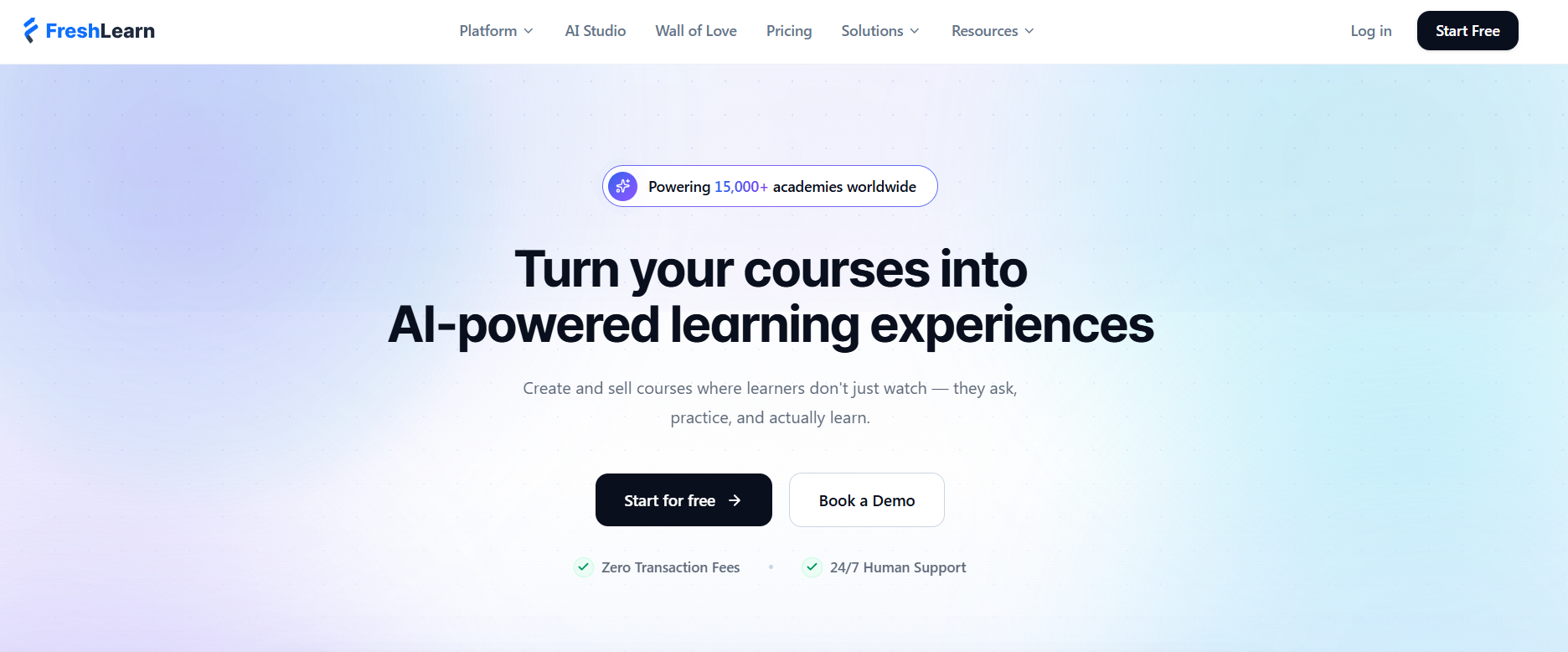
FreshLearn is an all-in-one creator platform that lets you build and sell online courses, live cohorts and workshops, communities, memberships, and digital downloads, and you can run your website, blog, email campaigns, and checkout from the same place.
You get core learning tools, including quizzes, assignments, certificates, and drip campaigns, as well as growth tools like coupons, referrals, and bundles, all within a single platform, without needing separate apps. It’s built to help you launch fast, grow steadily, and keep everything under your brand, including optional white-label mobile apps for learners.
For health and fitness creators specifically, FreshLearn also delivers a white-labeled mobile app with DRM-protected workout video hosting and offline access — making it the only platform in this list that covers both course delivery and a branded student app natively. For technical trainers, FreshLearn's drip-based coding curriculum with gated assessments makes it one of the few creator platforms capable of running a rigorous certification prep program.
Talk to any creator switching over, and you’ll hear the same themes: setup is straightforward, support is responsive, and the product keeps shipping new features. You can easily create courses and live cohorts, add a community space with gamification, and sell everything through a modern checkout that supports coupons and referrals. The platform handles the hosting, security, and uptime so you can spend your time teaching instead of troubleshooting.
A big plus here is AI. FreshLearn’s AI Agents help with idea validation, course outlines, quiz generation, video captions, and more. They are really useful when you’re staring at a blank page or want to speed up production without lowering the quality bar.
For coaches specifically, platform choice and business model design are inseparable — if the goal is to grow a coaching business past the 1:1 revenue ceiling, you need a platform with native cohort delivery, peer community, and recurring billing, not just a standalone course builder.
If you want to go mobile-first, you can, and on higher plans, you can even white-label the app so learners see your brand on their phones. For businesses and larger schools, there’s an Enterprise tier with SSO, advanced access controls, SCORM, and deep reporting.
FreshLearn is also being adopted by SaaS product teams who need to run a video-based product academy to onboard customers, drive feature adoption, and reduce early-stage churn — without building a separate LMS or adding headcount to the CS team.
The bottom line is that FreshLearn lets you start as a solo creator and keep scaling without jumping platforms.
What’s unique about FreshLearn
- True all-in-one for creators: Courses, cohorts, workshops, communities, memberships, downloads, website/blog, email, automations, and checkout on one dashboard, with 0% platform transaction fees.
- Helpful AI features: Built-in AI tools to validate ideas, draft outlines, create quizzes, and speed up content and marketing assets.
- Mobile-friendly: Learner apps for iOS and Android, with a white-label option on higher tiers to keep everything on brand.
- Scale to B2B: Enterprise adds SSO, roles, SCORM, custom reports, and API access
Best features
- AI Course Idea Validator: Check demand and audience fit before you build, so you don’t waste months on the wrong topic.
- AI Agents for creation: Generate course outlines, quizzes, captions, and blog drafts in minutes to speed up production.
- Cohort-based courses: Run live classes, layer in quizzes and community, and track progress in one place.
- Communities with gamification: Create member spaces, award points and badges, and keep learners engaged between lessons.
- Assessments and assignments: Question banks, shuffling, scoring, submissions, and pass criteria for serious evaluation.
- Completion certificates: Design branded certificates and send them automatically when students finish.
- Modern checkout and promos: Coupons, referrals, bundles, and built-in sales pages to boost conversions and AOV.
- Website and blogging CMS: Host your site and content natively without an extra CMS.
Pros
- Intuitive and easy to use, even for beginners with no coding or design skills.
- Creator-friendly pricing and 0% platform fees let you keep more of what you earn while scaling products and enrollments.
- Excellent support and free migrations on eligible annual plans.
Cons
- Some users have reported occasional technical dependency issues.
- Advanced customization (API, roles, deep automations) is only available on higher tiers.
Pricing
- Free: $0/month billed annually (starter limits; good for testing)
- Pro: $41/month billed annually
- No Brainer: $59/month billed annually
- No Brainer+: $119/month billed annually
- Enterprise: $249/month billed annually + $0.50 per registered learner.
2. Kajabi
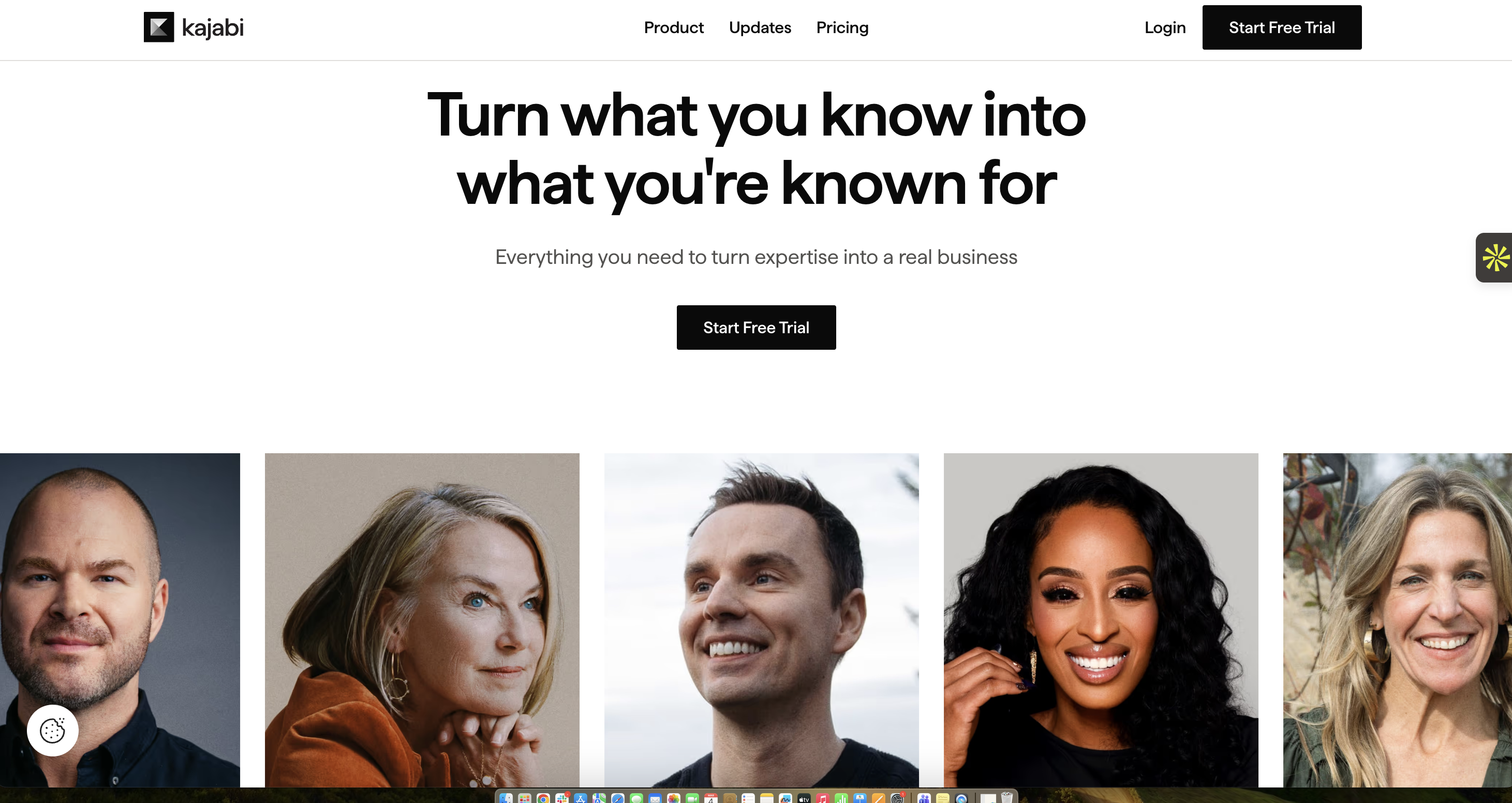
Kajabi is an all-in-one platform for creators and entrepreneurs to build, market, and sell digital content, such as online courses and membership sites, from a single dashboard. With Kajabi, you create course content, publish landing pages, send emails, build funnels, take payments, and even run a newsletter without the back and forth of multiple apps.
That “everything in one place” idea is the draw. You don’t have to be a developer to get started, and you won’t spend your day in Zapier trying to make tools behave.
Beyond courses, Kajabi supports coaching programs, podcasts, memberships, communities, newsletters, and digital downloads. The website builder is visual and straightforward, so you can create pages quickly, and funnels and automations let you map the path from a new visitor to a happy, paying member. Email tools sit right beside your products, so tagging and segmenting your audience happen naturally. There are also built-in payments, so you can manage subscriptions and invoices right from your dashboard.
The mobile experience is a standout differentiator. Kajabi offers a branded mobile app option so your learners can watch lessons or engage with your community on the go under your own brand. If you care about a polished, end-to-end experience, from website to checkout to mobile access, that’s where Kajabi shines. And because the company ships frequent updates, you’re buying into a platform that’s still growing.
Best features
- Funnels and Automations: Build ready-made sequences that turn visitors into customers without manual busywork.
- Branded Mobile App: Give learners a white-labeled app experience for on-the-go access.
- All-in-one Email: Send broadcasts and automations that live next to your products and audience tags.
- Built-in Payments: Accept payments, manage subscriptions, and send invoices inside Kajabi.
- Communities: Create member spaces that feel like a private social network for your learners.
Pros
- Easily integrates with building tools, including website building, course creation, email marketing, and sales funnels, which simplifies the technical aspects of running an online business.
- Comes with an intuitive and easy-to-use interface; creators can build and manage their content without needing technical expertise.
- Offers robust customer support, including live chat and email assistance, and has an active user community.
Cons
- Feature depth means a learning curve; you'll need a bit of time to explore automations and funnels.
- Lower-tier product or contact limits can require plan upgrades as you grow.
- The templates can feel limiting if you want pixel-perfect custom builds.
- Kickstarter, which used to be Kajabi's cheapest entry point, is no longer there.
Pricing
- Basic: $143/month billed annually
- Growth: $199/month billed annually
- Pro: $399/month billed annually
3. Podia
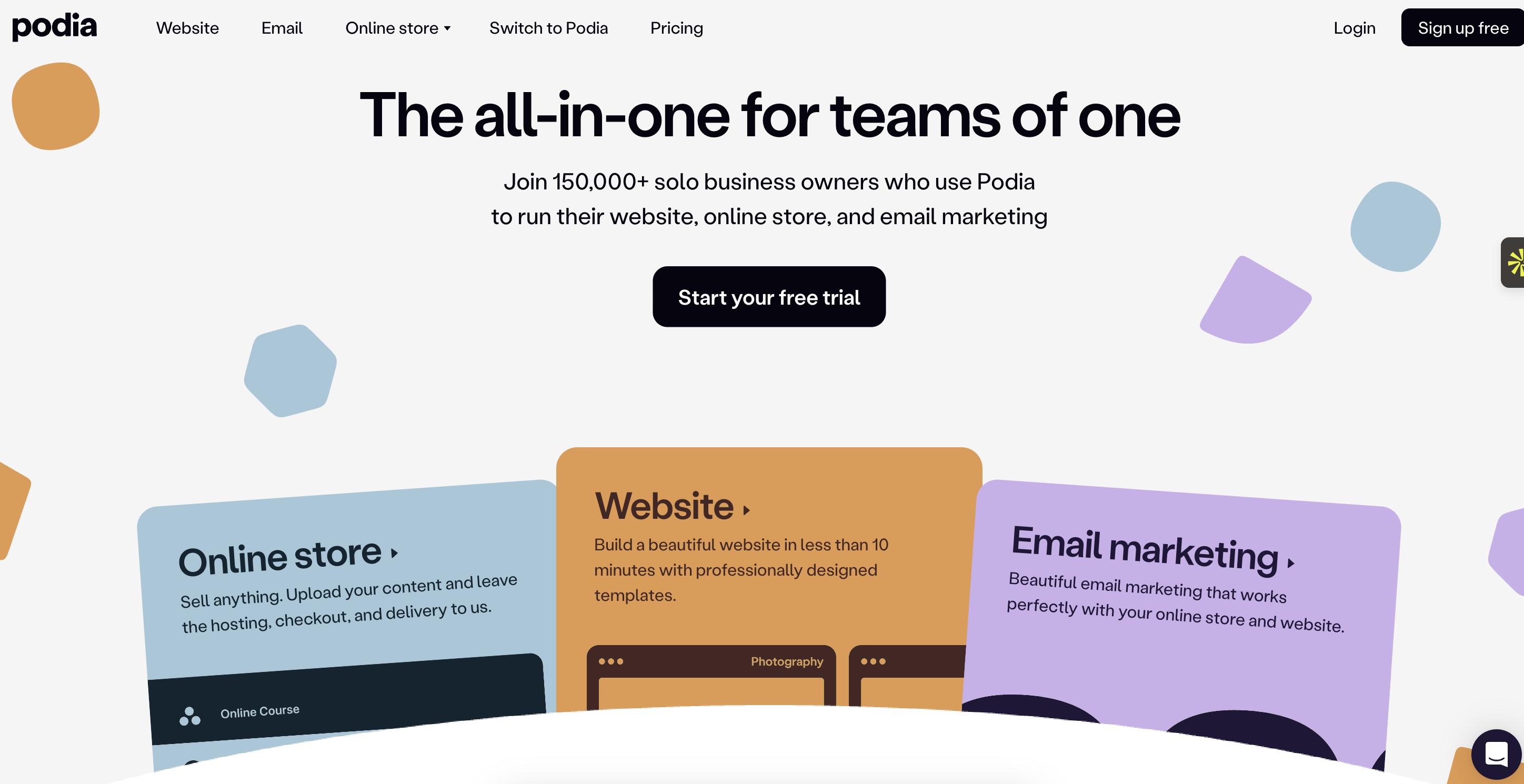
Podia is a user-friendly platform designed for creators to sell online courses, memberships, webinars, and digital downloads directly from their own store. It gives you a nice website builder, a simple online store, and built-in email marketing.
Like Kajabi, you can sell courses, downloads, memberships, coaching, webinars, and community access from the same place. The copy-pasting between tools disappears because your site, products, checkout, and email live together. It’s intentionally minimalist, which is exactly what many solo creators want.
The website builder is refreshingly straightforward; you just choose a template, edit sections, and publish. There’s a blogging tool if you want to attract organic traffic, and helpful SEO basics are built in.
Checkout is also fast, with modern options like Apple Pay and Google Pay, plus global tax support. Because Podia handles the storefront and the email list, turning a blog post into an email or adding an upsell on a product page takes just a couple of clicks.
Podia relaunched its platform and pricing in June 2026, repositioning itself more as a community-focused business hub while keeping its core course delivery and email tools. The plan lineup grew from two tiers to three, and prices moved up. If your priority is launching quickly, learning one tool, and selling multiple product types without juggling integrations, Podia is still a calm place to build, but it's worth budgeting for the new pricing rather than the older figures still circulating in older guides.
Best features
- All-in-one website and store: Build your site and sell courses, downloads, memberships, webinars, and coaching side-by-side.
- Built-in email: Send newsletters and automations without leaving Podia.
- Blog functionality with SEO basics: Publish posts and optimize titles and descriptions with no plugins.
- Fast checkout: Offer Apple Pay and Google Pay, and handle taxes globally to keep conversions smooth.
- Affiliates (Shaker and Earthquaker plans): Set up an affiliate program when you’re ready to scale.
Pros
- Very low setup friction; you can ship a working site and product in no time.
- Clear two-plan structure, plus a 30-day free trial to test everything first.
- Customer support is strong, with responsive live chat available to assist users.
Cons
- No native branded mobile app for learners, which some audiences expect.
- Mover and Shaker now cap products and hosted videos (50 products/500 videos on Mover, 150 products/1,000 videos on Shaker), where Podia previously advertised unlimited products on both plans.
- Certain integrations/features, like PayPal or affiliates, come with the higher plan only.
Pricing
Podia's pricing changed with its June 2026 relaunch. It now runs three tiers instead of two:
- Mover: $42/month billed annually ($49/month monthly). 5% transaction fee applies; 50 products and 500 hosted videos.
- Shaker: $84/month billed annually ($99/month monthly). 0% transaction fee; 150 products and 1,000 hosted videos; adds affiliates, PayPal, and Zapier.
- Earthquaker: $150/month billed annually ($179/month monthly). New top tier; unlimited products, videos, and team seats; 0% transaction fee.
4. Teachable
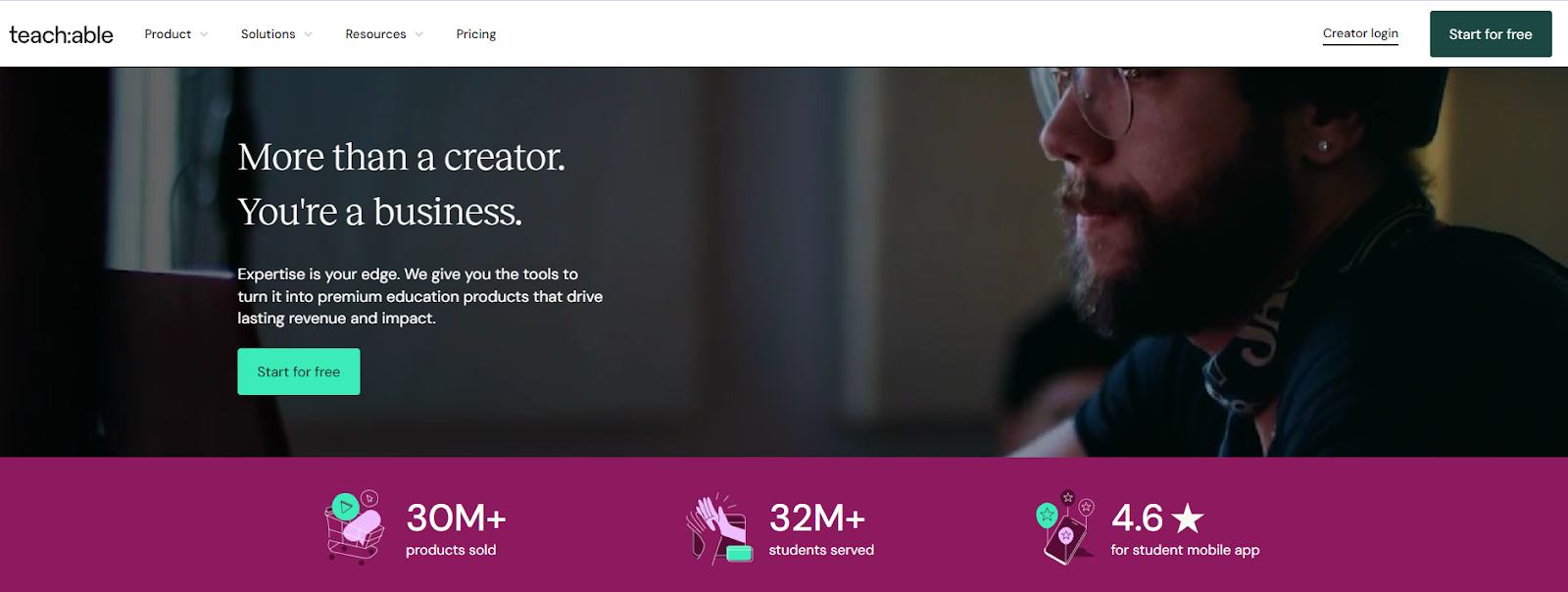
Teachable is an online platform that lets you create and market your online courses and coaching services with a focus on ease of use. If you want a focused place to package your knowledge and sell it in a few different formats like courses, coaching, downloads, memberships, and communities, Teachable might be for you.
You build lessons with a simple editor, set up your sales pages, and take payments with a built-in checkout. For many creators, the big win is how quickly you can go from “idea” to “offer” without touching code. Teachable also handles useful “school” basics for you: student accounts, progress tracking, certificates, quizzes, and drip schedules.
In 2025, Teachable updated its plans to give more sales tools across the board; things like abandoned-cart emails, coupons, order bumps, upsells, subscriptions, and even memberships were added, so you don’t immediately hit a wall when you start promoting.
The newer lineup also reduces or removes Teachable’s own transaction fees on higher tiers, which makes scaling easier. Product limits are clearer now as well (how many published courses, coaching, or downloads you can have), and there’s a simple iOS app for learners who want to watch on the go.
The best thing about Teachable is that it lets you sell in multiple ways without forcing you to learn a complicated marketing suite first. You can put together bundles, launch a membership, or build a small community area next to your course.
Payments, taxes (US sales tax, VAT, GST), and invoices are also handled natively. And if you do have a stack already, Teachable integrates well with common tools for analytics and email.
Best features
- Built-in checkout and taxes: Accept payments and handle sales tax, VAT, and GST inside Teachable.
- Memberships and communities: Add recurring access and private spaces to increase engagement and retention.
- Promotions at checkout: Coupons, order bumps, and upsells to raise average order value without extra apps.
- Learning controls: Get drip lessons, enforced lesson completion, quizzes, certificates, and more for complete control.
- Draft all you want: Unlimited drafts across product types while you build.
Pros
- All Teachable plans offer unlimited video hosting, courses, and students.
- Sales and marketing essentials are included on all plans, which keeps your stack small.
- Lower or zero Teachable transaction fees on higher tiers.
Cons
- Product caps exist per plan; growing creators may need to upgrade for headroom.
- Deep site design control is limited compared with pure site platforms.
- Advanced automations and analytics are improving, but some teams will still prefer external tools for depth.
Pricing
- Starter: $29/month billed annually
- Builder: $69/month billed annually
- Growth: $139/month billed annually.
- Advanced: $309/month billed annually
5. Thinkific
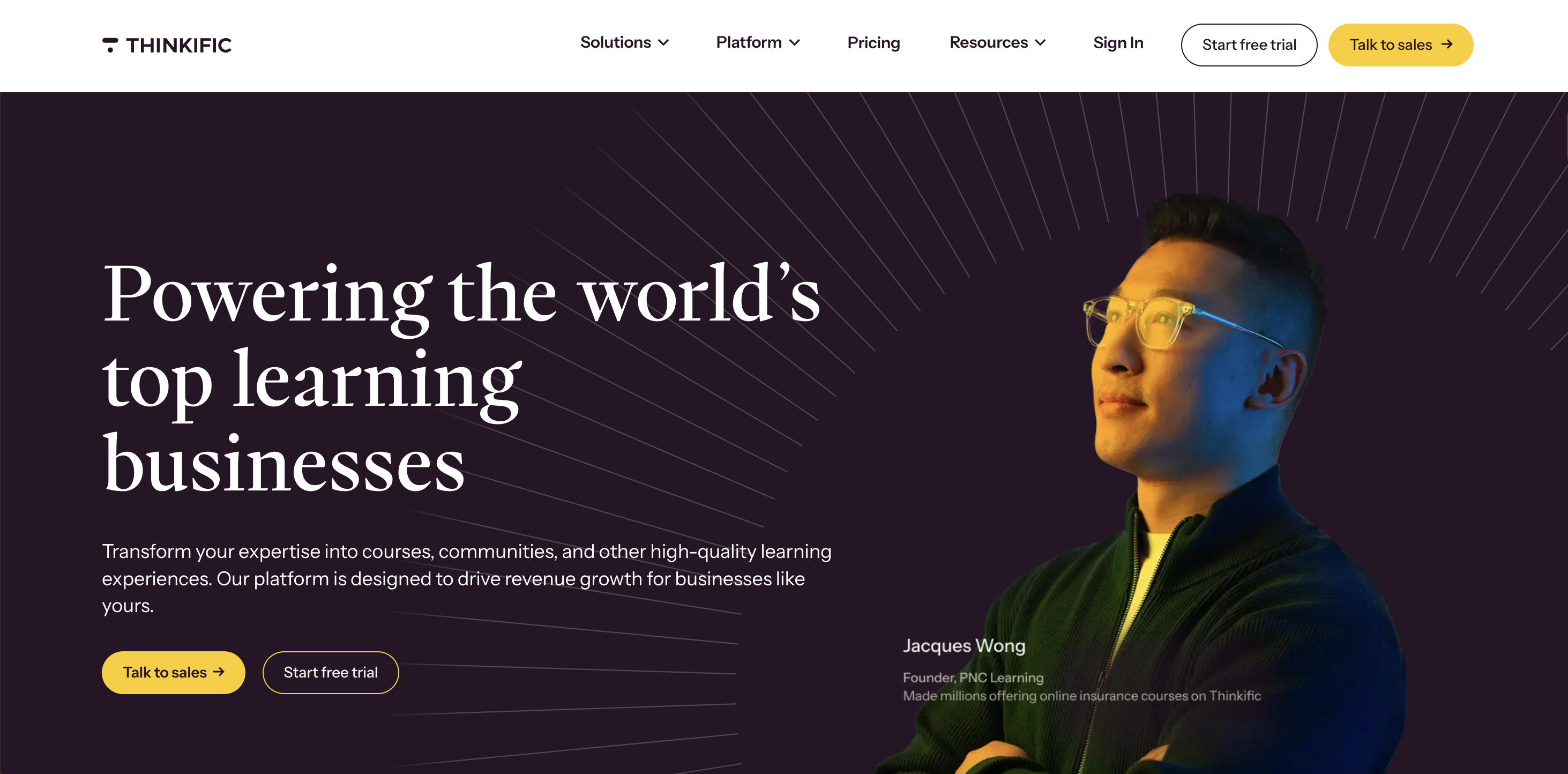
Thinkific enables both solo creators and businesses to create and launch their own online courses and membership sites directly from their branded website. You can build courses, communities, memberships, downloads, coaching, and webinars, then sell to consumers or businesses using a built-in payments stack.
Throughout the platform, there are helpful AI touches (like a course outline generator) that speed up planning. If you prefer a platform that strikes a balance between ease of use and room to grow, Thinkific does so effectively. You can host everything on Thinkific or plug it into an existing website; this flexibility is very freeing.
On the commerce side, Thinkific Payments (within TCommerce) supports order bumps, buy-now-pay-later, gifting, invoicing, group orders, and instant access to your funds. That’s handy if you sell to teams or run B2B deals. Community features are part of the package too, so you can pair discussions and live events with your courses.
Higher tiers unlock deeper analytics, more communities, and branding control; SCORM support is unlocked on Plus for teams that need enterprise standards.
Thinkific raised prices by roughly 10% across its plans effective August 13, 2026, so the figures below reflect the new rates rather than the pricing shown in older comparisons. It's also worth knowing that Thinkific's "0% transaction fees" claim comes with a condition: creators who use their own Stripe account instead of Thinkific Payments are charged a penalty fee (5% on Basic, 2% on Start, 1% on Grow) on top of standard processing.
What stands out is how Thinkific bundles creation, delivery, and sales in a way that doesn’t feel heavy. The site builder is visual, reporting is built in, and payments are in the same dashboard. If you do need integrations, there’s an app store and Zapier support to extend your setup.
Best features
- TCommerce and Thinkific Payments: Sell with modern checkout, BNPL, and order bumps; manage revenue in one place.
- Communities with live events: Run discussions and live sessions alongside your courses.
- Memberships and bundles: Package value, increase retention, and raise AOV with add-ons.
- AI course outline generator: Speed up course planning and structure with the help of generative AI.
- Enterprise options: SCORM on Plus, SSO, APIs, CRM integrations when you move upmarket.
Pros
- You get a high degree of customization for courses and websites, including access to HTML and CSS.
- It has excellent customer support, including phone support, which is not offered by all competitors.
- Scales into B2B with group orders, invoicing, and Plus-level features.
Cons
- The deepest analytics and branding controls are only on the higher tiers.
- SCORM support requires Plus; not available on regular self-serve plans.
- Design flexibility is good, but still template-guided; pixel-perfect sites may need custom code or a separate CMS.
- The native "0% transaction fee" only applies when using Thinkific Payments; routing sales through your own Stripe account instead adds a 1% to 5% surcharge depending on plan.
Pricing
- Basic: $40/month billed annually. (Increased from $36/month effective August 13, 2026.)
- Start: $82/month billed annually. (Increased from $74/month.)
- Grow: $164/month billed annually. (Increased from $149/month.)
- Plus: Custom pricing.
6. LearnWorlds
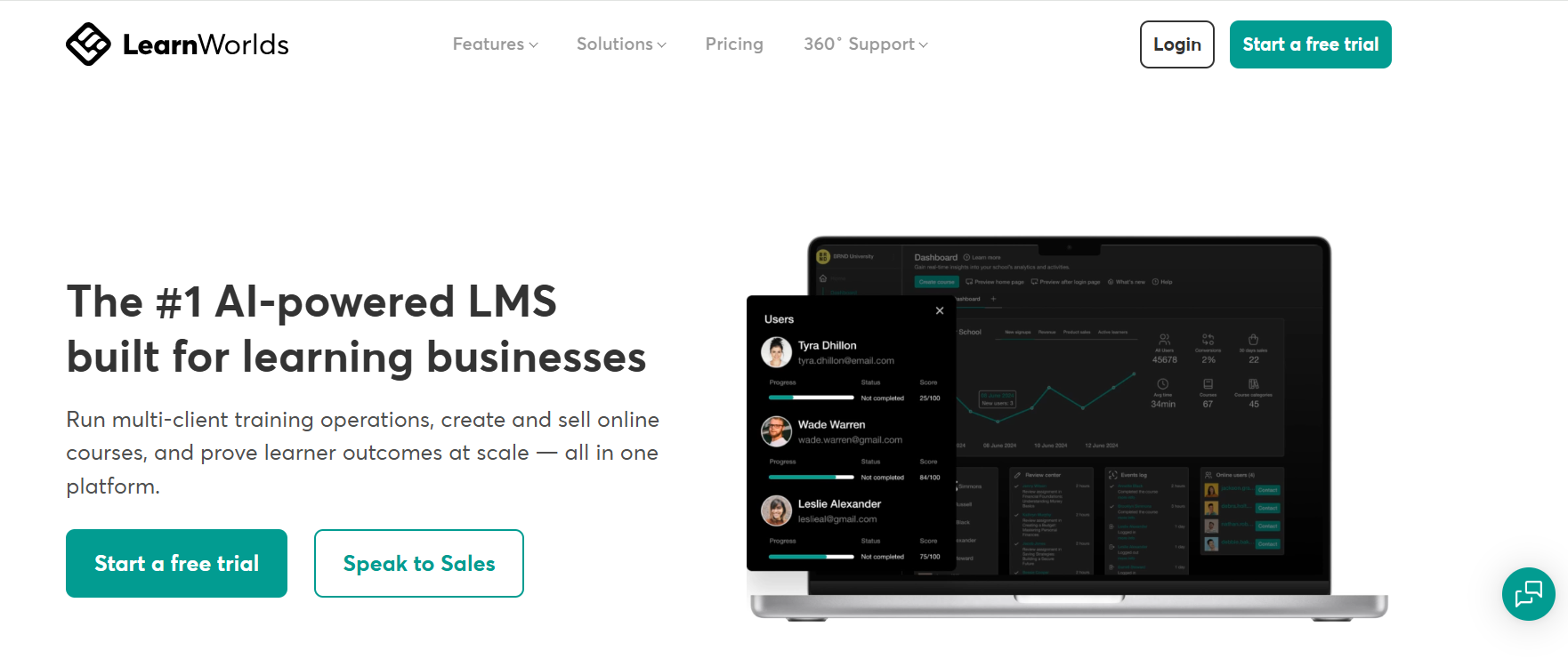
LearnWorlds is a platform for power users with a strong focus on the learning experience. It is a feature-rich online course platform for educators and businesses to create interactive and engaging learning experiences, sell courses, and deliver professional training.
If you care about interactive video, detailed reporting, and building an online academy (not only a video course), this one deserves a look. You can host your site, create courses, run memberships, sell bundles, and connect payments, but the real attraction is how much you can do inside lessons — quizzes, transcripts, translations, and interaction layers that keep learners engaged.
There’s also a branded mobile app option, which is a big deal if your audience prefers learning on the phone.
LearnWorlds’ biggest USP is its content quality and control. The interactive video editor lets you add questions, prompts, titles, watermarks, and clickable elements directly on top of your videos. You can generate transcripts and subtitles, track rewatches and drop-offs, and fix weak spots with data.
For teams and training departments, SCORM and HTML5 support, and advanced reporting come into play on higher plans, together with white-labeling and API access. If you’re building a professional academy with cohorts, certifications, and structured learning paths, LearnWorlds gives you tons of knobs to tune.
If you want a serious education platform with interactive lessons and room to scale, this is a strong candidate.
Best features
- Interactive video editor: Add quizzes, buttons, pointers, and watermarks on your videos; track engagement to improve lessons.
- Advanced assessments and certificates: Build serious testing with digital credentials.
- White-labeling and mobile app: Remove platform branding and offer your own branded app.
- Unlimited pages (Pro+): Expand beyond a basic site and build a full academy.
- Automations and integrations: Connect CRM and marketing tools and trigger workflows as students progress.
Pros
- You get best-in-class interactive video and detailed learner analytics for improving content.
- Public, transparent pricing with clear plan upgrades that make it easy to budget.
- Strong for businesses and training teams that need SCORM, SSO, APIs, and reporting.
Cons
- Starter includes per-course transaction fees; most schools move to Pro Trainer to avoid them.
- Power and flexibility introduce complexity; expect a learning curve to use everything well.
- Marketing and sales functionality is still behind competitors.
Pricing
- Starter: $24/month billed annually (plus a flat $5 fee per course enrollment).
- Pro Trainer: $79/month billed annually (no transaction fees).
- Learning Center: $249/month billed annually (no transaction fees).
- High Volume and Corporate: Custom pricing.
10. LearnDash
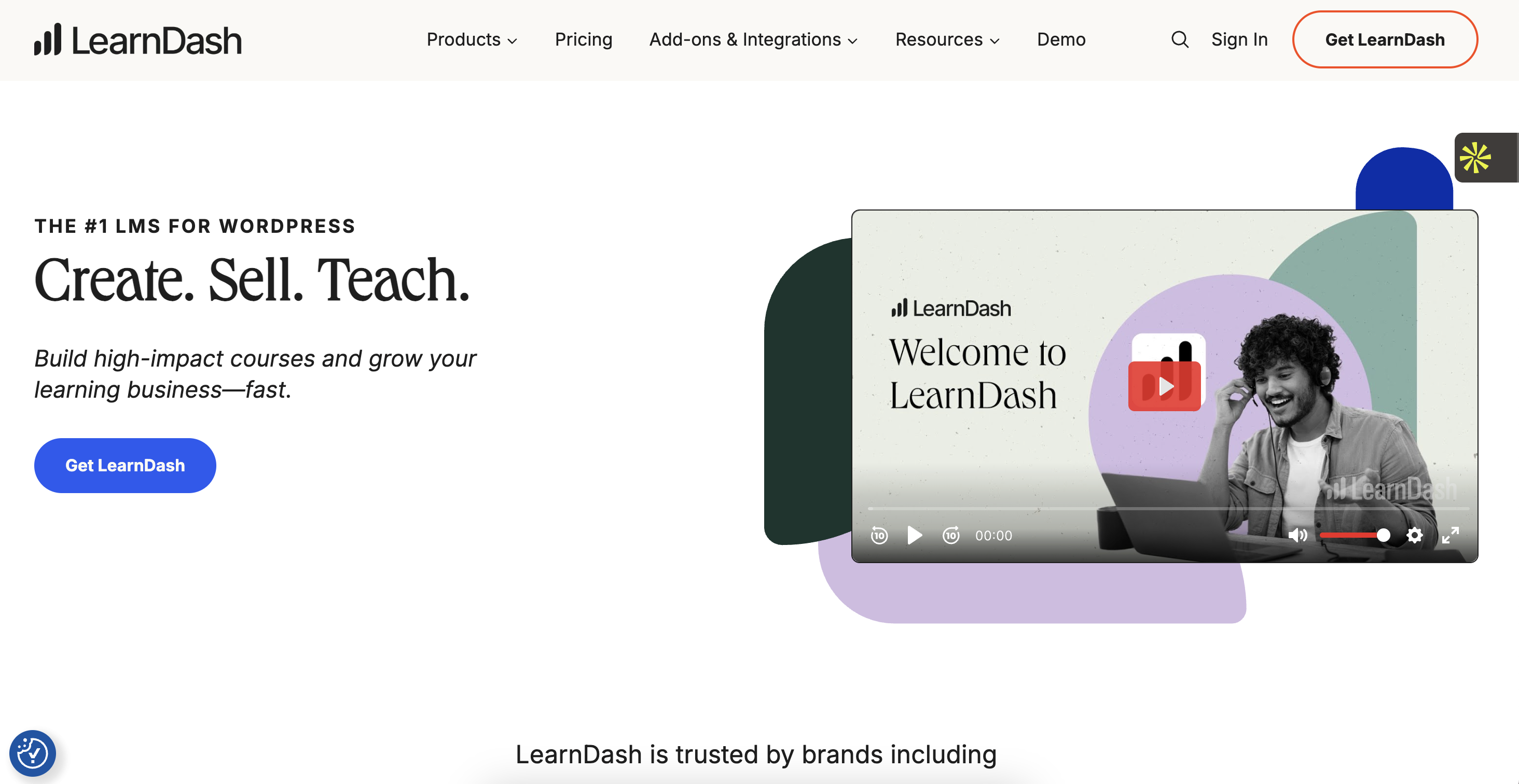
LearnDash is a popular and flexible Learning Management System (LMS) plugin for WordPress that allows you to create and sell structured online courses directly from your own WordPress site.
With LearnDash, you get a drag-and-drop course builder, quizzes, assignments, certificates, and groups, plus lots of ways to sell: one-time purchases, bundles, subscriptions, and memberships. If you’re already comfortable with WordPress (or you have a developer on call), the flexibility here is hard to beat.
LearnDash offers two variants. The classic plugin lets you add LMS functionality to an existing WordPress site. The hosted option, previously called LearnDash Cloud, was rebranded to StellarSites Learning in 2026, with its Starter/Growth/Pro tier names renamed to Essential/Plus/Ultimate at the same price points. Either way, it sets up the whole stack for you: WordPress + LearnDash + hosting + security + performance extras.
That second path is handy if you want WordPress power without fiddling with servers, caching, or security plugins. Either way, you’re building in an ecosystem with loads of integrations, so it slots into almost any stack you already have.
What stands out once you’re inside is the learner experience. You can issue official certificates, build advanced quizzes, drip content, and nudge learners with notifications. There’s an add-on marketplace for analytics (ProPanel), group management, notes, gradebooks, and more.
If you’re selling B2B, groups and reporting make client training practical; if you’re selling B2C, bundles and memberships boost average order value and retention.
Best features
- WordPress-native control: Design, data, SEO, and extensibility on your domain.
- Hosted or plugin paths: Create a managed site (StellarSites Learning) or drop the LMS into your current WordPress install.
- Academy-grade learning: Get certificates, advanced quizzes, assignments, groups, drip, notifications, and much more.
- Deep integration ecosystem: Works with popular themes, builders, and marketing tools.
- Certificates: Automatically award branded certificates on completion or quiz results.
Pros
- You get unmatched flexibility and control if you already know your way around WordPress.
- The drag-and-drop course builder simplifies the process of creating lessons.
- Hosted option removes the server and maintenance headache.
Cons
- You must have a self-hosted WordPress website to use LearnDash.
- You’ll likely manage updates, plugins, and occasional compatibility checks.
- Design freedom can be overwhelming without a clear theme and page-builder plan.
Pricing
- StellarSites Learning, Essential (formerly "Starter"): $29/month billed annually.
- StellarSites Learning, Plus (formerly "Growth"): $55/month billed annually.
- StellarSites Learning, Ultimate (formerly "Pro"): $79/month billed annually.
- Plugin (1 site): $199/year.
- Plugin (10 sites): $399/year.
- Plugin (Unlimited): $799/year.
11. Udemy
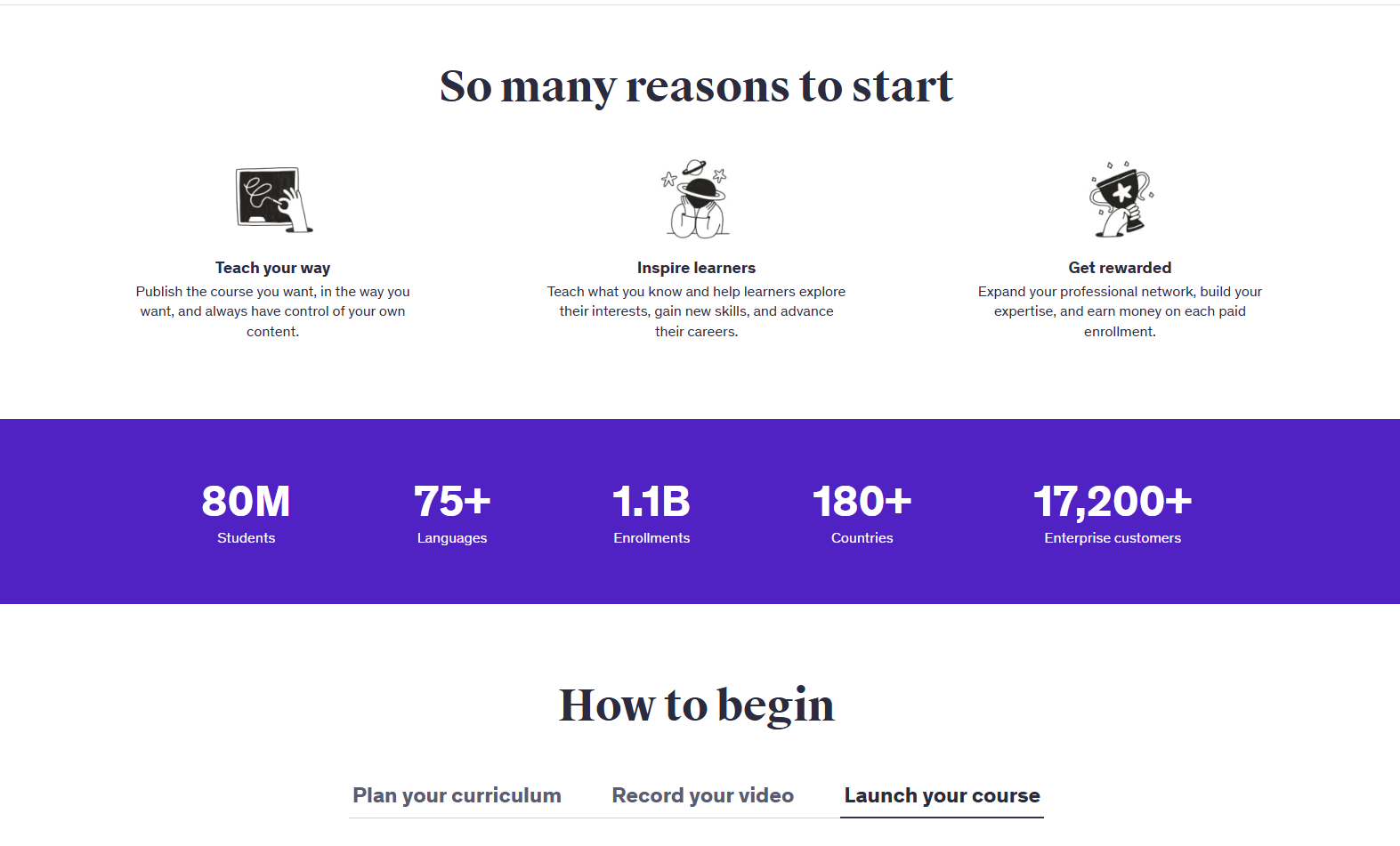
Udemy is a massive online course marketplace where individuals can both create and take courses on a wide variety of subjects. As a learner, you browse a massive catalog across tech, business, creative, and more. You can buy individual courses or, if you’re a company, use Udemy Business to upskill teams with a curated library.
As an instructor, you get instant distribution to a huge audience without handling hosting or checkout. Discovery is driven by search, categories, and frequent promotions, so your course can find students while you sleep.
For organizations, Udemy Business bundles 13,000+ top-rated courses with analytics, skills tracking, and admin controls. There are certification preps, practice tests, and coding exercises. Larger enterprises can get custom packages and integrations. If your goal is broad, continuously updated content without building it all yourself, Udemy Business is a great choice.
On the creator side, the upside is reach. Udemy markets your course across channels, runs discounts, and brings students you’d never find alone. Instructors earn via revenue share; policies differ for marketplace purchases vs. subscription views. The tradeoff is typical of marketplaces: you get scale and convenience, but less control over pricing, branding, and student data.
Best features
- Udemy Business library: 13,000+ curated courses with analytics and adoption reports.
- Certification prep and labs: Practice tests and coding exercises inside select courses.
- Global marketplace reach: Sell to learners in multiple languages and regions.
- Mobile learning: Get native apps for on-the-go study for easier access to your course content.
- Instructor monetization: Revenue share models are available for marketplace and subscription models.
Pros
- Huge catalog and social proof, and it’s easy to find courses at every level.
- Creators get access to a massive existing audience of potential students.
- Courses are self-paced, and learners can progress through the material on their own schedule.
Cons
- Content quality varies by instructor; you’ll need to check reviews and preview lessons.
- You get limited control over branding, pricing, and student relationships compared to self-hosted options.
- Discoverability can be competitive; your success often depends on SEO and promotions.
Pricing
- Udemy Business – Team (2–20 users): $30/user/month billed annually ($360/user/year).
- Udemy Business – Enterprise: Custom pricing.
12. Skillshare
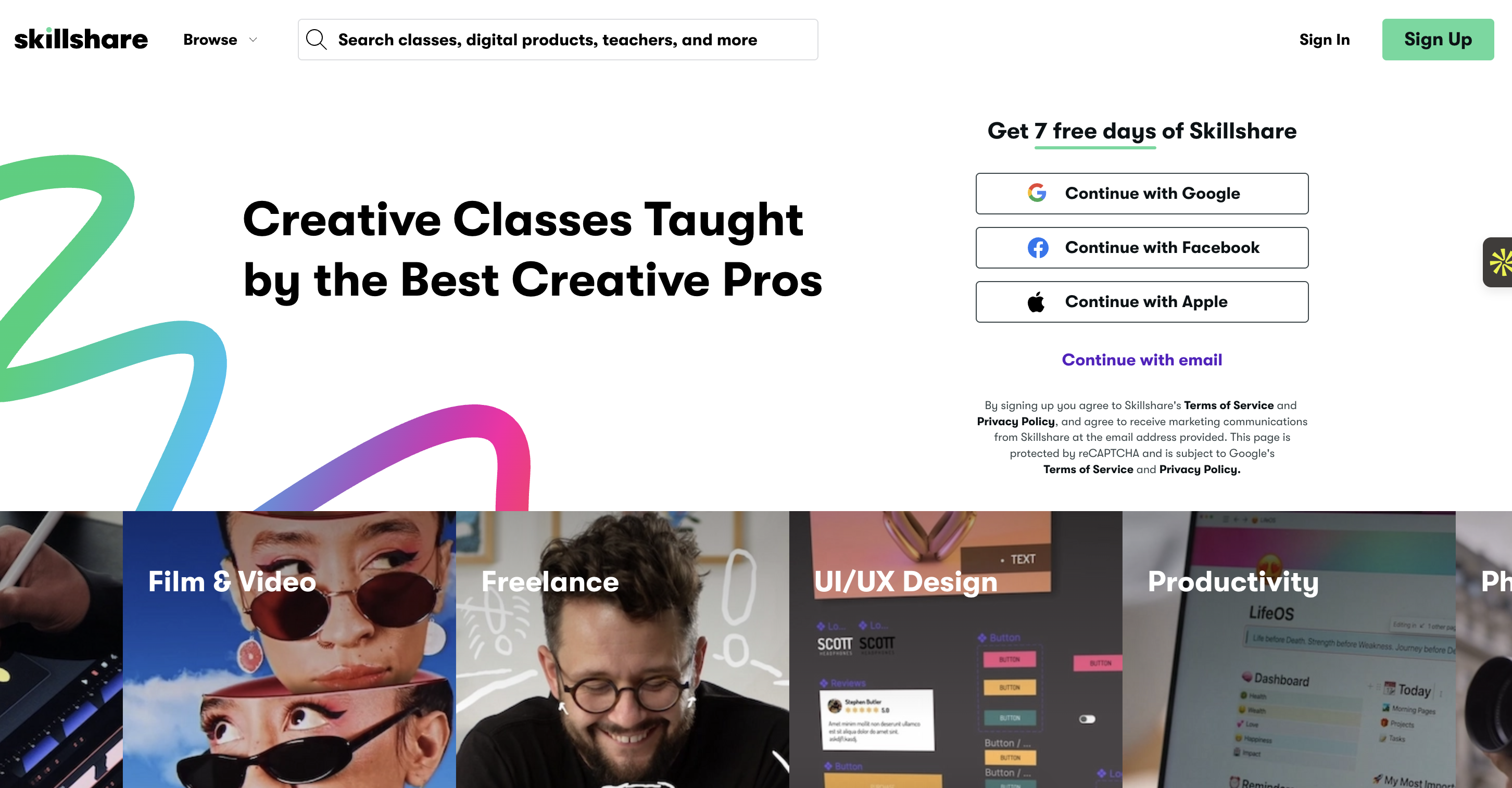
Skillshare is an online learning community with thousands of classes for creative and curious people, on topics including illustration, design, photography, and more. Instead of buying one course at a time, you get a membership that opens the whole library.
Classes are bite-sized and project-based; here, you don’t just watch; you make something and share it. That community layer (projects, feedback, comments) is the heart of Skillshare, and it’s great if you’re the type who learns by trying and showing your work.
The experience is intentionally relaxed. You pick a class, download resources, and follow along, often in under an hour or two. Many classes include assignments and downloadable assets; subtitles and transcripts are common.
Because it’s membership-based, you can sample multiple teachers on the same topic until one clicks. For teachers, earnings come from member watch time (plus extras like 1-on-1 bookings), so the incentive is to make classes people actually finish.
Where does Skillshare fit? If you’re exploring creative skills, building a portfolio, or refreshing team creativity, it’s a comfortable place to learn regularly. If you need formal certification or enterprise LMS features, you’ll likely pair it with something else.
Best features
- All-access membership: One subscription opens thousands of ad-free classes.
- Projects and feedback: Every class nudges you to create and share work.
- Subtitles and transcripts: Learners can comfortably learn and grasp the ideas, even on the go.
- Team admin tools: Simple management and reporting for groups.
- Teacher monetization: Instructors get monthly payouts based on minutes watched.
Pros
- It is quite easy to sample topics or teachers without extra purchases.
- The Teams option brings accessible creative upskilling to companies.
- Project-based courses push learners to apply what they've learned and build a portfolio of work.
Cons
- There is a lot less emphasis on formal credentials and certifications.
- Class depth varies, and you’ll see that many lessons are intentionally short.
- Skillshare does not offer accredited certificates, so it's less suitable for those seeking formal qualifications.
Pricing
- Individual Membership: $13.99/month billed annually (annual total $167.88).
- Skillshare for Teams: $199/user/year (billed annually).
The Last Lesson
You’ve just walked through a whole neighborhood of platforms, and each has a different feel. The smart next step is to match the platform to your immediate goal.
If you’re trying to get a program live this month, an all-in-one is usually the best path. You’ll spend your energy on the lessons and the launch, not on stitching together plugins and logins. If you need heavy academic features or enterprise compliance, you can still start simple and add depth as you grow. The point is momentum — ship something real, learn from your first students, and build from there.
That’s why we nudge you toward FreshLearn as your first stop. It gives you the essentials like a website, courses, community, email, and payments on day one, plus helpful extras like AI drafting, certificates, and modern checkout when you’re ready to level up. You can start free, publish a small pilot, and see how it feels to run everything from one clean dashboard.
If it works, you’ve already built on a foundation that scales to cohorts, memberships, and even B2B with SSO and reporting. If it doesn’t, you’ll still have your content, your audience, and a clear sense of what you need next.
So here’s the gentle ask: start a free FreshLearn trial today.
FAQs
1. How do I choose the right platform?
Start with your goal for the next 3 months. If you need speed and fewer moving parts, pick an all-in-one. If you want deep course features and don’t mind extra tools, go course-first. If you want full control and can handle upkeep, choose a WordPress LMS.
2. I’m worried about setup and tech. What’s the easiest path?
The easiest path is to use an all-in-one so your site, courses, email, checkout, and community live together. FreshLearn is built for this. It has an easy setup, built-in payments, and helpful AI to draft outlines and quizzes fast.
3. Can I switch later without losing everything?
Yes. Keep your videos, downloads, and student lists backed up. Launch a small pilot first, then migrate in phases. Most platforms support CSV imports; some (including FreshLearn) offer guided migrations on eligible plans.
4. Do I need a marketplace or my own branded site?
Marketplaces give quick reach but less control over pricing and student data. Your own site builds a brand you own. Many creators do both: sell key programs on their site and list shorter, discovery-friendly courses on a marketplace.
5. Will this scale if I add cohorts, community, or B2B training?
Look for communities, memberships, coupons, bundles, and features like SSO and SCORM for teams. FreshLearn covers this path. You need to start with a simple course, then add cohorts, a gamified community, and enterprise options when you’re ready.
6. Which of these platforms actually charges zero transaction fees, with no conditions attached?
FreshLearn charges 0% platform transaction fees on every plan, including its free plan, with no condition attached beyond standard Stripe or PayPal processing. Kajabi and Teachable's Builder plan and above also charge 0% platform fees. Thinkific and LearnWorlds' Pro Trainer both advertise 0% platform fees, but each has a condition: Thinkific's 0% applies only when using Thinkific Payments (a 1% to 5% surcharge applies otherwise), and LearnWorlds' Starter tier charges a flat $5 fee per enrollment regardless of the "0%" language elsewhere on the platform.
7. Can I sell my own courses on Coursera, edX, or LinkedIn Learning like I can on FreshLearn or Udemy?
No, not as an individual creator. Coursera and edX both require an institutional or corporate partnership to publish content; there's no self-serve creator signup like there is on FreshLearn, Kajabi, Udemy, or Skillshare. LinkedIn Learning sources its catalog from its own instructor partnerships rather than open creator submissions. If you're a solo creator, a self-serve platform (or Udemy's open marketplace model) is the realistic starting point; an institutional catalog like Coursera or edX is something to grow into later, if at all.
You might also like
Hosted by