Best Moodle Alternatives for Course Creators & Trainers

Last updated: September 29, 2026
Quick Answer
If you're a course creator who wants to sell courses (not run institutional training), the best Moodle alternatives are FreshLearn (best all-in-one with selling and marketing built in, 0% platform fees), LearnWorlds (best for interactive, assessment-rich courses), Podia (simplest setup for mixed digital products), Thinkific (best branded course site), Teachable (strong affiliate tools), and Kajabi (premium all-in-one at scale). The institutional alternatives usually recommended for Moodle (Canvas, Blackboard, D2L) are built for delivering training to enrolled students, not for selling, and are the wrong fit for a course business.
Key takeaways
- Moodle is an institutional, open-source LMS. It delivers learning well but has no native way to sell (no checkout, sales pages, or marketing), which is why creators leave it.
- Creator platforms bundle course delivery with selling and marketing, removing Moodle's plugin and hosting maintenance.
- Among creator platforms, LearnWorlds holds the highest Capterra score (4.7/5 across 196 reviews), followed by Podia (4.6/5 across 126), while Thinkific leads on student-experience satisfaction (G2 4.6).
- Watch the fine print: Thinkific adds a 1–5% surcharge on your own Stripe and caps students at 10,000; LearnWorlds' entry plan charges $5 per enrollment; Thinkific and Podia both removed their free plans. Podia also introduced product and video caps in its June 2026 relaunch, so it is no longer the uncapped option it used to be.
- Two platforms repriced during 2026: Thinkific raised prices roughly 10% in August, and Podia raised prices and added a third tier in June. Comparison guides published before those dates will understate both.
- If you genuinely need institutional or open-source delivery, Canvas Free-for-Teacher, Open edX, or Moodle Workplace are the right direction, not a creator platform.
How we evaluated these platforms
This guide is written for course creators and educators who want to build and sell courses, not for institutions. We assessed each platform on the criteria that matter to a creator running a business: ease of creating and selling without technical skills, built-in marketing, transaction fees and total cost, SCORM support for migrating Moodle content, and the real-world experience reported by verified users.
Where we cite ratings, they come from independent public review platforms (G2, Capterra, Trustpilot) and reflect scores at the time of writing in September 2026; review scores shift over time, so treat them as a snapshot. We've linked each source so you can check the current numbers yourself.
Every price in this comparison was checked against the platform's own pricing page rather than a third-party summary, and dated where it changed during 2026. Ratings come from independent public review platforms and are linked so you can verify the current numbers yourself. Where sources disagreed or a platform scored very differently across two review sites, we've said so rather than quoting whichever figure suited the argument.
Why Moodle Doesn't Fit Course Creators Who Want to Sell
Moodle is genuinely excellent at what it was built for: giving institutions a flexible, open-source platform to deliver structured learning to enrolled students. With over 150K sites built on Moodle, it's one of the most widely deployed learning platforms in existence. The problem for a course creator is that "deliver learning to enrolled students" is only half of what you need. The other half (finding those students and getting them to pay) Moodle doesn't do at all.
The specific gaps that push creators away from Moodle:
No built-in way to sell. Moodle has no native checkout, sales pages, coupons, or order bumps. To sell a course on Moodle, you bolt on payment plugins and external tools, then keep them working through every update. A creator platform has selling built in.
Plugin and hosting maintenance is a second job. Self-hosted Moodle means you (or a developer you pay) handle servers, updates, security patches, backups, and plugin compatibility. For a solo creator, that's time taken directly from creating and marketing.
A steep learning curve for non-technical creators. Roles, permissions, course formats, and plugin interactions feel developer-ish. On G2, Moodle holds a 4.1/5 rating, with reviewers frequently praising its flexibility but citing setup complexity as the main drawback.
No marketing tools. Email campaigns, landing pages, affiliate programs, and lead capture are all external add-ons on Moodle, yet selling courses depends on them.
"Free" isn't free. Moodle's license costs nothing, but hosting, security, upgrades, plugin vetting, and admin time add up, often to more than a hosted creator platform once you count your own hours. MoodleCloud, the official hosted option, runs from about $170 per year for 50 users to about $2,140 per year for 750 users, and no longer offers a permanent free plan.
If you're an institution with an IT team, none of this is disqualifying. If you're a creator who wants to sell, it's a lot of friction for a tool that still won't take payments for you.
Comparison Table: Moodle Alternatives for Creators
Note: payment processing fees from Stripe or PayPal (around 2.9% + $0.30) apply to all platforms equally and are separate from the platform fees above. Ratings are mid-2026 snapshots; see linked sources for current numbers.
Quick Picks for Course Creators
- FreshLearn — Best all-in-one for creators who want course building, selling, and marketing in one place with 0% platform fees.
- LearnWorlds — Best for interactive, assessment-heavy courses needing a richer learning experience.
- Podia — Best simple, no-limits option for selling a mix of courses and digital products.
- Thinkific — Best for a polished branded course site (mind the student cap and Stripe surcharge).
- Teachable — Best focused course platform with strong affiliate tools, if you'll handle marketing separately.
- Kajabi — Best premium all-in-one for established creators whose revenue justifies the cost.
The Best Moodle Alternatives for Course Creators
1. FreshLearn
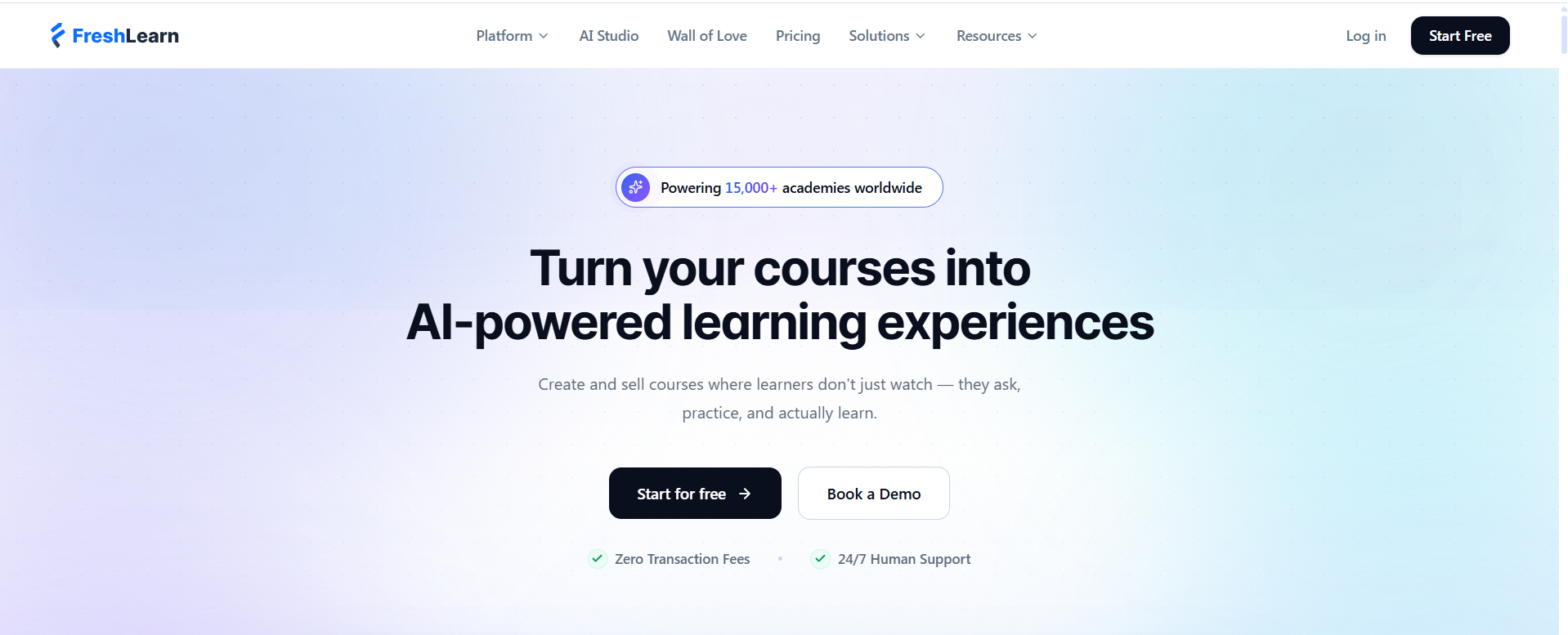
Best for: Creators and small academies that want to build, sell, and market courses in one place without plugins or DevOps.
FreshLearn is a creator-centric platform for courses, cohorts, masterclasses, and digital downloads. Where Moodle gives you delivery and leaves selling to you, FreshLearn bundles no-code course building, checkout, email campaigns, coupons, bundles, sales pages, community, and certificates into a single platform.
For creators moving off Moodle specifically, it solves the two biggest pain points directly: it removes plugin and hosting maintenance entirely, and replaces the steep admin learning curve with a guided drag-and-drop builder. It also supports SCORM file imports, so structured content built for Moodle isn't stranded, and offers free migration on annual plans.
What real users say: FreshLearn holds a 4.5/5 rating on G2 across 107 reviews, with 96% of reviewers from small businesses, and 4.3/5 on Capterra across 36 reviews. Its highest-rated dimension on G2 is quality of support (9.6/10). Reviewers most often praise affordability and responsive human support; the most common criticism is that the built-in email feature is still maturing and there's an initial learning curve when migrating from another platform.
“I love how simple it is to set up and launch courses, live workshops, or digital downloads. There’s no complicated process—I can create unlimited courses and products, design custom sales pages, and automate marketing all from one dashboard. The AI tools are a bonus, making it quick to generate course content, quizzes, and sales pages so I can focus on teaching rather than formatting.” ~ Mark D, G2
Pricing (annual billing): Free plan (1 product, 25 enrollments); Pro $41/month; No Brainer $59/month (adds community, live classes, certificates, gamification, mobile app); No Brainer+ $119/month.
The honest limitation: FreshLearn is built for creators and SMBs, not for complex enterprise compliance, multi-tenant governance, or large institutional deployments, and its third-party integration ecosystem is smaller than that of legacy enterprise LMS platforms. If you need university-grade governance, see the institutional section below.
You can also go through this direct comparison of Moodle and FreshLearn if you'd like to learn more.
2. LearnWorlds
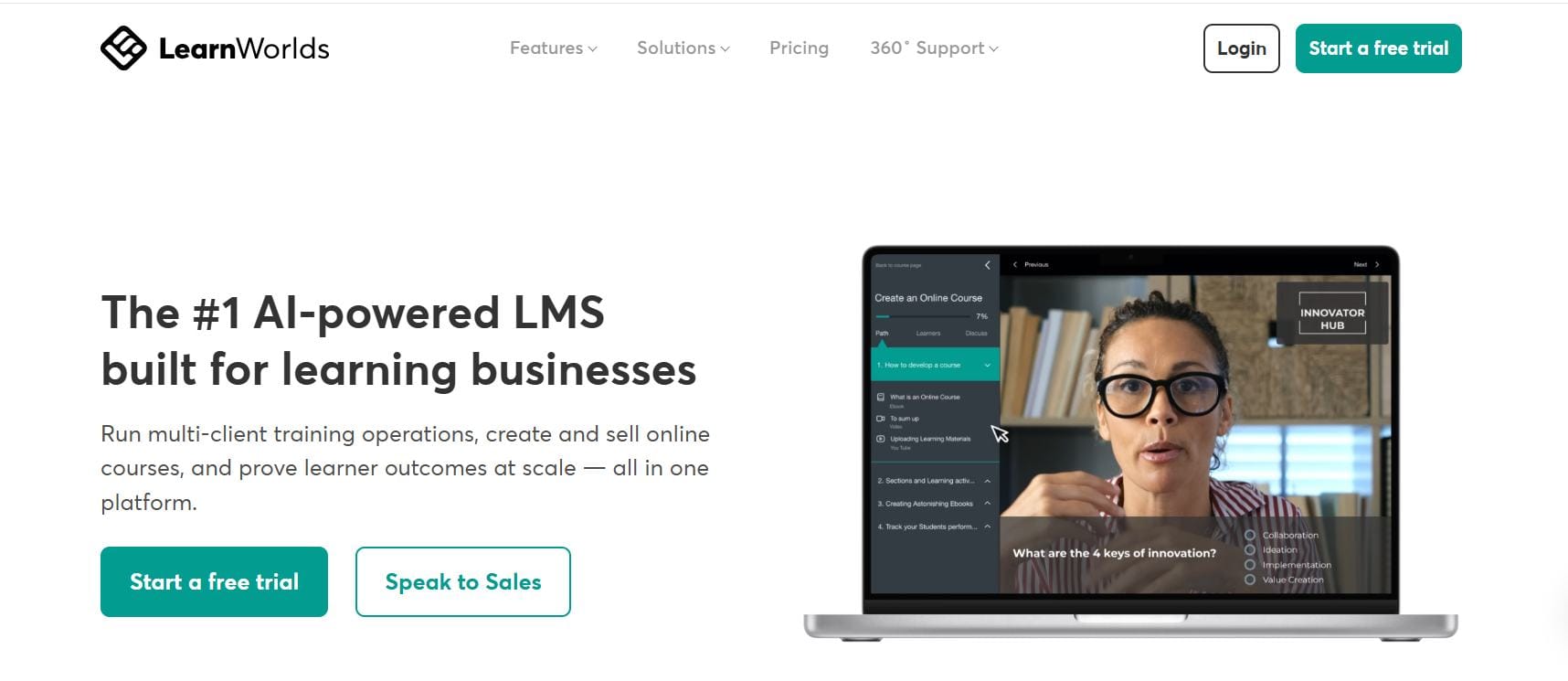
Best for: Creators building interactive, assessment-heavy courses who want a more sophisticated learning experience.
LearnWorlds leans into the learning experience itself: interactive video, rich assessments, certificates, and a deeper course-building toolkit than most creator platforms. For educators whose courses depend on genuine interactivity and testing (not just video lessons), it's the strongest fit in this group.
What real users say: LearnWorlds is among the highest-rated platforms here, with 4.7/5 on Capterra across 196 reviews and 4.8/5 on Trustpilot across 400+ reviews. Independent comparisons across major review sites frequently rank its admin experience above Teachable, Thinkific, and Kajabi. The recurring criticism in Trustpilot reviews concerns support response times.
Pricing: Starter around $24/month, but with a $5-per-enrollment fee that favors higher-priced courses (negligible on a $300 course) and punishes low-priced ones (effectively 25% on a $20 course). Pro Trainer at $79/month billed annually removes the per-enrollment fee, and Learning Center runs $249/month billed annually.
The honest limitation: The per-enrollment fee on the entry plan makes it a poor fit for low-ticket or free lead-magnet courses; you'll want a higher tier (and higher monthly cost) to avoid it.
3. Podia
Best for: Creators who want simplicity and no limits, selling a mix of courses, digital downloads, and memberships.
One change in 2026 is worth knowing before you choose Podia: it rebuilt its platform in June 2026, raised prices, and introduced product and video limits that did not exist before. Mover now allows 50 products and 500 hosted videos; Shaker allows 150 products and 1,000 videos; only the new top tier is unlimited. If you're choosing Podia specifically because you expect to publish a large catalogue, check those ceilings against your plans first.
What real users say: Podia earns some of the strongest scores in the category, including 4.6/5 on Capterra across 126 reviews and 4.1/5 on Trustpilot across 143 reviews, the strongest Trustpilot score of any creator platform here apart from LearnWorlds. Reviewers consistently praise ease of use and responsive support; the most common limitation noted is a thinner feature set than heavier platforms.
Pricing (annual billing): Mover $42/month (5% transaction fee, 50 products, 500 videos); Shaker $84/month (0% fee, 150 products, 1,000 videos, adds affiliates and PayPal); Earthquaker $150/month (0% fee, unlimited products, videos, and team seats). Podia discontinued its free plan in late 2024; there's now a 30-day trial, after which an un-upgraded site goes offline.
The honest limitation: The simplicity comes with a more limited feature set: no SCORM support, fewer native integrations, and no native mobile app. If you need to import SCORM content from Moodle, Podia isn't the right destination. Its Mover plan also charges a 5% transaction fee, which is the only percentage-based platform fee among the creator platforms compared here.
4. Thinkific
Best for: Creators who want a highly polished, branded course website and don't expect to exceed the student cap.
Thinkific is known for a smooth site-and-course building experience with strong theming, plus communities and memberships on higher tiers. It's a solid, mature platform for a branded course business.
What real users say: Thinkific scores around 4.5–4.6/5 on G2 and is frequently cited as the leader in student-experience satisfaction among the major platforms, with reviewers praising its intuitive course builder. Note the contrast across sources: its Trustpilot score is 1.8/5 across 868 reviews, rated "Poor", where complaints cluster heavily on billing, cancellation, and payout problems rather than on the product itself. Three caveats worth applying in Thinkific's favour: Trustpilot attracts complaint-driven reviews in a way that G2's vetted B2B process does not, Thinkific replies to 96% of its negative reviews, and the profile is a merge of more than one Trustpilot listing. Even allowing for all three, a 1.8 across 868 reviews is a wide enough gap from its G2 score that both are worth weighing rather than taking either in isolation.
Pricing (annual billing): Thinkific raised prices roughly 10% on 13 August 2026. Basic is now $40/month (was $36), Start $82/month (was $74), and Grow $164/month (was $149), plus a custom Plus tier. The free plan was discontinued and replaced with a 14-day trial.
Two things to watch (changed recently): Thinkific's advertised 0% transaction fees only apply if you use Thinkific Payments; using your own Stripe adds a 1–5% surcharge depending on plan. And all three standard plans cap you at 10,000 students total ever enrolled (including anyone who took a free lead-magnet course), which higher-volume creators hit sooner than expected.
5. Teachable
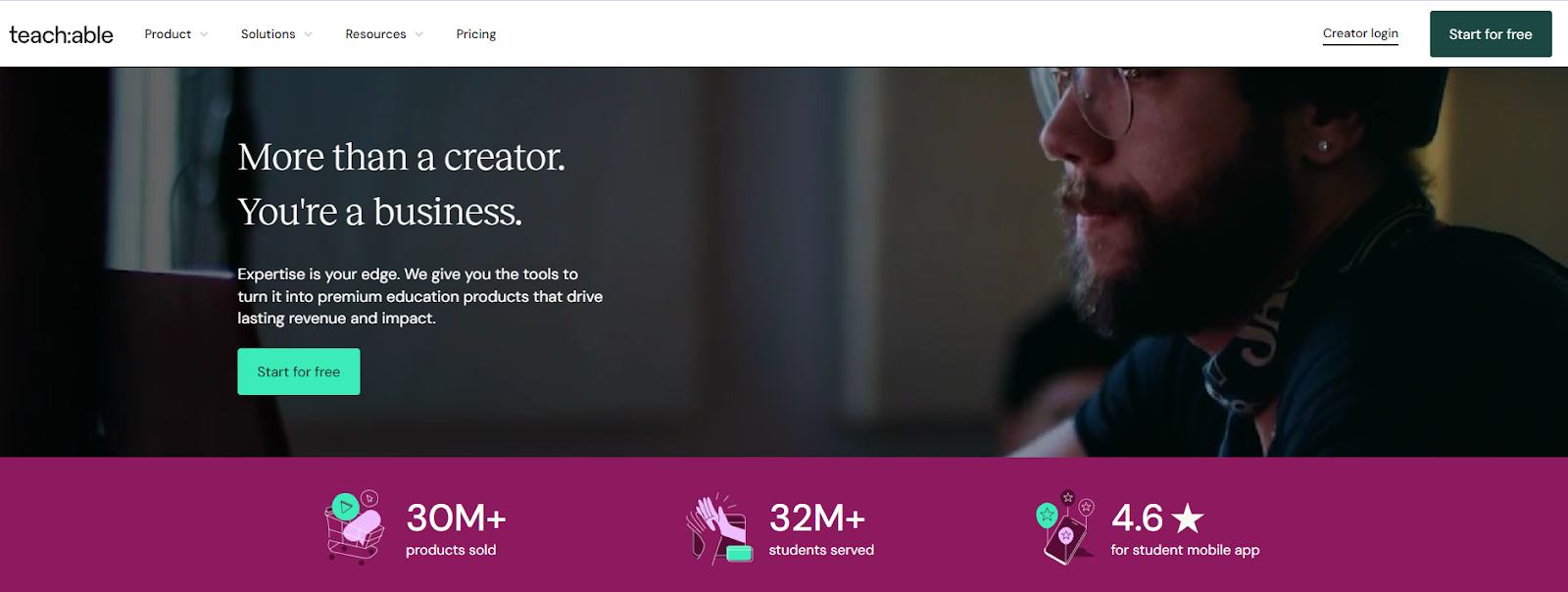
Best for: Creators who want a clean, focused course platform with strong affiliate marketing, and who'll run email separately.
Teachable does course delivery and selling well, with a particularly strong affiliate marketing feature that helps creators turn students into a referral channel. The student experience is a traditional, well-built learning environment.
What real users say: Teachable holds around 3.9/5 on G2 and 4.2/5 on Capterra across 185 reviews, though its Trustpilot score is weaker (3.3/5 across roughly 1,000 reviews), and several independent comparisons note its satisfaction scores have declined as pricing rose. Reviewers value its polish and affiliate tools; the common complaints are price increases and transaction fees on lower tiers.
Pricing (annual billing): Teachable restructured its plans in June 2025. Starter is $29/month plus a 7.5% transaction fee, which erases its apparent savings quickly. Builder at $69/month removes platform transaction fees and is the practical entry point for consistent sellers. Growth is $139/month, and Advanced is $309/month.
The honest limitation: No built-in email marketing, sales funnel, or full community at the core tiers, so you'll add (and pay for) external tools to complete the stack.
6. Kajabi
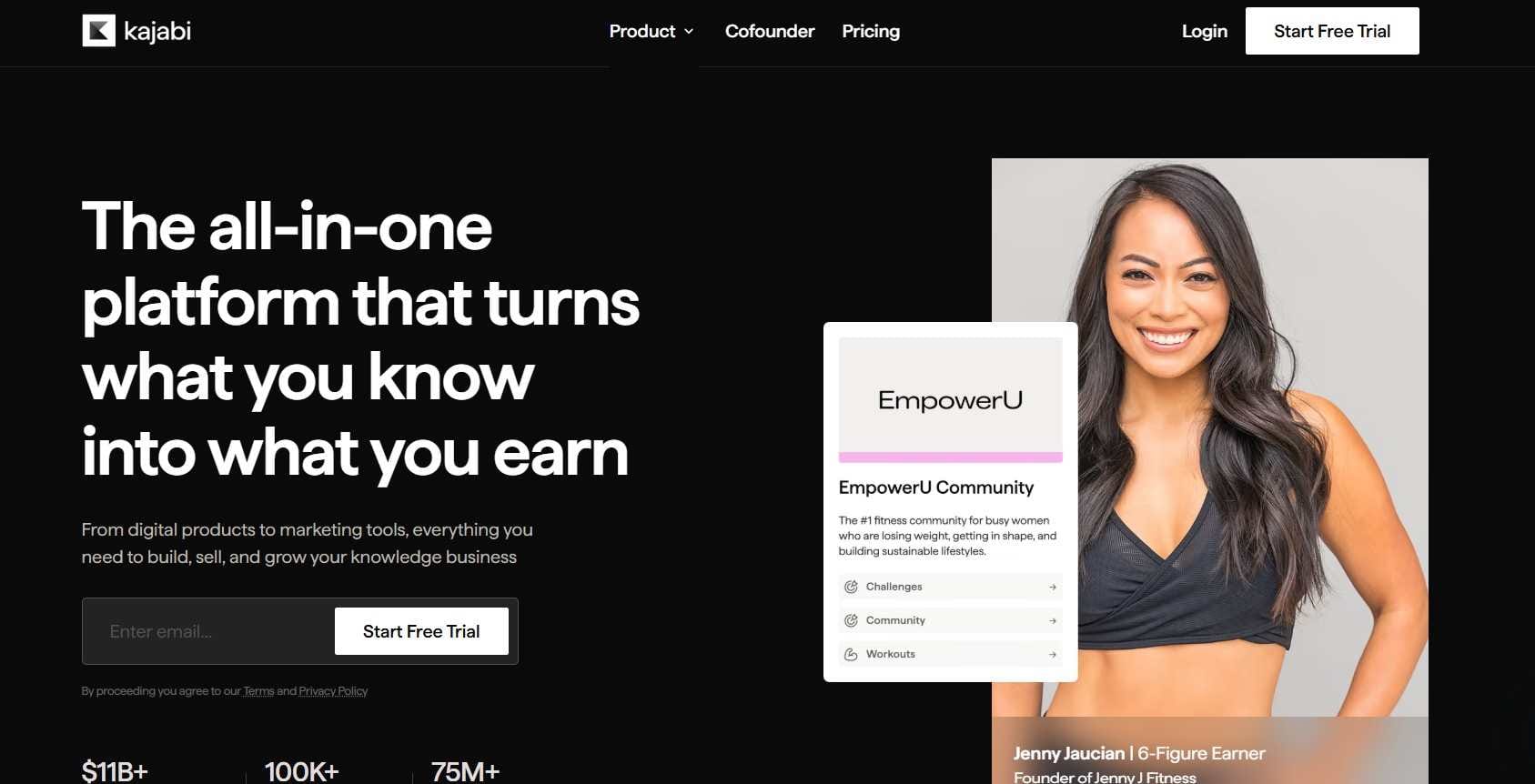
Best for: Established creators who want the most complete all-in-one premium platform and whose revenue justifies the price.
Kajabi bundles courses, email marketing, funnels, landing pages, community, and coaching tools, with mature AI content tools. For a creator currently paying separately for a course platform, an email tool, and a funnel builder, Kajabi often replaces that whole stack for less than their combined cost.
What real users say: Kajabi scores 4.4/5 on Capterra across 230 reviews and around 4.1/5 on G2, and is widely regarded as a premium option for established creators. Its Trustpilot score (around 3.5/5 across 2,300+ reviews) is more mixed, with some reviewers citing cost and account issues. Reviewers consistently note its all-in-one breadth and marketing automation as strengths.
Pricing (annual billing): Basic around $143/month, Growth around $199/month, Pro around $399/month. Kajabi removed its entry-level Kickstarter plan from public pricing in January 2026, so there's no longer a budget tier.
The honest limitation: Price. There's no low-cost entry point, which makes Kajabi hard to justify for new creators still validating their first course. It's a platform you grow into.
When an Institutional or Open-Source LMS Is Actually the Right Choice
If you landed here because you genuinely run institutional or corporate training rather than selling courses, the creator platforms above aren't built for you. Here's where to look instead:
To stay open-source (like Moodle): Open edX and Moodle Workplace are the closest direct successors, keeping open-source flexibility while smoothing some of Moodle's rough edges. Chamilo is a lighter open-source option. These suit organizations with the technical resources to manage them.
For individual educators or faculty: Canvas offers a Free-for-Teacher tier giving individual instructors a robust academic LMS (assignments, quizzes, rubrics, gradebook) without institutional procurement. It's the strongest free option for academic-style teaching that isn't about selling.
For SMB or corporate internal training: TalentLMS is approachable and quick to roll out, with a forever-free tier for small teams. Its paid plans price by user band rather than per seat, starting at $119/month billed yearly for up to 40 users. For larger corporate L&D with compliance and analytics demands, Docebo and Absorb are established enterprise options.
The honest summary: if your goal is institutional delivery, choose from these. If your goal is to build a course business and sell, choose from the creator platforms above. Most of the frustration creators feel with Moodle comes from using an institutional tool for a selling job.
How to Choose: A Short Framework for Creators
Four questions narrow it quickly:
- Do you want selling and marketing built in, or just course delivery? Built-in → FreshLearn or Kajabi. Focused course tool with separate marketing → Teachable or Thinkific.
- What's your budget stage? Validating a first course on a tight budget → FreshLearn's free plan or Podia's Mover tier. Established with revenue to reinvest → Kajabi or higher Thinkific/Teachable tiers.
- Do your courses need real interactivity and assessments? Yes → LearnWorlds. Mostly video lessons → any of the others.
- Do you need to import SCORM content from Moodle? Yes → prioritize SCORM-supporting platforms (FreshLearn, Thinkific, LearnWorlds); Podia won't work for that.
A practical step before committing: run a two-week pilot. Import one real course, set up checkout, enrol a few test students, and put a real product through the full flow from sales page to enrollment. Real use tells you more than any feature list.
Migrating From Moodle to a Creator Platform
A phased approach avoids disruption:
Inventory your courses, quizzes, certificates, users, enrollments, and historical data worth keeping. Export SCORM packages where possible; plan to rebuild complex Moodle quizzes natively (also a chance to refresh dated content). Move in phases: start new students on the new platform, migrate evergreen high-value courses next, archive the rest, and keep Moodle read-only temporarily as a reference. Communicate with learners via a short heads-up email and an in-product orientation to reduce confusion.
The upside: once you're off Moodle, the selling and marketing you previously bolted on becomes native, which usually recovers far more time than the migration costs. Some platforms (including FreshLearn) offer free migration assistance on annual plans.
FAQs
1. What's the best Moodle alternative for selling courses?
For an all-in-one that handles building, selling, and marketing together with 0% platform fees, FreshLearn is purpose-built for creators. For interactive, assessment-rich courses, LearnWorlds rates highest. The institutional alternatives usually recommended for Moodle (Canvas, D2L, Blackboard) aren't built for selling and aren't the right fit for a course business.
2. Can I move my Moodle course content to a creator platform?
Often, yes. Platforms with SCORM support (FreshLearn, Thinkific, LearnWorlds) can import SCORM-packaged content. FreshLearn accepts SCORM 1.2 and 2004 packages as a dedicated product type with completion tracking. Complex Moodle quizzes and interactive elements usually need rebuilding natively. Podia doesn't support SCORM, so it's not the right destination if importing is essential.
3. Is there a free Moodle alternative for course creators?
FreshLearn offers a free plan (one product, limited enrollments) that lets you build and sell your first course before paying. Among institutional tools, Canvas Free-for-Teacher is free for individual educators but isn't built for selling. Note that Thinkific and Podia both removed their free plans in favor of trials.
4. Which Moodle alternative has the best reviews?
Among creator platforms, LearnWorlds holds the highest ratings overall (4.7/5 on Capterra across 196 reviews, 4.8/5 on Trustpilot), followed by Podia (4.6/5 on Capterra, 4.1/5 on Trustpilot). Kajabi is rated 4.4/5 on Capterra, FreshLearn 4.5/5 on G2 and 4.3/5 on Capterra, and Teachable 4.2/5 on Capterra. Thinkific leads on student-experience satisfaction (around 4.6/5 on G2) but has the weakest Trustpilot score in this group at 1.8/5. Scores shift over time, so check the sources for current numbers.
5. Why does Moodle feel so hard for an individual creator?
Moodle was designed for institutions with IT support, so its flexibility comes through admin complexity: roles, permissions, plugins, hosting, and updates. An individual creator carries all of that alone, on top of creating and selling. Creator platforms pre-configure the essentials and add the selling tools Moodle lacks.
6. Do these creator platforms charge transaction fees like marketplaces?
Most charge 0% platform fees on their main paid tiers (FreshLearn, Teachable Builder, Kajabi), so you keep your revenue minus standard payment processing. Watch the details: Podia's Mover plan charges 5% per sale, Thinkific adds a 1–5% surcharge on your own Stripe, and LearnWorlds' entry plan charges $5 per enrollment. These differ from marketplaces like Udemy that take a large percentage of each sale.
7. Which of these platforms changed their pricing in 2026?
Three did. Podia rebuilt its platform in June 2026, raising Mover to $42/month and Shaker to $84/month billed annually, adding a third Earthquaker tier at $150/month, and introducing product and video caps. Thinkific raised prices roughly 10% on 13 August 2026, taking Basic to $40/month, Start to $82/month, and Grow to $164/month billed annually. Kajabi removed its entry-level Kickstarter plan from public pricing in January 2026. If a comparison guide still quotes Podia at $33, Thinkific at $36, or a Kajabi plan under $143, it predates these changes.
You might also like:
Hosted by